
Why Choosing the Right Barcode Printer Supplier Matters
A barcode printer may look like a straightforward piece of equipment, but the wrong printer can become an expensive problem once it enters daily production.
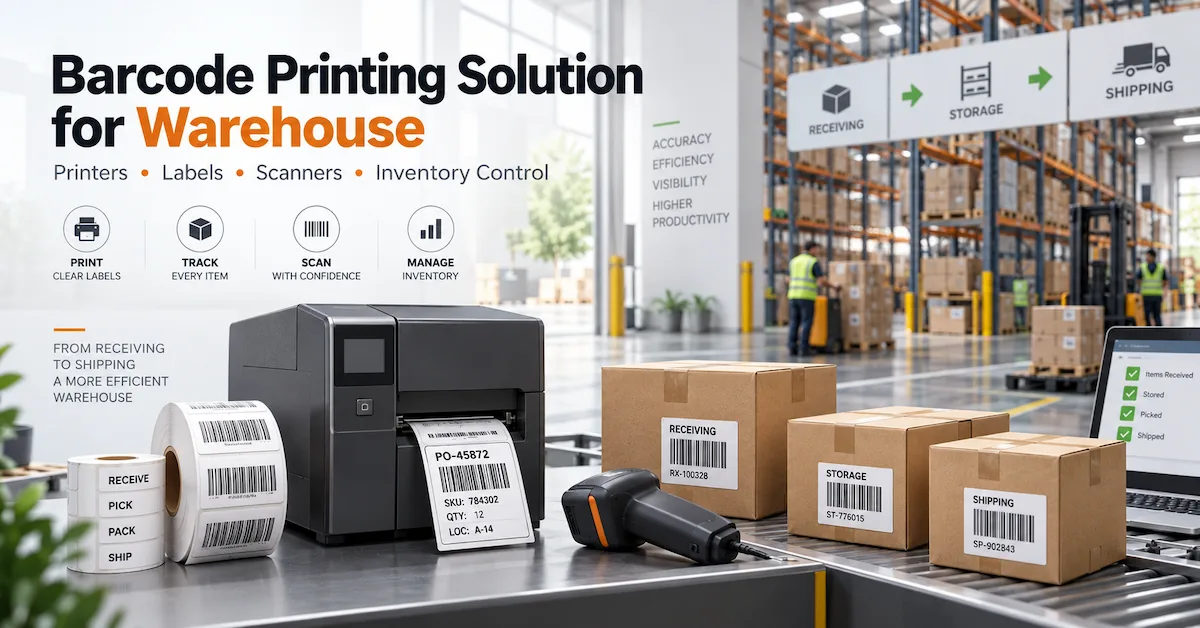
A warehouse may need thousands of shipping labels every day. A manufacturer may need serial numbers and product identification labels across multiple shifts. A retailer may prioritize compact installation and simple operation.
The printer that works well in one environment may be a poor choice for another.
That is why choosing a barcode printer supplier should start with the application rather than the product price.
For B2B buyers, the supplier should be able to answer practical questions such as:
- What printer type fits the daily print volume?
- Should the application use direct thermal or thermal transfer printing?
- Is 203 DPI sufficient, or is 300 DPI required?
- What label width can the printer support?
- Can the printer operate reliably during long production cycles?
- Which ribbons and labels are compatible?
- What spare parts are available?
- Can the supplier support OEM or private-label requirements?
- How quickly can repeat orders be supplied?
A barcode printer is part of a larger identification system. Printer, printhead, ribbon, label material, software, and operating conditions all influence the final result.
For buyers looking to compare the complete range, CODEWEL barcode printing products provide a starting point for evaluating printers and related components.
What Should a Barcode Printer Supplier Provide?
A capable supplier should offer more than a catalog of printer models.
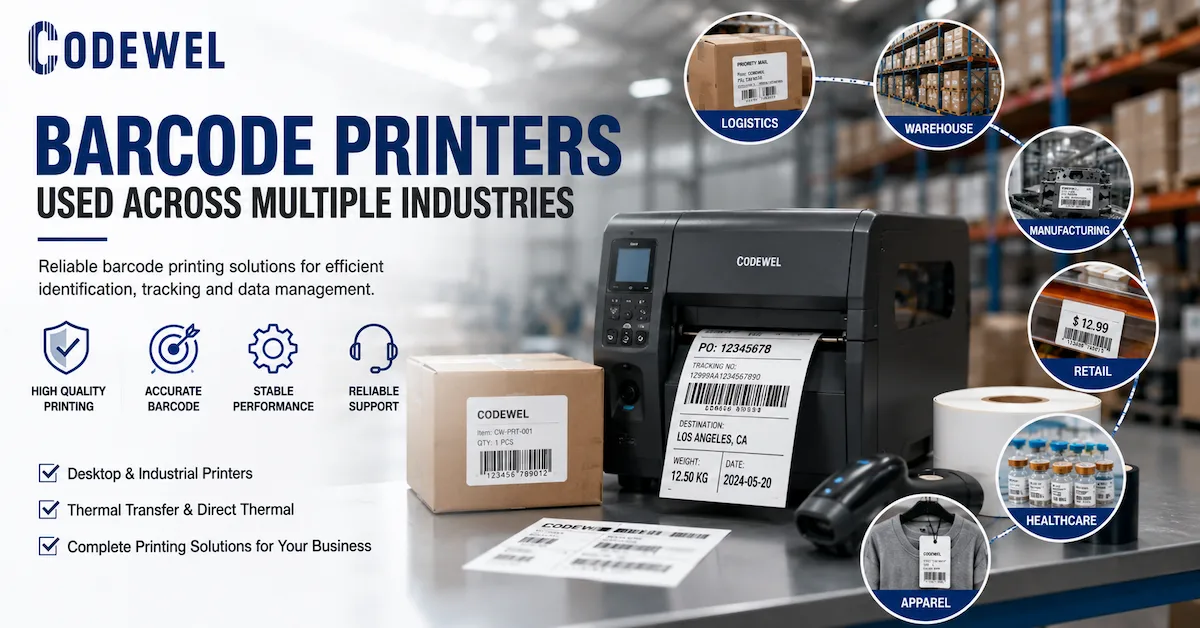
Depending on the customer's requirements, a complete barcode printing solution may include:
- Desktop barcode printers
- Industrial barcode printers
- Thermal transfer printers
- Direct thermal printers
- TTO printers
- Thermal printheads
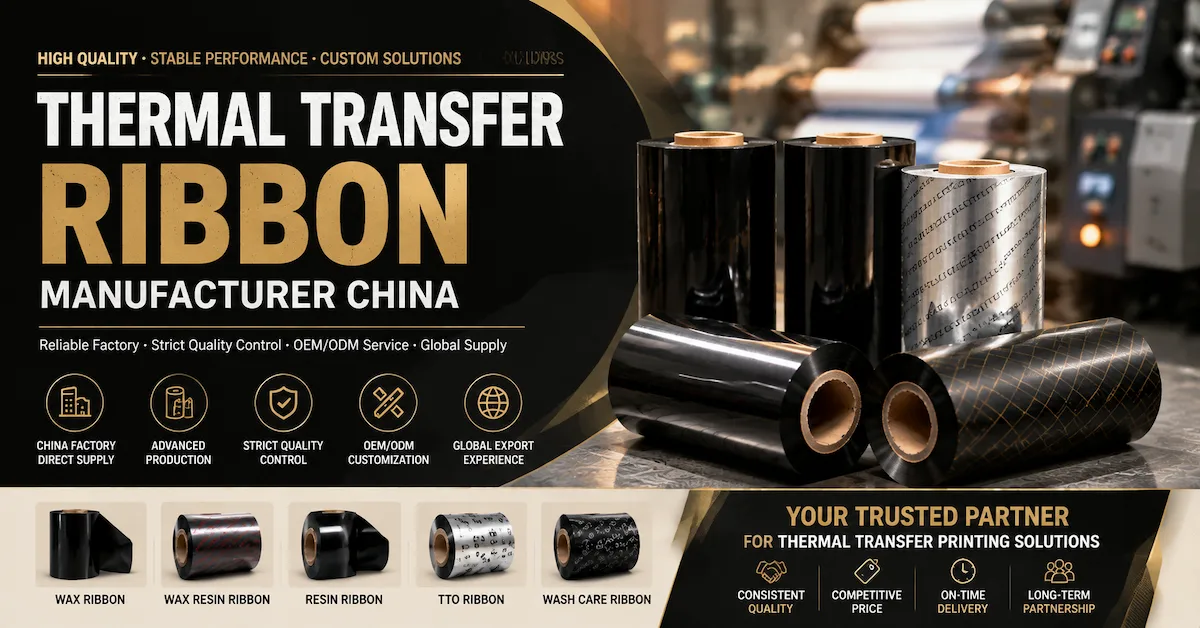
- Thermal transfer ribbons
- Printer spare parts
- Barcode scanners
- Printing consumables
For buyers who need equipment for different workloads, CODEWEL barcode printers can be evaluated according to application, printing volume, media requirements, and operating environment.
The advantage of working with a supplier that covers several components is that compatibility questions can be addressed at the system level instead of treating every component as an isolated purchase.
Who Should Buy From a Barcode Printer Supplier?
Different buyers have different requirements, so the ideal printer configuration depends on the actual business environment.
Warehouse and Logistics Operators
Typical requirements include:
- Shipping labels
- Carton labels
- Inventory labels
- Location labels
- Tracking labels
The main priorities are often printing speed, reliability, connectivity, and the ability to handle repetitive workloads.
Manufacturers
Manufacturing users may print:
- Product identification
- Serial numbers
- Work-in-process labels
- Component labels
- Asset labels
- Compliance information
For these users, barcode readability and stable printing are usually more important than simply obtaining the lowest printer price.
Retailers
Retail applications can include:
- Price labels
- Shelf labels
- Product tags
- Inventory labels
Compact dimensions, easy operation, and efficient media handling can become more important.
Label and Equipment Distributors
Distributors typically need more than one machine.
They may require:
- Multiple printer models
- Spare parts
- Printheads
- Ribbons
- Technical documentation
- Stable supply
- OEM packaging
For distributors, supplier consistency can be just as important as the initial product specification.
System Integrators
System integrators may need printers that connect with:
- Production lines
- Warehouse management systems
- ERP systems
- Automated labeling equipment
- Scanning systems
For these projects, interface and integration requirements should be discussed before the purchase order is finalized.
Industrial vs Desktop Barcode Printers
One of the first decisions is printer class.
| Factor | Desktop Printer | Industrial Printer |
|---|---|---|
| Typical Volume | Low to medium | Medium to very high |
| Footprint | Compact | Larger |
| Duty Cycle | Light to regular | Continuous or demanding |
| Media Capacity | Smaller | Larger |
| Installation | Office / workstation | Production / warehouse |
| Maintenance Access | Simple | Designed for industrial service |
| Typical Users | Retail, office, small warehouse | Manufacturing, logistics, distribution |
| Cost Level | Generally lower | Generally higher |
A desktop machine can be perfectly suitable for a small warehouse.
Putting an industrial printer into a low-volume office environment, however, may add unnecessary cost and space requirements.
The supplier's role should be to match the machine to the workload rather than automatically recommend the highest specification.
Direct Thermal or Thermal Transfer?
This decision should be made before comparing individual printer models.
Direct Thermal Printing
Direct thermal printers use heat-sensitive media and do not require a ribbon.
They can be suitable for:
- Shipping labels
- Receipts
- Tickets
- Short-term identification
- Temporary logistics labels
The system is relatively simple because there is no thermal transfer ribbon to manage.
Thermal Transfer Printing
Thermal transfer printing uses a ribbon to transfer an image onto the label.
It can be preferable when labels require greater resistance or longer-term readability.
Typical applications include:
- Manufacturing labels
- Product identification
- Asset tracking
- Electronics labels
- Automotive labels
- Durable warehouse labels
- Textile tags
For these applications, buyers can also review CODEWEL thermal transfer ribbons to match the ribbon with the selected printer and label substrate.
How to Choose Barcode Printer Resolution
Print resolution is commonly expressed in DPI.
Typical options include:
- 203 DPI
- 300 DPI
- 600 DPI
203 DPI
A 203 DPI printer is often sufficient for standard barcode labels, shipping labels, warehouse labels, and general product identification.
It is a practical choice when:
- Labels are relatively large
- Text is not extremely small
- Standard barcodes are being printed
- Cost efficiency matters
300 DPI
300 DPI can be useful when labels contain smaller text, detailed graphics, or compact barcodes.
Applications may include:
- Small product labels
- Electronics
- Detailed identification labels
- Smaller packaging
600 DPI
600 DPI is intended for applications requiring much finer detail.
It should not automatically be selected simply because the number is higher.
The correct question is:
Does the application actually require the additional resolution?
A good supplier should recommend resolution based on the label design rather than treating maximum DPI as the default answer.
Printing Speed and Daily Volume
Printing speed is another specification that can be misunderstood.
A printer's advertised maximum speed does not automatically mean that the machine should operate continuously at that speed.
Before purchasing, calculate:
- Labels per day
- Labels per shift
- Number of shifts
- Average label length
- Peak printing periods
- Required response time
A warehouse that prints intermittently throughout the day has different requirements from a production line printing labels continuously.
A practical supplier should therefore ask about the actual workload.
A Useful Procurement Calculation
Estimate:
Daily Labels × Label Length × Working Days = Approximate Annual Media Requirement
Then consider whether the selected printer can comfortably support that workload.
This helps avoid two opposite mistakes:
Under-specification: the printer becomes overloaded.
Over-specification: the buyer pays for capacity that is never used.
Media Width and Printer Compatibility
Label size should be confirmed before ordering the printer.
Important parameters include:
- Minimum media width
- Maximum media width
- Maximum print width
- Label length
- Media thickness
- Roll diameter
- Core size
- Ribbon width
The relationship can be summarized as:
Printer Capability ≥ Required Media Specification
A printer may technically support a certain roll width, but the complete media setup still needs to be checked.
This is particularly important for buyers using custom labels or non-standard materials.
Printhead Compatibility Should Be Considered Early
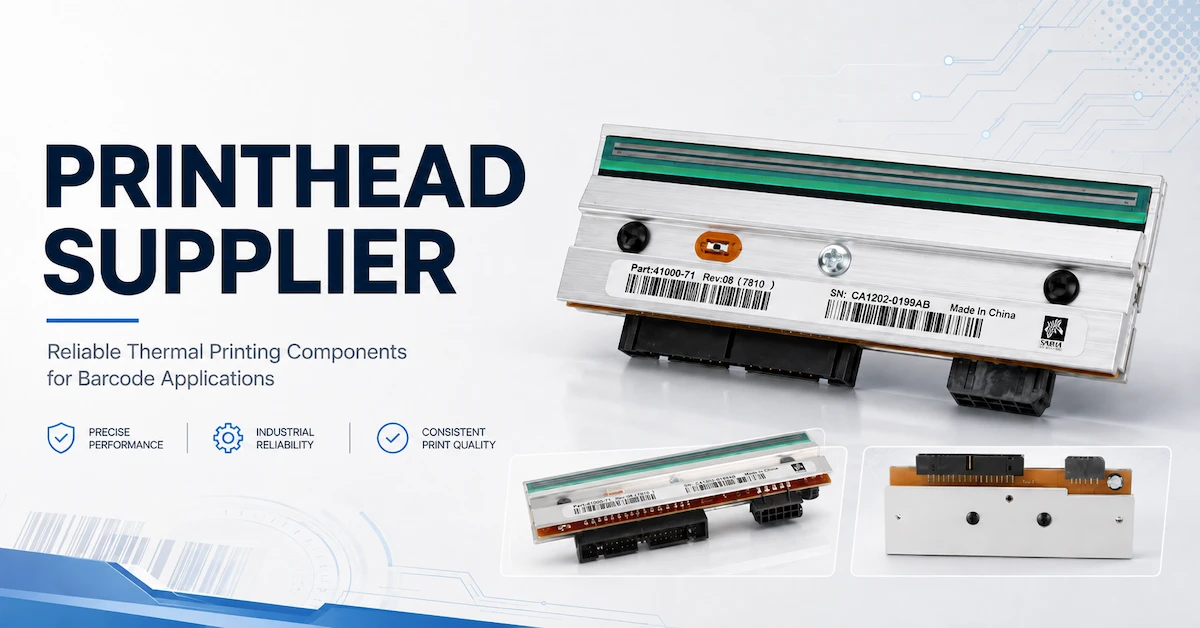
The printhead is a critical component within many thermal printing systems.
Its condition directly influences:
- Print clarity
- Barcode definition
- Printing consistency
- Equipment maintenance
A reliable barcode printer supplier should be able to identify the appropriate printhead for a printer model.
For replacement and compatibility requirements, buyers can review CODEWEL thermal printheads alongside the printer selection.
Signs That a Printhead May Need Replacement
Common signs include:
- Repeated vertical white lines
- Missing sections of barcodes
- Uneven print density
- Reduced image clarity
- Printing quality that does not improve after cleaning
A buyer should also consider printhead availability when evaluating the supplier.
A printer may have an attractive initial price, but difficult-to-source replacement parts can increase long-term operating costs.
Barcode Printer Supplier Technical Specification Checklist
Before requesting a quotation, prepare a specification sheet.
| Item | Information to Provide |
|---|---|
| Printer Type | Desktop / Industrial / TTO |
| Printing Method | Direct Thermal / Thermal Transfer |
| Resolution | 203 / 300 / 600 DPI |
| Print Speed | Required IPS |
| Print Width | Required mm |
| Label Size | Width × Length |
| Media Type | Paper / PET / PP / Other |
| Ribbon | Wax / Wax-Resin / Resin |
| Connectivity | USB / Ethernet / Serial / Wireless |
| Daily Volume | Labels per day |
| Operating Environment | Office / Warehouse / Factory |
| Duty Cycle | Intermittent / Continuous |
| Spare Parts | Required / Not required |
| OEM | Yes / No |
| Packaging | Standard / Private Label |
This specification gives suppliers the same information and makes quotation comparison much more meaningful.
Barcode Printer Supplier Comparison: What Really Matters?
Price is important, but it should not be the first and only comparison point.
Product Compatibility
Can the supplier provide a printer that matches the actual label and printing process?
Manufacturing Capability
If the supplier is a manufacturer, ask about:
- Production facilities
- Assembly capability
- Quality control
- Testing procedures
- Production capacity
Product Ecosystem
A supplier offering printers, printheads, ribbons, and spare parts can simplify procurement.
Technical Support
Ask whether the supplier can help with:
- Printer setup
- Ribbon matching
- Label compatibility
- Printhead replacement
- Printing problems
Supply Stability
For recurring B2B orders,confirm:
- Standard lead time
- Production capacity
- Spare-part availability
- Repeat-order consistency
- Packaging requirements
OEM and Private Label
Distributors may require:
- Custom branding
- Packaging
- Manuals
- Labels
- Product identification
- Customized configurations
These requirements should be discussed before the first bulk order.
Quality Control for Barcode Printers
Quality control should not stop at visual inspection.
A supplier should have a process for checking critical printer functions.
Potential inspection areas include:
- Print quality
- Printhead operation
- Media feeding
- Ribbon feeding
- Sensor performance
- Connectivity
- Mechanical operation
- Continuous printing stability
For barcode applications, the final printed result matters as much as the machine itself.
A printer that runs smoothly but produces inconsistent barcodes is not a successful solution.
What Should Be Tested Before a Bulk Order?
For B2B equipment purchases, a sample or pilot test can prevent a much larger problem later.
Use the customer's actual:
- Label
- Ribbon
- Printer settings
- Barcode format
- Printing speed
- Software workflow
Then check:
Print Quality
Are text and graphics clear?
Barcode Readability
Can the barcode scanner consistently read the printed code?
Feeding Stability
Does the media move correctly without repeated calibration?
Ribbon Performance
For thermal transfer applications,check for:
- Wrinkling
- Poor transfer
- Smearing
- Uneven density
Continuous Operation
Run the printer for a realistic production period rather than checking only one or two labels.
The goal is not to prove that the printer can print.
The goal is to determine whether it can print reliably in the customer's actual workflow.
Total Cost of Ownership
A barcode printer's purchase price is only one part of its cost.
A more useful calculation is:
Total Cost = Printer + Consumables + Printheads + Spare Parts + Maintenance + Downtime
Consider a printer that costs less initially but requires frequent maintenance.
If it also uses expensive consumables or has limited spare-part availability, the initial saving may disappear.
For larger operations, downtime can be particularly expensive.
That is why procurement teams should compare:
- Cost per label
- Expected maintenance
- Replacement printhead cost
- Consumable compatibility
- Expected operating life
- Supplier support
How CODEWEL Supports Barcode Printing Projects
CODEWEL's product portfolio covers more than a single barcode printer category.
The product range includes:
- Barcode ribbons
- Wax ribbons
- Wax-resin ribbons
- Resin ribbons
- TTO ribbons
- Printheads
- Printers
- Printer spare parts
- Barcode scanners
- Related machines
This broader product structure is useful when customers need to build or maintain a complete thermal printing workflow.
For the complete product range, visit CODEWEL Products.
For printer selection specifically, visit CODEWEL Printer Products.
For printhead replacement and compatibility, visit CODEWEL Printhead Products.
For thermal transfer consumables, visit CODEWEL Barcode Ribbon Products.
This creates several practical purchasing options:
- Single-machine purchase
- Printer plus ribbon
- Printer plus printhead
- Printer plus consumables
- Complete barcode printing equipment sourcing
- OEM/private-label cooperation
OEM and Private-Label Barcode Printer Supply
OEM buyers have different requirements from end users.
A distributor may want a standard printer with private packaging.
A regional equipment company may need customized branding.
A system integrator may require a specific configuration for a larger project.
Potential OEM requirements include:
- Brand logo
- Product labeling
- Packaging
- Manuals
- Accessories
- Product configuration
- Software or interface requirements
- Long-term supply specifications
The most important point is to establish the approved specification before production.
This should include the exact model, configuration, packaging, accessories, quality requirements, and inspection criteria.
That protects both sides when repeat orders begin.
What Information Should You Send to a Barcode Printer Supplier?
Instead of sending:
“Please quote your best barcode printer.”
Send a more useful RFQ.
For example:
Printer application: warehouse shipping labels
Printing method: thermal transfer
Label size: 100 × 150 mm
Required resolution: 203 DPI
Daily volume: 5,000 labels
Media: coated paper
Ribbon: wax-resin
Connectivity: Ethernet + USB
Destination market: [country]
Quantity: 50 units
OEM: required
This gives the supplier enough information to recommend a realistic configuration.
It also makes quotations easier to compare because different suppliers are responding to the same requirements.
Questions to Ask Before Choosing a Barcode Printer Supplier
Before approving a supplier,ask:
- Are you the manufacturer or a trading company?
- Which printer technologies do you supply?
- What daily printing volume is each model designed for?
- What resolutions are available?
- What label widths are supported?
- Which ribbons and media are compatible?
- Can you provide replacement printheads?
- What spare parts are available?
- Can you provide samples or testing?
- What quality inspections are performed before shipment?
- What is the standard lead time?
- Can you support bulk orders?
- Can you provide OEM or private-label service?
- Can the same specification be maintained for repeat orders?
- What technical support is available after delivery?
Common Mistakes When Buying Barcode Printers
Choosing the Cheapest Printer
A low purchase price does not necessarily mean a low operating cost.
Buying Based on Print Speed Alone
Maximum IPS is only one specification. Duty cycle and actual workload matter more.
Ignoring the Label Material
Printer, printhead, ribbon, and media should be evaluated together.
Selecting 600 DPI Without a Real Need
Higher resolution can increase cost without improving a standard shipping label.
Forgetting Replacement Parts
Printheads and other components should be available throughout the expected service period.
For replacement requirements, buyers can also review CODEWEL Printer Spare Parts.
Skipping Application Testing
A printer should be tested with the actual label and printing workflow before large-scale purchasing.
Comparing Suppliers Only by Price
Production capability, technical support, quality control, and supply stability can have a greater impact on long-term purchasing results.
Frequently Asked Questions About Barcode Printer Suppliers
1. What should I look for in a barcode printer supplier?
Look for product compatibility, manufacturing or sourcing capability, quality control, technical support, spare-part availability, production capacity, lead time, and OEM capability.
2. Should I buy a desktop or industrial barcode printer?
Choose based on daily print volume, duty cycle, media capacity, operating environment, and installation requirements. Desktop printers can suit lighter workloads, while industrial models are generally better for demanding production and warehouse environments.
3.What is the difference between direct thermal and thermal transfer printing?
Direct thermal printing uses heat-sensitive media without a ribbon. Thermal transfer printing uses a ribbon to transfer ink onto the label and can be suitable for applications requiring greater print durability.
4. Is 203 DPI enough for barcode printing?
For many standard shipping, warehouse, inventory, and product labels, 203 DPI can be sufficient. Smaller labels or applications requiring finer details may benefit from 300 DPI or higher.
5. How do I know which barcode printer is compatible with my labels?
Check the printer's supported media width, print width, label length, media thickness, roll diameter, and material type. The printer should also be tested with the actual label stock.
6. How important is the printhead when choosing a barcode printer?
Very important. The printhead directly affects print clarity and barcode quality. Buyers should confirm printhead compatibility and replacement availability before purchasing.
7. Can I use any thermal transfer ribbon with a barcode printer?
No.Ribbon formulation, width, length, core, ink side, printer technology, printhead, and label material should all be considered.
8. How can I compare the total cost of different barcode printers?
Compare not only the printer price but also ribbons, labels, printheads, spare parts, maintenance, energy use, labor, and potential downtime.
9. Can a barcode printer supplier provide OEM service?
Many professional suppliers can support OEM or private-label projects. Requirements may include branding, packaging, configuration, manuals, and accessories.
10. What information should I provide when requesting a quotation?
Provide the application, printer type, printing method, label size, media material, required DPI, printing volume, speed, connectivity, quantity, destination market, and OEM requirements.
Request a Barcode Printer Specification and Quotation
For a serious B2B purchase, the best first step is not asking for a product catalog.
Send the supplier your actual operating requirements.
At minimum, provide:
Application + Printer Type + Label Size + Media Material + Printing Volume + Required DPI + Connectivity + Quantity + OEM Requirements
This allows the supplier to recommend a suitable configuration instead of sending a generic list of models.
If you are also sourcing ribbons, printheads, or other components, you can review CODEWEL's complete barcode printing product range.
For a direct project inquiry, submit your requirements through CODEWEL Contact Us.
A useful RFQ should include:
- Exact application
- Printer model or required printer type
- Label size
- Label material
- Daily printing volume
- Required resolution
- Printing speed
- Connectivity
- Ribbon requirements
- Quantity
- Destination market
- OEM/private-label requirements
Conclusion
Choosing a barcode printer supplier is ultimately a decision about reliability, compatibility, and long-term operating cost.
The right supplier should be able to connect the major parts of the printing system:
Printer → Printhead → Ribbon → Label → Software → Scanning
Start with the application and daily workload. Then determine the printing method, resolution, media requirements, connectivity, and expected duty cycle.
For standard warehouse and shipping labels, a practical 203 DPI solution may be sufficient. More detailed labels may require 300 DPI, while demanding industrial applications may need a more robust printer platform.
For B2B procurement, sample testing is particularly valuable. Testing the actual printer with the actual label, ribbon, and printing workflow provides much better evidence than comparing specifications alone.
A reliable supplier should also be able to support replacement parts, technical troubleshooting, repeat orders, and OEM requirements.
CODEWEL's combination of barcode printers, printheads, thermal transfer ribbons, spare parts, scanners, and related printing products gives buyers the option to evaluate a broader barcode printing system rather than purchasing an isolated machine.