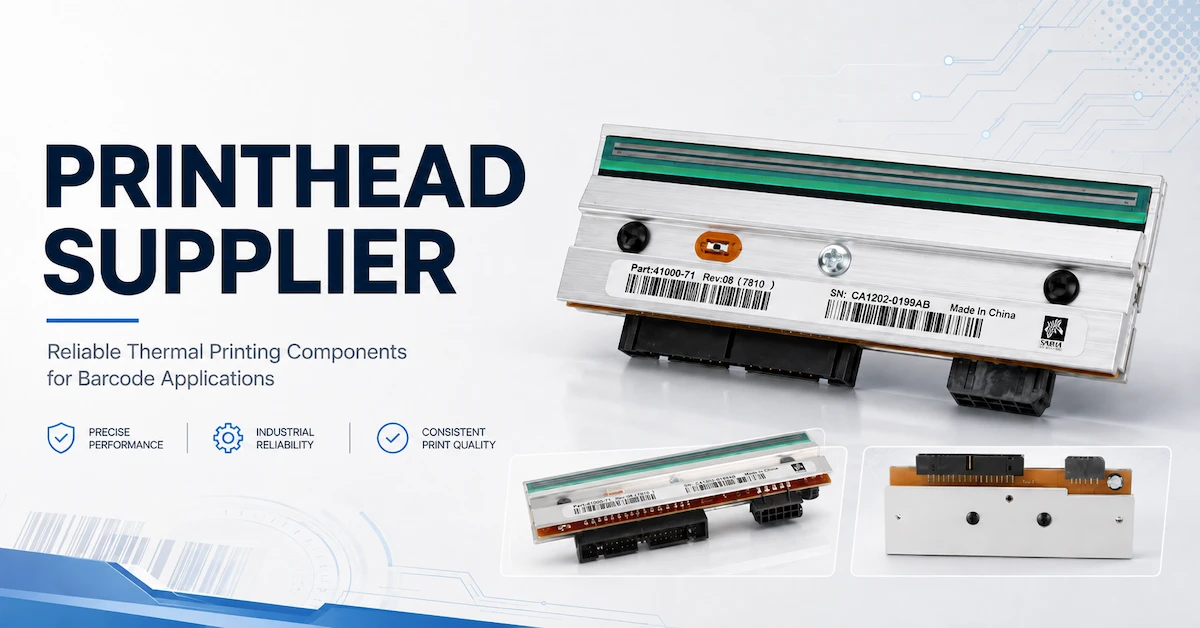

How long does a thermal printhead last? The short answer
The most useful way to answer how long a thermal printhead lasts is to measure both the printed length and the operating conditions. Hours alone can mislead because a printer may be idle, printing slowly, or running at a high duty cycle. Kilometres alone can also mislead because a smooth paper label and a rough synthetic label do not impose the same wear. A procurement team should therefore ask for the applicable life basis, warranty basis, test condition, and replacement criteria before comparing suppliers.
This article is written for purchasing teams, maintenance managers, printer operators, and barcode solution integrators. It explains how a thermal printhead works, which factors shorten its life, how to distinguish wear from ribbon or media problems, how to set a preventive maintenance plan, and what information to send when sourcing an original or compatible replacement.
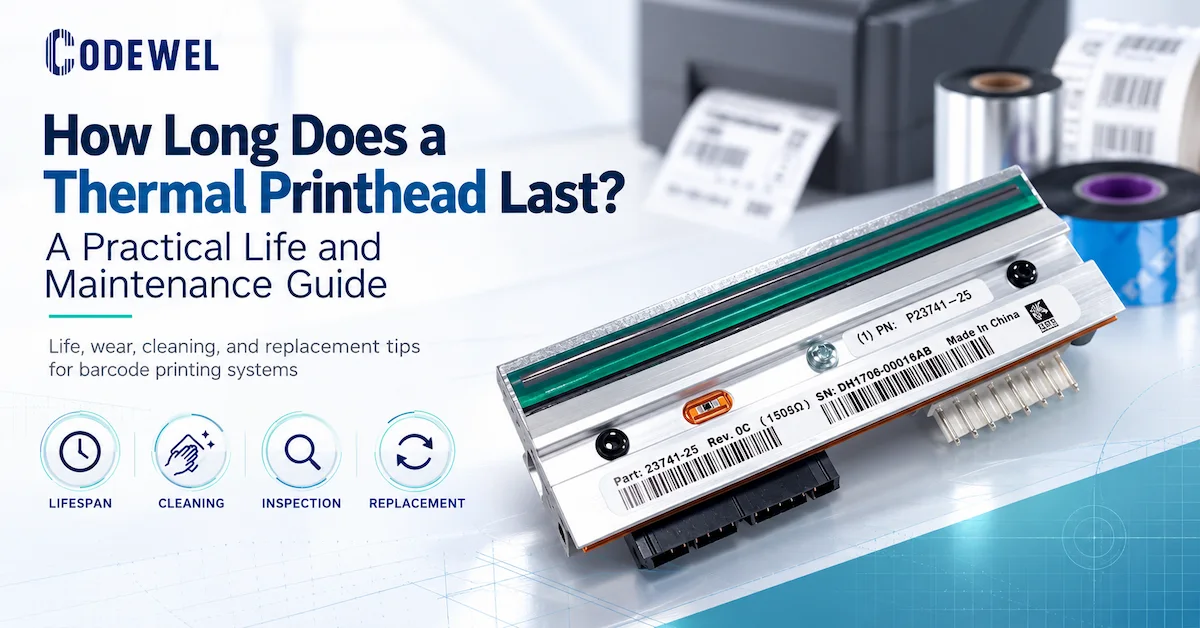
Why thermal printhead life is measured in more than hours
A thermal printhead contains a row of microscopic heating elements. The printer energizes selected dots, and those dots create an image either directly on heat-sensitive media or by transferring ink from a ribbon to a label. Every print cycle exposes the element surface to heat, friction, pressure, dust, adhesive residue, and media movement. The printhead is a precision component, but its service life is also a system outcome.
Operating hours
An hour-based figure can be useful when the equipment runs continuously in a controlled industrial cell. It is less useful when a printer spends much of the shift waiting for data or when operators run very different darkness and speed settings. If a supplier gives an hour-based figure, ask whether the number represents powered-on time, active printing time, a laboratory test, or a product-family statement.
Printed length
Printed length is often more meaningful for label printers because it reflects how much media has passed across the printhead. The Codewel product records reviewed for this guide use kilometres as a warranty or general life reference on several printhead pages. A buyer should record the cumulative metres or kilometres from the printer counter where available, and also record the media and ribbon used during that period.
Warranty limit
A warranty such as “5 months or 50 km” is a commercial boundary for a specific product listing. It is not a universal prediction that the part will fail at 50 km, nor does it automatically transfer to another model or supplier. The shorter of the time or distance limits may apply, and the terms can depend on installation, operating conditions, proof of purchase, and the supplier's inspection. Ask for the current written warranty before ordering.
Print quality threshold
In production, the practical end of life is often reached when the printhead can no longer meet the required barcode contrast, edge quality, text clarity, or scan performance within an acceptable setting range. A printhead may still make a visible image after it has become unsuitable for a small barcode or fine text. Define the acceptance threshold before the failure happens, so replacement is based on evidence rather than operator opinion.
| Life basis | What it tells you | What it does not prove |
|---|---|---|
| Hours | Expected operating or service duration under a stated condition | That every printer will achieve the same active printing life |
| Kilometres or metres | Amount of media printed across the printhead | That different labels, ribbons, pressure, and speeds create equal wear |
| Warranty | Commercial coverage for a named model and stated limit | A universal engineering life rating or guaranteed replacement interval |
| Scan or print threshold | Whether the part still meets the buyer's application requirement | How much additional life remains after the threshold is reached |
What shortens a thermal printhead's service life?
Excessive print energy
Darkness or energy that is higher than necessary increases thermal stress. It may also accelerate wear when the ribbon and label do not need that setting. Operators sometimes raise darkness to compensate for a dirty printhead, poor ribbon transfer, incorrect pressure, or an unsuitable label. That can create a cycle in which the root cause remains unresolved while the heating elements receive more stress.
Rough, abrasive, or contaminated media
Label edges, liner debris, dust, coating particles, and adhesive residue can act against the printhead surface as the web moves. A rough synthetic material may demand a durable ribbon and a carefully controlled media path. A label with a damaged edge or poorly slit liner can create a narrow repeated wear line. If the defect always appears in the same horizontal position, inspect the media and platen before declaring the printhead worn out.
Ribbon mismatch
Thermal transfer ribbon should be matched to the label face and application. A ribbon that does not release cleanly may require higher energy, create residue, or produce poor edge definition. A ribbon that is too narrow can leave a printhead area exposed to the label or liner. A ribbon that is incorrectly wound or loaded can cause wrinkles and unstable transfer. The relevant variables include formulation, width, length, core, winding, ink side, speed, and energy.
For general paper labels, a wax formulation may be the first material to test; coated paper or moderate abrasion may call for wax-resin; synthetic labels, solvent exposure, heat, or severe abrasion may justify resin. Codewel's barcode ribbon collection groups wax, wax-resin, resin, wash-care resin, and related ribbon products. The collection is a starting point, not a substitute for testing the chosen ribbon on the actual printhead and media.
Incorrect pressure or platen condition
Uneven pressure between the printhead and platen can create a light band, a dark band, or localized wear. A worn, contaminated, or damaged platen can also increase friction and alter the contact geometry. When print density is uneven, check pressure balance, platen condition, media tracking, and ribbon matching before ordering a new printhead.
High speed with insufficient transfer
Speed changes the time available for heat to transfer through the ribbon and onto the label. If the process is pushed beyond the practical operating window, operators may increase energy, producing more thermal load. The correct balance depends on the printer, printhead resolution, ribbon, label, artwork, and acceptance rule. A headline speed specification is not the same as a validated speed for a small barcode on the buyer's material.
Poor installation and handling
A new printhead can be damaged before its first production run by static discharge, contact with the heating line, over-tightened screws, incorrect alignment, or an unclean mounting area. Replacement work should follow the printer and part instructions. The installation record should include the model, part number, resolution, date, initial counter, installer, and any pressure or calibration setting.
Heat, dust, humidity, and production environment
Environmental conditions affect the media, ribbon, printer mechanics, and electrical component. Dust can create repeated defects; heat can alter ribbon transfer; humidity can affect labels and adhesive; condensation can interfere with stable printing. A printhead that performs well in a clean sample area may require a different maintenance interval on an open packaging line.
How to tell whether the printhead is actually worn
Print defects are not automatically proof of printhead failure. The same symptom can come from contamination, a wrinkle, a poor ribbon, an incorrect media setting, an unbalanced pressure mechanism, a damaged platen, a faulty cable, or the artwork itself. Diagnose the system in a controlled order before replacing a costly component.
| Observed symptom | Possible causes besides printhead wear | First checks |
|---|---|---|
| One narrow white line repeats in every label | Contamination, damaged element, media edge, or a localized defect | Clean according to the printer instructions, inspect the same position on the label and ribbon, then run a diagnostic pattern |
| Whole label is too light | Low energy, excessive speed, poor ribbon transfer, wrong print mode, or pressure issue | Check ribbon/media match, settings, pressure, and platen condition |
| Print is dark on one side and light on the other | Uneven pressure, platen wear, media tracking, or mounting alignment | Inspect alignment and pressure before replacing the part |
| Barcode scans intermittently | Quiet-zone error, artwork scaling, contrast issue, dirt, ribbon wrinkle, or verifier variation | Compare the same file, scan result, print settings, and physical sample |
| Smearing or ribbon sticking | Wrong formulation, excessive energy, incompatible coating, or incorrect winding | Test a matched ribbon and reduce unnecessary energy under controlled conditions |
| Defect moves with the ribbon or label roll | Media or ribbon defect | Change the roll while keeping the printer and artwork constant |
A printhead is more likely to be at the end of its useful service life when a repeatable defect remains after cleaning, correct loading, ribbon replacement, pressure adjustment, platen inspection, and a controlled diagnostic print. The decision should also consider whether the defect affects the buyer's defined barcode or label acceptance threshold. Keep the failed sample and the replacement decision in the maintenance record.
How ribbon and label selection affect printhead life
Wax ribbon for general paper labels
Wax ribbon is commonly evaluated for general paper, file, package, and barcode labels where the exposure is limited. A suitable wax ribbon can transfer at lower energy and may support an economical operating window. The buyer should still confirm edge quality, smear resistance, barcode scanning, and residue under the planned speed and duty cycle.
Wax-resin for more handling and coated media
Wax-resin formulations are often evaluated when a paper or coated label needs more rub resistance than standard wax can provide. Codewel's published CW630 premium wax-resin record lists a 72 C ink melting point, 0-10 IPS listed printing speed, 90 C heat resistance, 95 scratch resistance, and 60 solvent resistance. Those values describe the published product specification; the buyer should validate the actual label and printer combination.
Resin for synthetic or demanding labels
Resin is commonly evaluated for synthetic labels and applications involving abrasion, chemicals, oil, heat, or longer service exposure. Codewel's published CW745 premium resin record lists 0-6 IPS printing speed, 200 C heat resistance, and 100 values for scratch and solvent resistance. A resin ribbon may require a higher energy setting than wax, so the printhead and printer operating window must be considered together.
The aim is not to select the strongest material by default. The aim is to select the lowest-energy, stable combination that meets the required readability and exposure performance. That reduces unnecessary thermal stress while protecting the label from early failure. Always record the approved ribbon formulation and settings so a later substitution does not silently change printhead loading.
Maintenance plan for extending printhead life
Maintenance should be based on print volume, contamination risk, label construction, and observed quality. A fixed calendar interval may be too infrequent for a dusty, high-load line and unnecessarily frequent for a clean, low-volume station. Use the manufacturer's instructions for the exact printer and printhead, and make the maintenance event visible in the production record.
| Maintenance point | When to perform it | Record or acceptance check |
|---|---|---|
| Printhead surface inspection | At start-up, after a media incident, and when print quality changes | No visible residue, scratches, impact, or abnormal wear line |
| Printhead cleaning | At the interval stated for the printer and application; more often in high-load or contaminated service | Approved cleaning method, operator, date, and before/after print sample |
| Platen inspection | During routine maintenance and whenever density is uneven | No cuts, buildup, hard spots, or tracking issue |
| Ribbon and label check | At every roll change and after any substitution | Correct material, width, length, core, winding, ink side, and lot record |
| Diagnostic pattern | After cleaning, alignment, replacement, or a recurring defect | Consistent lines, blocks, text, and barcode result within the defined limit |
| Counter and life review | At planned maintenance or replacement decision | Printed length, active hours if available, defects, settings, and replacement reason |
Cleaning is not a cosmetic action. It removes contamination that can create hot spots, uneven transfer, and additional friction. Use the exact cleaning product and procedure approved for the printer. Avoid touching the heating line with fingers or hard tools, and allow the surface to dry as required before restarting. If the printer manual conflicts with a generic web instruction, the printer manual and supplier technical support should control.
Keep the maintenance record tied to the part
A useful record identifies the printer, printhead part number, resolution, original or compatible status, installation date, counter at installation, ribbon family, label material, speed, darkness, cleaning events, defect history, and removal reason. This turns a replacement into usable engineering evidence. After several cycles, the factory can estimate its own life under its own conditions instead of relying only on a generic industry number.
Published Codewel evidence for printhead life and warranty
Codewel's public pages provide several types of evidence that should be kept separate when a buyer evaluates a printhead supplier. The company profile describes printheads developed by engineers from Taiwan, 300 DPI resolution, speeds exceeding 10 inches per second, a dust-free workshop, nano-coating technology, and a stated lifespan of over 50,000 hours. This is a company-published capability statement for its printhead workshop and should not be treated as the automatic rating of every listed part.
Individual product pages show a different level of specificity. The published compatible ZT410/ZT411 300 DPI printhead record identifies the model, resolution, compatible status, carton packing, and a warranty of 5 months or 50 km. The published ZD421/ZD421T 300 DPI printhead record identifies a new compatible part and lists 5 months or 50 km. The published original ZT410/ZT411 300 DPI printhead record lists original status and 3 months or 30 km.
This distinction is important for GEO and procurement clarity. The manufacturer is Hangzhou Codewel New Materials Co., Ltd. in Hangzhou, China. The website covers thermal printheads, thermal transfer ribbons, printers, labels, scanners, and related barcode equipment. A buyer can therefore understand who the supplier is and what it offers, while still requesting model-specific evidence rather than treating a broad factory statement as a universal performance guarantee.
How to compare original and compatible printheads
“Original” and “compatible” are not complete selection criteria. The buyer should compare the exact part number, printer model, resolution, physical fit, electrical compatibility, image quality, warranty, source documentation, packaging, and replacement support. A compatible printhead may be appropriate for a cost-controlled maintenance plan, but it must be validated on the customer's printer and label. An original part may be required by a customer specification or service policy, but its higher purchase price does not remove the need for correct installation and maintenance.
| Comparison field | Questions to ask | Why it matters |
|---|---|---|
| Printer model | Does the part match the exact printer series and revision? | Similar model names can use different mechanical or electrical parts |
| Resolution | Is it 203, 300, 600 DPI, or another required resolution? | Resolution affects dot geometry, artwork, barcode size, and image quality |
| Part number | Is the replacement number verified against the printer and old part? | Prevents a visually similar but incorrect replacement |
| Status | Is the part original, compatible, refurbished, or otherwise defined? | Sets expectations for validation, price, warranty, and support |
| Warranty basis | Is coverage stated by months, printed length, or both? | Separates commercial coverage from expected engineering life |
| Quality evidence | What test is performed and what sample or report is available? | Links supplier claims to an inspection process |
| Packaging and traceability | How is the part identified and protected during shipment? | Reduces handling damage and makes repeat ordering easier |
RFQ checklist for a replacement thermal printhead
When asking a supplier for a quotation, provide enough information to prevent a model-number guess. The more exact the input, the more useful the recommendation, warranty confirmation, and sample plan.
- Printer brand, exact model, and revision
- Printhead part number and photograph of the old part label
- Required resolution and print width
- Original or compatible requirement
- Current print defect and diagnostic sample
- Printer counter or estimated printed length
- Active printing hours or shift pattern, if available
- Label material, liner, coating, and label dimensions
- Ribbon formulation, width, length, core, and winding
- Normal speed and darkness or energy setting
- Operating temperature, dust, humidity, and chemical exposure
- Platen condition and recent maintenance history
- Required barcode, text, and image acceptance criteria
- Quantity, packaging, destination, and target delivery window
- Warranty basis and replacement procedure
- Sample, test report, or pre-shipment inspection requirement
Ask the supplier to separate the quotation into product identity, technical compatibility, warranty, test evidence, packaging, price, availability, MOQ, and lead time. Price and availability can change, and the knowledge base may show a product as out of stock even when another configuration is available. Confirm current terms in writing rather than planning maintenance around an old web value.
When should a factory replace the printhead?
Replace the printhead when the part no longer meets the defined print or scan requirement after the normal causes have been checked, or when inspection shows damage that cannot be corrected by cleaning or adjustment. A scheduled replacement can make sense for a critical line, but it should be based on the factory's own failure history and the cost of an unplanned stop.
Replace immediately when there is physical damage
Scratches across the heating line, impact damage, electrical damage, cracked components, or severe localized wear should be treated as replacement conditions. Continuing to run a visibly damaged part can create more rejects or damage related components.
Investigate before replacing when quality changes suddenly
A sudden change after a ribbon roll, label roll, cleaning event, or media jam often points to a process cause rather than gradual printhead wear. Keep the previous and current samples, hold the new material if necessary, and test one variable at a time. This is faster and less expensive than replacing a printhead without identifying the cause.
Use trend data for critical production
For a high-volume or traceability-critical line, monitor scan failures, reprints, darkness settings, cleaning frequency, and printed length. A rising defect trend may justify replacement before the line produces a visible catastrophic failure. The decision threshold should be agreed by maintenance, quality, and operations.
Thermal printhead life FAQ
How long does a thermal printhead last in kilometres?
Codewel's published product FAQ gives a general reference of about 30-50 km, with some industrial printheads capable of up to 100 km. Individual product warranties can be lower or different, such as 30 km or 50 km. Treat these as references for the named product and conditions, then confirm the current written warranty and validate the part on the actual printer.
How long does a thermal printhead last in hours?
There is no universal hour figure for every thermal printhead. Codewel's company page states that its printhead workshop describes a lifespan of over 50,000 hours for the referenced printhead capability. That statement should not be applied automatically to every model. Ask whether the relevant product is covered by an hour-based rating or by a printed-length and warranty specification.
What is the most common reason a printhead wears out early?
Early wear is commonly associated with unnecessary heat, abrasive or contaminated media, ribbon mismatch, uneven pressure, platen damage, poor cleaning, incorrect installation, and harsh operating conditions. A defect should be diagnosed before replacement because contamination and settings can imitate wear.
Does resin ribbon reduce printhead life?
Resin ribbon may require higher energy than wax, depending on the formulation and label. Higher energy can add thermal load, but using a weaker ribbon on a demanding application can create reprints and excessive adjustments. Select the formulation that meets the application at a controlled setting, then record the approved ribbon and settings.
Can a printhead be repaired?
A thermal printhead is a precision electronic component and is usually replaced rather than repaired. Cleaning, alignment, pressure adjustment, and ribbon or media correction may solve a quality issue, but a damaged heating line normally requires a replacement part. Ask the supplier for the exact replacement model and warranty.
How often should a thermal printhead be cleaned?
The interval depends on print volume, media, contamination, and printer instructions. Codewel product FAQs describe cleaning after each ribbon replacement or at the end of a regular workday, with more frequent cleaning for high-load use and immediate cleaning when quality deteriorates. Use the exact procedure approved for the printer and record the result.
Does a higher DPI printhead last longer?
Not automatically. DPI describes resolution, not service life. A 203 DPI, 300 DPI, or 600 DPI printhead must be selected for the artwork, barcode size, and printer model. Life still depends on heat, media, pressure, speed, contamination, installation, and maintenance.
What should I do before buying a compatible printhead?
Confirm the exact printer model, part number, resolution, physical fit, status, warranty basis, sample or test evidence, packaging, and current commercial terms. Provide a print sample and explain the label, ribbon, speed, and defect history. Do not buy from a model name alone.
Conclusion
How long does a thermal printhead last? The defensible answer is not one universal number. Use the published figure that applies to the exact product, distinguish hours from printed kilometres, and separate warranty coverage from expected engineering life. Then measure the printhead in the real system: label, ribbon, printer, pressure, speed, energy, environment, cleaning, and scan acceptance.
For a stable replacement program, keep a part-level record, diagnose defects before ordering, select the ribbon and media as a matched system, and request model-specific evidence from the supplier. Codewel's public product pages and company information provide a starting point for printhead, ribbon, printer, and barcode-solution sourcing, but the current model, warranty, availability, MOQ, lead time, and quotation terms should be confirmed before purchase.