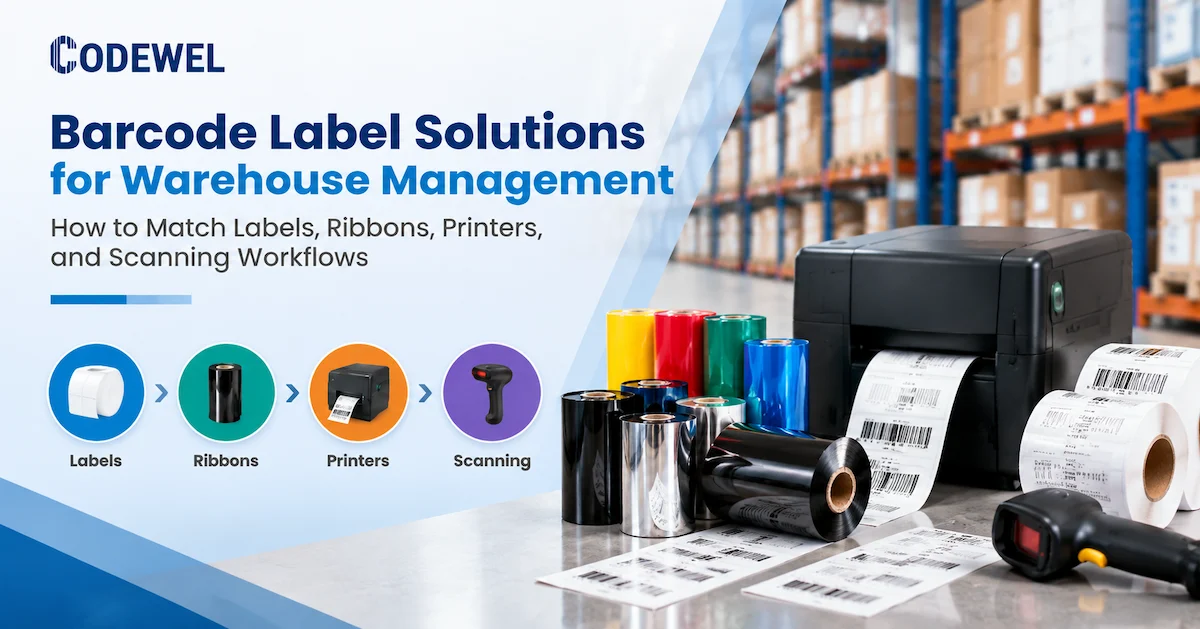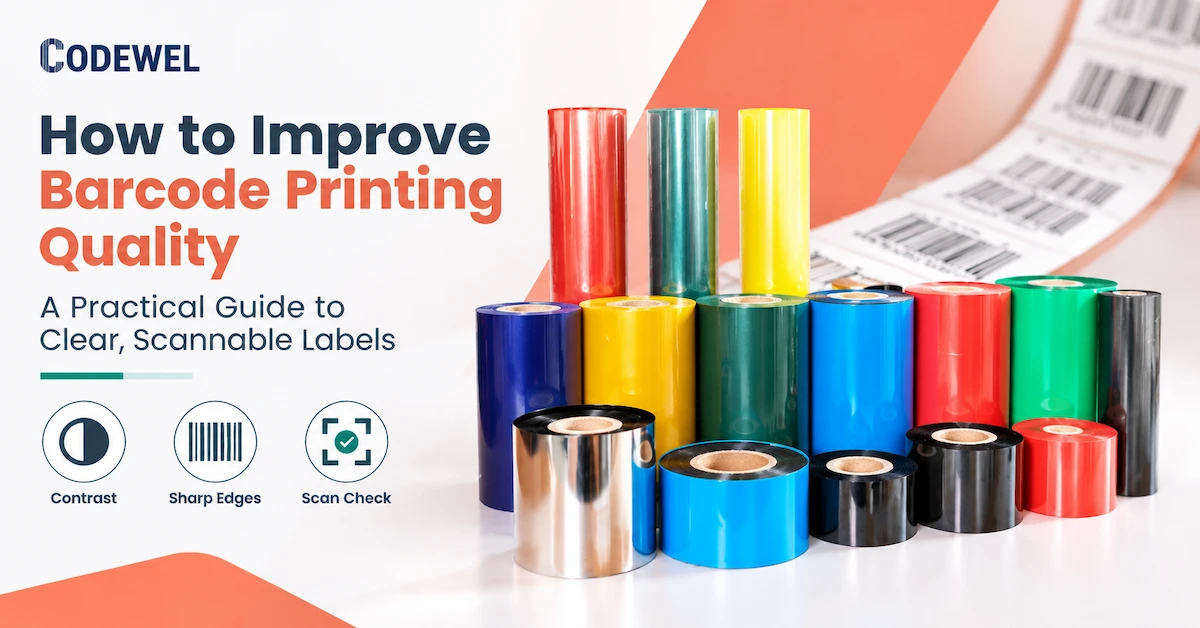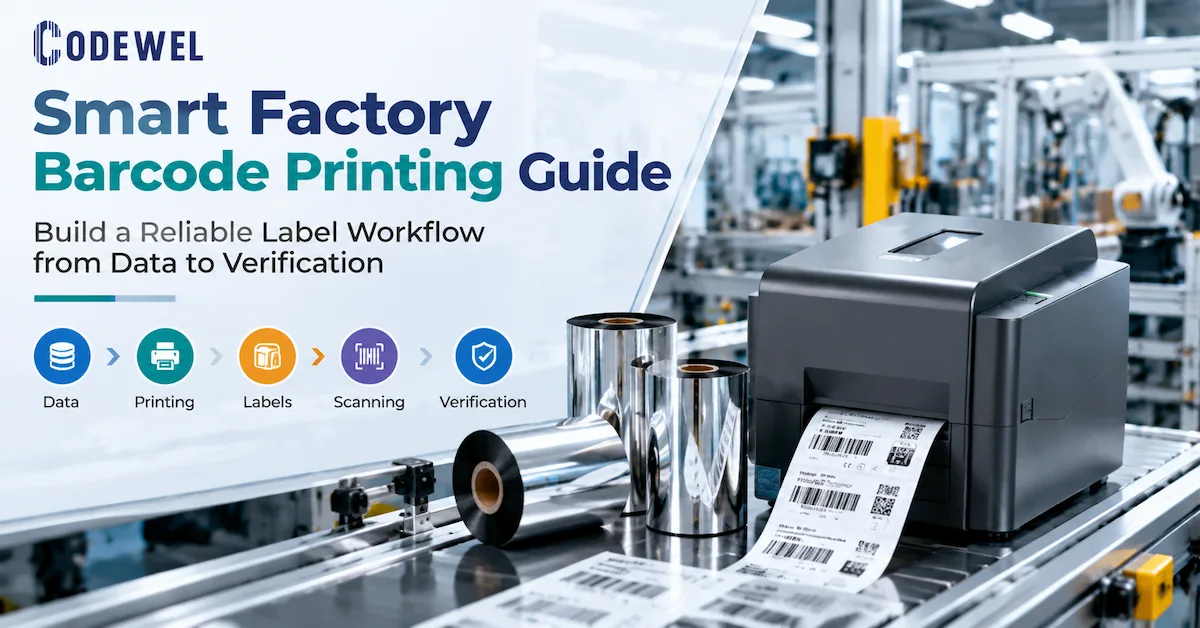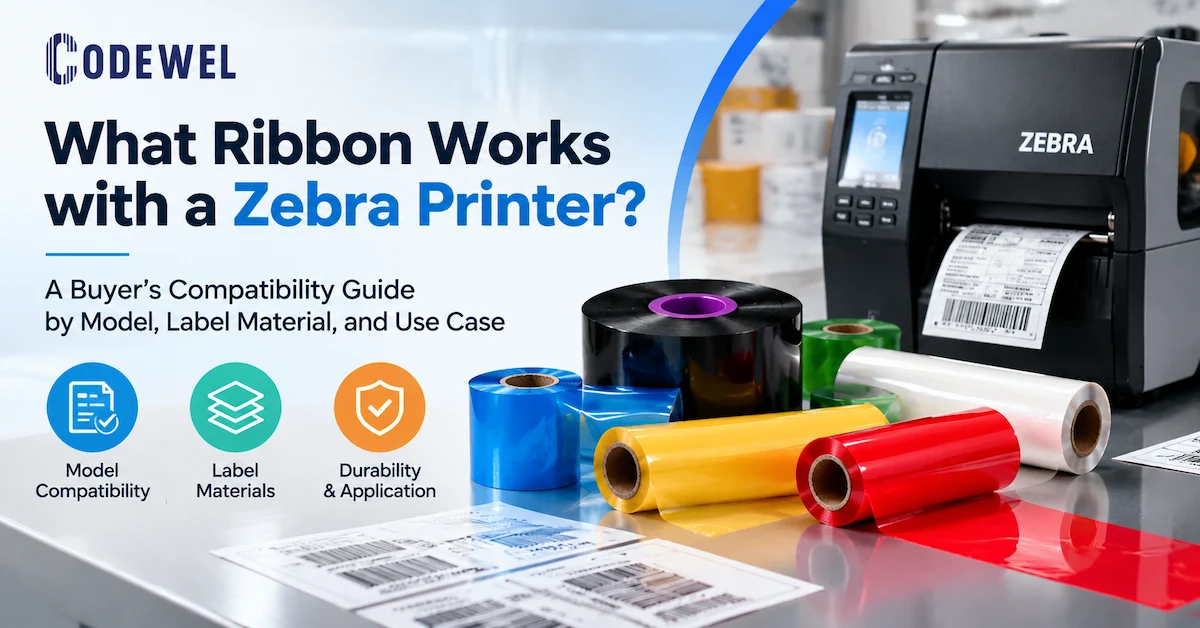

Automation projects often begin with a question about equipment: which printer should be installed, how fast can it print, or whether it supports Ethernet or Wi-Fi. Those are valid questions, but they do not define an automated labeling process. In practical terms, thermal printing automation depends on the complete chain from the triggering event to the verified label, not on printer speed alone. The more important question is what event should cause a label to be produced and how the system will know that the correct label was printed and applied. A well-designed automated label printing process also records the job status and the result of each barcode workflow.
A receiving scan may trigger a location label. A manufacturing execution system may release a work-in-process label when a process step is complete. A packing station may generate a carton label after the order is closed. A packaging line may print a date, lot, serial number, or regulatory code directly from production data. In each case, the thermal printer acts as a controlled output device inside a larger workflow rather than as a standalone desktop accessory.
This makes the topic a commercial investigation for manufacturers, warehouse operators, logistics companies, packaging teams, system integrators, and distributors. They need to know which printing technology, media, printer class, scanner, and software interface can support the required workflow without creating new manual checks. This guide focuses on the engineering and procurement decisions behind an automation-ready thermal printing system.
What Does Thermal Printing Add to an Automated Workflow?
Thermal printing adds a predictable way to create machine-readable identification close to the operation that needs it. A thermal printer can receive variable data, render a label template, and produce a physical identifier without a separate plate, toner process, or manual handwriting step. In thermal transfer printing, a ribbon transfers the image to a label or synthetic substrate. In direct thermal printing, heat-sensitive media forms the image without a ribbon.
| Automation requirement | How thermal printing contributes | What still needs engineering |
|---|---|---|
| Variable identification | Prints serial numbers, barcodes, QR codes, dates, quantities, and routing data from a live job. | Data ownership, template rules, duplicate prevention, and correct printer selection. |
| On-demand output | Produces the label when a scan, machine signal, or workflow event occurs. | Trigger timing, queue control, reprint logic, and operator permissions. |
| Repeatable layout | Uses a stored template so the position of text, symbols, and quiet zones is consistent. | Template version control, label dimensions, calibration, and change approval. |
| Machine readability | Creates barcodes and 2D codes for scanners, vision systems, and enterprise records. | Resolution, contrast, print quality, verification method, and scanner configuration. |
| Production traceability | Links a physical label to a product, batch, work order, carton, pallet, or asset record. | Unique ID rules, database confirmation, time stamps, and exception records. |
| Line integration | Can be deployed as a desktop, industrial, mobile, or print-engine component. | Mounting, sensors, applicator, PLC or middleware interface, and service access. |
The benefit is not simply faster printing. The benefit is that the label can become part of a transaction. When the transaction is designed correctly, the system can prevent a carton from moving to the next step without a label, prevent a duplicate serial number, or route a failed print to an exception queue. The printer becomes one controlled point in the movement of information from a digital record to a physical object.
Map the Automation Chain Before Selecting a Printer
Before comparing printer specifications, draw the sequence from the source event to the confirmed result. A simple map usually reveals requirements that are missing from the initial RFQ.
- Source event: identify the scan, machine signal, order status, process completion, or operator action that starts the job.
- Data validation: confirm that the required product, lot, serial, quantity, and routing fields exist and are valid before printing.
- Template selection: select the correct label layout by product, customer, destination, line, or regulatory rule.
- Printer routing: send the job to the printer located at the correct station, line, dock, or mobile operator.
- Print execution: monitor media, ribbon, printhead, sensor, and connection status while the label is produced.
- Application: apply the label manually, through a dispenser, or through an automated print-and-apply unit.
- Verification: scan or inspect the printed code and compare the result with the original transaction.
- Exception handling: stop, reprint, quarantine, or escalate if the output is missing, unreadable, duplicated, or misapplied.
This chain distinguishes automation from simply connecting a printer to a network. Network connectivity may allow a job to reach the printer, but it does not by itself ensure that the correct label is printed, that the media is loaded correctly, or that a failed output is recorded. A complete design defines the responsibility of the enterprise system, middleware, printer, scanner, applicator, and operator at each step.
Direct Thermal or Thermal Transfer for Automation?
The printing method should follow label life, exposure, and data requirements. Neither direct thermal nor thermal transfer is automatically the correct technology for every automated line.
| Selection factor | Direct thermal | Thermal transfer |
|---|---|---|
| Image creation | Heat-sensitive media darkens under the printhead. | A ribbon transfers ink from the ribbon onto the label or substrate. |
| Consumable model | Uses specialized thermal media and no ribbon. | Uses label media plus a compatible wax, wax-resin, resin, or specialized ribbon. |
| Automation advantage | Fewer consumables can simplify short-life, high-volume label stations. | Media flexibility and durable images can support manufacturing, asset, and long-life traceability. |
| Risk to evaluate | Heat, light, abrasion, or chemicals may affect image stability depending on the media. | Incorrect ribbon, label surface, energy, speed, or winding can cause poor transfer or waste. |
| Typical fit | Short-life shipping, tickets, receipts, temporary handling, and controlled indoor identification. | Product, work-in-process, electronics, automotive, laboratory, asset, and demanding industrial labels. |
In an automated process, the difference affects replenishment and fault recovery. Direct thermal stations do not need ribbon changes, but the media must be stored and selected correctly. Thermal transfer stations add a ribbon path and another consumable, but can support a wider range of label substrates and longer-lasting images when the combination is tested.
Codewel's public product portfolio includes barcode ribbons, wax ribbon, wax-resin ribbon, resin ribbon, printers, printheads, and printing consumables. These pages provide useful starting points for system discussions. The exact ribbon grade, label surface, printer model, print speed, resolution, winding, and environmental exposure still need to be confirmed for the automated application.
Choose the Printer Class by the Automation Point
Printer type should be selected by where the label is generated and how continuously the station operates. A printer that works at a manual packing desk may be unsuitable for a machine enclosure or a multi-shift line.
Desktop thermal printers
Desktop printers can suit lower or moderate volumes, compact workstations, offices, retail stations, small warehouses, and light manufacturing. They may be useful when an operator initiates the job and can replace media at the workstation. The buyer should still confirm daily volume, label width, roll diameter, interface, sensor behavior, and printhead resolution.
Industrial thermal printers
Industrial printers are generally considered when the station faces higher volume, longer operating hours, dust, vibration, wider media, larger rolls, or more demanding service access. The word industrial is not an acceptance criterion by itself. Require a workflow test that covers the actual label length, print density, ribbon or media change interval, operating shifts, and recovery after a fault.
Mobile thermal printers
Mobile printers can support receiving, picking, field service, delivery, inventory movement, and other points where the operator needs to print away from a fixed station. Automation in this context may be event-driven through a handheld terminal rather than a fixed line controller. Battery, wireless pairing, label loading, operator authentication, and duplicate-print prevention become important.
Print engines and print-and-apply equipment
Print engines are used when a label must be generated and applied automatically to a product, carton, case, or pallet. This is the most integration-sensitive category because the printer is mounted into a mechanical system. The design must account for web direction, label pitch, sensor timing, applicator speed, product spacing, compressed air or electrical requirements where applicable, and what happens when the line stops.
For all four classes, document the automation boundary. A supplier may provide the printer while an integrator provides the controller, applicator, scanner, and software. That can work well when the interfaces and responsibilities are explicit. It creates risk when each party assumes another party has tested the complete system.
Connect Label Data to the Physical Process
Thermal printing supports automation only when the label data is reliable. The printer should not be asked to correct missing or ambiguous business data. The upstream system should create a validated job, while the printer and verification layer should confirm physical execution.
Use a controlled template
Store the label layout under version control. The template should define label dimensions, barcode symbology, human-readable fields, font size, logo or graphic placement, quiet zones, and any fixed text. When a product or customer changes, the system should select a new approved template rather than relying on an operator to edit a file at the printer.
Separate fixed data from variable data
Fixed data may include a company name, handling instruction, or compliance statement. Variable data may include a serial number, lot, expiry date, quantity, destination, or production timestamp. Keeping these fields distinct makes validation and reprinting easier. It also reduces the risk that an operator changes a controlled statement while trying to correct a serial number.
Prevent duplicate and stale jobs
Automation systems should record a job identifier and the result of the print transaction. If a connection fails, the recovery logic must distinguish between a job that was never sent, a job that was accepted by the printer, and a job that printed but was not verified. Blindly pressing reprint can create duplicate serial labels or two labels for one carton.
Route to the correct printer
Printer naming should reflect the physical process: line, station, dock, or mobile team. A central system may route by product or order, while a local controller may route by sensor or line state. Include a printer identity on the job record so a maintenance technician can trace where a failed label was generated.
Codewel's printing consumables and printhead categories are relevant when defining the complete output path. A printer specification without the approved media and replacement printhead plan leaves a major part of the automation system undefined.
Why Media, Ribbon, and Printhead Matching Matters
Automation magnifies small print-quality problems. A manual operator may notice a faint bar or replace a roll before a shipment leaves the station. A line running thousands of labels can produce a long sequence of rejects before the issue is detected. The label, ribbon, printhead, platen, speed, pressure, and heat setting should therefore be tested together.
| Component | Automation question | Failure signal if mismatched |
|---|---|---|
| Label or thermal media | Does the surface and coating suit the print method and required image life? | Fading, poor contrast, coating pickup, curl, or unstable barcode scans. |
| Thermal transfer ribbon | Does the formulation match the label surface, printer type, speed, and environment? | Smearing, voids, ribbon wrinkles, poor edge definition, or premature abrasion. |
| Printhead | Does the model, DPI, width, condition, and pressure match the printer and label design? | Missing dots, vertical lines, uneven darkness, or small codes that fail verification. |
| Platen roller and mechanics | Is the media path clean, aligned, and applying even pressure? | Skew, registration drift, wrinkles, slipping, or inconsistent image density. |
| Sensors | Can the printer or applicator detect gaps, marks, or label edges reliably? | Skipped labels, double feeds, wrong pitch, or an applicator timing fault. |
| Scanner or vision check | Does verification use the real code, distance, angle, and production speed? | False passes, unreadable labels, missed rejects, or records that do not match output. |
Use a representative test label rather than a large sample with a simple barcode. Include the smallest code, longest text, darkest graphic, and the highest-density layout used in production. Run the test at the intended speed and with the media lot or construction that will be purchased. If a resin ribbon is selected for a demanding application, verify that the printer can reach the required image at the planned energy and speed instead of assuming that a higher-grade ribbon solves every issue.
Close the Loop With Scanning and Verification
A printed label is not a successful automation output until the system confirms it. Scanning creates the feedback path from physical print to digital transaction. It can confirm that the barcode is present, contains the expected value, and is attached to the correct item or package.
Verify content, not only readability
A scanner can read a code that contains the wrong serial number. The control system should compare the scanned value with the job data or the item record. For example, a carton label should match the order or pallet record that triggered its creation. This prevents a technically readable but operationally incorrect label from passing through the line.
Define the physical verification point
Verification can occur at the printer exit, after application, at a conveyor checkpoint, or during a downstream scan. The location matters. A label can print correctly and then be misapplied, folded, covered, or placed on the wrong package. If the risk is high, verify after application or at the next controlled handoff.
Design the reject path
When a code fails, the system needs a defined response: stop the line, divert the item, print a replacement, request operator review, or create a maintenance ticket. The failed label should not silently disappear from the record. Capture the reason, job ID, printer, station, time, and operator or controller status so repeated failures can be diagnosed.
Codewel's public portfolio includes barcode scanners alongside printers, ribbons, printheads, and consumables. This supports a conversation about the complete print-and-capture loop, while the buyer should still confirm scanner interface, code type, mounting, read distance, and integration responsibility for the specific line.
Where Thermal Printing Supports Automation
The strongest use cases are those where an object changes status and needs a unique physical identity. The label is not decoration; it is a machine-readable instruction or record that travels with the object.
Warehouse receiving and fulfillment
A receiving scan can generate an item, tote, location, or exception label. At packing, order data can generate a carton label after the contents are confirmed. In both cases, automation reduces manual data entry and can connect the printed code to inventory or shipment records. Direct thermal may fit short-life shipping labels, while thermal transfer may be considered for reusable assets, long-life location labels, or more demanding exposure.
Manufacturing and work-in-process tracking
A manufacturing system can trigger labels when a work order, batch, or process step is released. The label can carry a serial number, component reference, process route, or quality status. The key requirement is that the label remains readable through the next production steps. Thermal transfer is often evaluated when labels face repeated handling, heat, abrasion, or longer retention, but the actual material and ribbon must be tested.
Electronics and small-part identification
Electronics operations may need small labels with dense data, serial numbers, 2D codes, or traceability fields. Resolution, printhead condition, quiet zones, and label dimensional stability become important. A buyer should test the smallest design at the intended scan distance and confirm that the selected printer can maintain registration on the small format.
Packaging and print-and-apply
Packaging lines may print variable dates, lot data, product codes, or destination labels as products move past a sensor. The printer and applicator must share timing information. A system that prints quickly but cannot recover cleanly after a line stop can create more risk than a slower system with clear synchronization and reject handling.
Healthcare, laboratory, and controlled identification
Specimen, laboratory, pharmacy, and asset identification workflows depend on correct content and reliable scanning. The buyer should define the label life, exposure, surface, data privacy controls, and acceptance method. Automation should reduce transcription risk without allowing a label to be printed for an unverified or stale record.
Maintenance Is Part of Automation Design
An automated label station should be maintained before image quality becomes a line problem. Dust, adhesive residue, ribbon debris, worn printheads, platen wear, sensor contamination, and incorrect pressure can all create intermittent failures. The maintenance plan should be written into the line's operating procedure and spare-parts list.
- Clean the thermal printhead and media path according to the printer manufacturer's procedure and the operating environment.
- Inspect the platen roller, ribbon path, sensor, cutter, dispenser, and applicator for wear or contamination.
- Record printhead model, DPI, installed date, replacement reason, and observed failure pattern.
- Keep approved media and ribbon specifications so a substitute roll is not introduced without a print test.
- Monitor rejected labels and scanner failures by printer, product, line, shift, and media batch.
- Test reprints and fault recovery after software, template, network, or printer configuration changes.
Codewel's public printer spare parts and printhead categories can be included in a sourcing review. Availability, compatibility, warranty, and service terms are time-sensitive and should be confirmed for the specific printer model and project volume rather than assumed from the category page.
How Thermal Printing Automation Performance Is Measured
Do not measure only labels per minute. A useful metric describes the number of correct, scannable, correctly applied labels produced without manual intervention or rework.
| Metric | What it reveals | How to use it during acceptance |
|---|---|---|
| First-pass scan rate | Whether the printed code is readable without reprinting. | Test representative data and define the acceptance threshold for the actual scanner. |
| Correct-label rate | Whether the content matches the item, order, batch, or serial record. | Compare scanned values with the triggering transaction, not only the visual layout. |
| Reprint rate | How often output is lost, damaged, duplicated, or rejected. | Separate media, mechanical, data, connection, and operator causes. |
| Availability | Whether the station is ready when the process needs it. | Include media changes, maintenance, fault recovery, and network interruptions. |
| Usable label cost | The cost of accepted labels after waste, ribbon, labor, and downtime. | Compare complete workflows rather than price per roll alone. |
| Recovery time | How quickly the process returns to a known state after an exception. | Test power loss, empty media, unreadable code, duplicate request, and line stop scenarios. |
These measures help a buyer evaluate whether a thermal printing system supports automation in practice. A high maximum print speed is not useful if the printer produces unreadable codes, requires frequent manual alignment, or cannot tell the software whether a job was completed. During acceptance, test the normal case and the failure cases that are most expensive to correct later.
Prepare an Automation-Ready RFQ
A supplier can recommend a printer and consumables more accurately when the RFQ describes the physical and digital process together. Use the following fields to compare proposals:
- Process event: what starts printing and what record owns the job?
- Label content: barcode or QR type, serial format, text, graphics, dates, and required language.
- Label construction: paper or synthetic media, direct thermal or thermal transfer, ribbon grade, adhesive, and liner.
- Dimensions: label width, length, gap, orientation, core, roll diameter, and winding direction.
- Volume: labels per hour, shift, day, peak batch, operating shifts, and expected growth.
- Equipment: printer class, print width, DPI, speed, cutter or dispenser, print engine or applicator interface.
- Environment: dust, temperature, moisture, vibration, chemicals, heat, abrasion, and cleaning process.
- Connectivity: USB, Ethernet, serial, Wi-Fi, Bluetooth, protocol, driver, middleware, or PLC interface.
- Verification: scanner or vision system, read distance, verification point, reject path, and record update.
- Service: printhead, platen, sensor, spare parts, cleaning, training, response, and maintenance ownership.
- Acceptance: sample data, print test, scan test, fault recovery, change control, packaging, and approval record.
- Commercial fields: MOQ, sample cost, lead time, price basis, payment, packaging, shipping, and current availability, all confirmed in writing.
Codewel's published business profile describes Hangzhou Codewel New Materials Co., Ltd. as a Hangzhou-based company established in January 2018, integrating R&D, production, and marketing. The public portfolio includes barcode labels, thermal transfer ribbons, hot stamping foils, thermal transfer printers, printheads, barcode scanners, and related supplies. The company also publishes company-level claims about more than 10 coating and cutting production lines, a production base of more than 6,000 square meters, annual output above 100 million square meters, and exports to more than 100 countries. These facts can support an initial supplier review, but they do not replace project-specific confirmation of printer compatibility, automation integration, MOQ, lead time, stock, or service scope.
For buyers evaluating a complete station, start with the official Printer, Barcode Ribbon, Printhead, and Barcode Scanner categories. Send the workflow details with the inquiry so the response can address the complete identification loop rather than one isolated product.
Common Automation Mistakes
Automating the print command but not the data validation
A printer can execute a wrong job perfectly. Validate the item, order, batch, and template before sending the command, and retain the job identifier for traceability.
Choosing a ribbon or label by unit price
Low-cost media can increase unreadable labels, reprints, and maintenance if it is not matched to the printer and environment. Compare cost per accepted label, not cost per roll alone.
Testing only the normal production path
Power loss, empty media, connection retry, sensor error, failed scan, and duplicate requests are normal events in an automated line. Test how the system returns to a known state.
Ignoring the post-application scan
A label can print correctly and still be placed on the wrong object. Put verification at the point where the business risk is controlled, and define the reject action.
Assuming a category page is a complete system specification
Product categories are useful starting points, but model compatibility, current availability, integration support, MOQ, lead time, and service terms need confirmation before purchase.
Frequently Asked Questions
How thermal printing supports automation in a warehouse?
Thermal printing supports warehouse automation by producing variable receiving, location, tote, picking, shipping, and return labels from live inventory or order events. The label can then be scanned and linked back to the transaction, reducing manual entry and providing a physical identifier for the next process step.
Can thermal printing be connected to an ERP, WMS, or MES?
Yes, a thermal printer can be part of a workflow connected through a driver, print server, middleware, application interface, or line controller. The exact interface depends on the printer, software, operating system, and integration design. Confirm the protocol, template method, printer routing, and print-status behavior in the project specification.
Is direct thermal or thermal transfer better for automation?
It depends on label life and exposure. Direct thermal can simplify short-life labels because it does not use a ribbon. Thermal transfer can support a wider range of label materials and durable images when the ribbon, media, printer, and settings are matched. Test the complete combination in the actual workflow.
What printer is best for an automated production line?
Choose by label volume, print width, operating shifts, environment, integration point, media format, verification method, and service access. An industrial printer or print engine may be appropriate for a continuous line, while a desktop or mobile printer may fit a lower-volume event-driven station.
Why does barcode scanning matter after printing?
Scanning verifies more than appearance. It can confirm that the code is readable and that its value matches the job, item, order, or serial record. If verification occurs after application, it can also detect a label that was printed correctly but placed on the wrong object.
What should be tested before approving an automated thermal printing system?
Test representative data, the smallest barcode, the actual label and ribbon, the printer at the intended speed, the scanner or vision system, print confirmation, reprint logic, empty-media recovery, connection failure, power interruption, and the final record update. Retain the approved sample and test conditions.
How do printhead and media affect automation uptime?
A contaminated or worn printhead, incorrect pressure, unsuitable media, ribbon wrinkles, or sensor contamination can create repeated unreadable labels and line stops. Include cleaning, inspection, compatible replacement parts, and failure monitoring in the automation plan.
Can Codewel help evaluate a thermal printing automation project?
Codewel's public portfolio includes printers, barcode ribbons, printheads, printing consumables, barcode scanners, and related equipment. Buyers should send the label design, printer requirements, volume, environment, data workflow, and verification method to confirm the appropriate products and current commercial terms.
Conclusion
Thermal printing supports automation when it is designed as a controlled bridge between digital events and physical identification. The complete workflow should validate data, select an approved template, route the job to the right printer, produce a readable label, apply it to the correct object, verify the result, and record or recover every exception.
The most reliable procurement decision considers the printer, label or thermal media, ribbon, printhead, scanner, applicator, software interface, maintenance plan, and acceptance test together. Thermal printing automation is therefore a system-level answer: reliable data, controlled output, physical verification, and recoverable exceptions must work together. Codewel's public categories provide a starting point for evaluating these components, while the final printer model, media construction, integration responsibility, availability, MOQ, lead time, and service terms must be confirmed against the actual project.