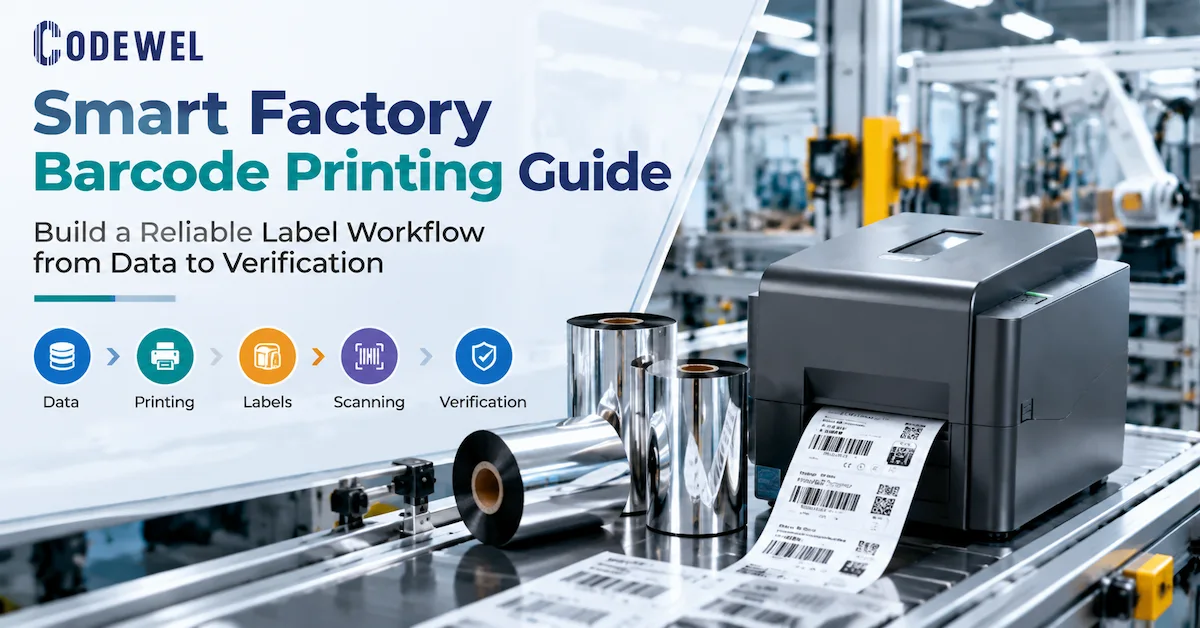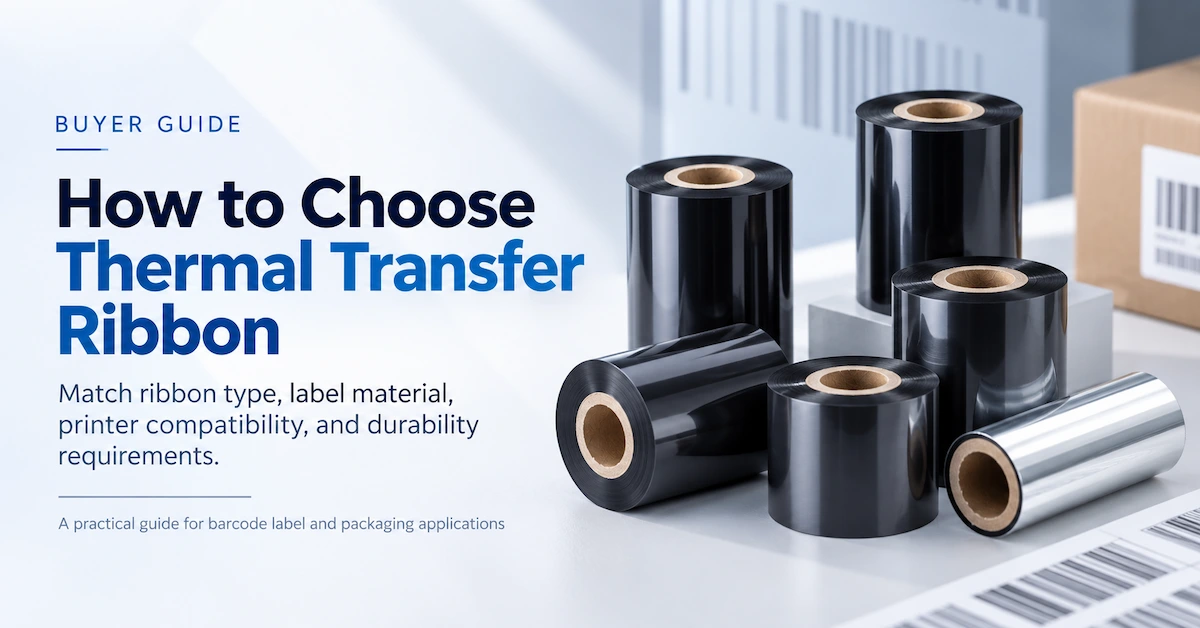

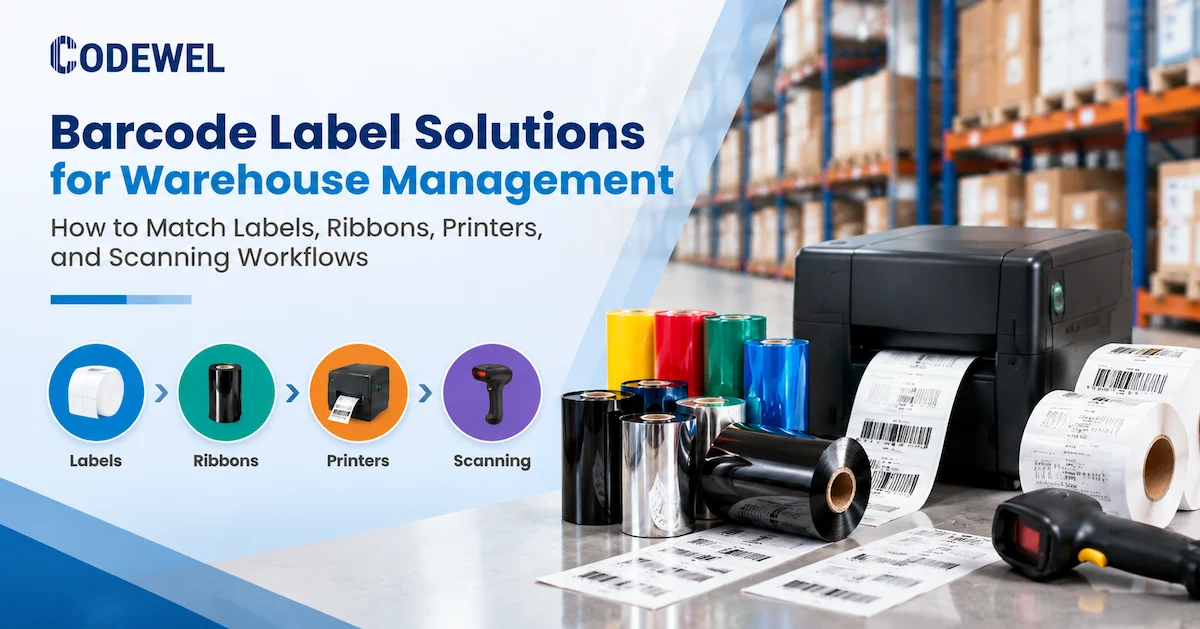
Warehouse identification fails when a barcode is treated as a graphic instead of an operating control. A label may leave the packing station looking dark and clean, yet fail later because it was printed on the wrong surface, rubbed during handling, placed too far from a scanner, exposed to condensation, or generated from an incorrect inventory record. The purchase decision therefore involves a complete print-and-capture chain: label construction, printer, ribbon or direct-thermal media, printhead, software template, scanner, operator process, and replenishment plan.
This guide is written for warehouse managers, logistics providers, 3PL operators, manufacturers, e-commerce fulfillment teams, system integrators, and procurement buyers. Its purpose is commercial investigation: helping a buyer turn a vague request for “warehouse barcode labels” into a measurable specification that can be sampled, tested, quoted, and standardized.
What a warehouse barcode label solution must accomplish
A warehouse barcode label solution should make a physical object, location, or handling unit identifiable at the exact point where the next action occurs. Receiving teams need to identify inbound cartons and supplier lots. Put-away teams need location labels that can be read from a practical distance. Pickers need item, tote, and order labels that can be captured without slowing movement. Packing teams need shipping and carton labels with correct variable data. Cycle-count teams need stable location and item references. Dispatch teams need labels that survive the final handling stage and can be associated with the correct shipment.
| Warehouse task | Typical label purpose | Primary decision | Failure to prevent |
|---|---|---|---|
| Receiving | Inbound carton, supplier lot, purchase order, or internal receipt | Fast generation, correct variable data, first-scan readability | Inventory entered against the wrong item or lot |
| Put-away and storage | Rack, aisle, bin, shelf, pallet, or location ID | Viewing distance, size, adhesive, and service life | Misplaced stock or repeated manual confirmation |
| Picking | Item, tote, batch, wave, or order identification | Scan angle, symbol size, and workflow speed | Wrong item, wrong quantity, or skipped scan |
| Packing | Carton, order, carrier, or customer label | Printer throughput and variable-data accuracy | Reprint queues and dispatch delays |
| Shipping | Outbound carton, pallet, route, or handling unit | Durability through transport and reliable final scan | Misrouted shipment or manual exception handling |
| Cycle counting | Location and item reference for inventory verification | Stable label identity and repeatable scanning | Count variance caused by unreadable references |
Start with a label map, not a product catalog
Separate item, location, carton, pallet, and shipping labels
A single warehouse often uses several label families. Item labels may be small and information-dense. Location labels may be wide, bold, and visible from an aisle. Carton labels may be short-life labels that need high throughput. Pallet labels may be larger, require stronger adhesion, and be scanned from a greater distance. Shipping labels may be replaced or supplemented when a carrier or customer changes requirements.
Build a label map before requesting quotations. For each label family, record its application surface, dimensions, roll direction, expected life, barcode symbology, human-readable fields, adhesive requirement, exposure, and scan distance. This prevents a common procurement mistake: ordering one economical label and ribbon combination for every use case, then discovering that the warehouse contains several different durability and readability requirements.
Record the variables that change the specification
- Label life: minutes, days, months, or the expected life of a stored asset.
- Surface: corrugated carton, coated carton, plastic tote, stretch film, metal rack, wood pallet, or synthetic label stock.
- Environment: indoor, outdoor, dust, humidity, cold room, condensation, heat, oil, solvents, abrasion, or frequent handling.
- Scan condition: handheld scanner, mobile computer, fixed scanner, camera, scan distance, and angle.
- Print pattern: occasional labels, batch printing, multiple shifts, continuous printing, or high peak-hour demand.
- Data process: WMS, ERP, shipping platform, label software, local workstation, or system integrator interface.
This information is more useful to a supplier than a request that only says “send your best warehouse label.” It also creates a baseline for product sampling. A sample should represent the actual barcode size, text density, label surface, printer resolution, and handling conditions that the warehouse will use.
Choose direct thermal or thermal transfer by label life
Direct thermal printing creates an image by heating a heat-sensitive label surface. It does not use a ribbon, which can simplify a short-life shipping or dispatch application. Thermal transfer printing uses a ribbon to transfer ink onto the label. It is commonly evaluated when the label needs broader media choices, longer-lasting print, or improved resistance to handling and environmental exposure.
Neither method is automatically correct for every warehouse. Direct thermal can be efficient for a label that is printed, applied, scanned, and retired quickly. However, the buyer should test whether the media darkens or fades under the actual light, heat, friction, and storage conditions. Thermal transfer adds a ribbon and a compatibility decision, but it can give the warehouse more control over label face materials and durability.
| Requirement | Direct thermal starting point | Thermal transfer starting point | What to validate |
|---|---|---|---|
| Short-life outbound label | Useful where ribbon-free operation and rapid changeover are priorities | Useful where the label stock or service condition needs a ribbon-based image | Label life, heat exposure, scanner performance, and media availability |
| Indoor carton or tote label | Can be considered for controlled, short-to-medium life | Wax or wax-resin can be evaluated according to surface and handling | Smear, abrasion, stacking, and relabeling rate |
| Rack or location label | Depends on expected life and light exposure | Often evaluated when long-term readability or synthetic media is needed | Adhesion, viewing distance, cleaning, and scan angle |
| Cold, damp, or demanding environment | Requires application-specific media testing | Requires label, ribbon, adhesive, and environmental validation | Condensation, surface energy, temperature cycling, and abrasion |
Match the ribbon to the warehouse label material
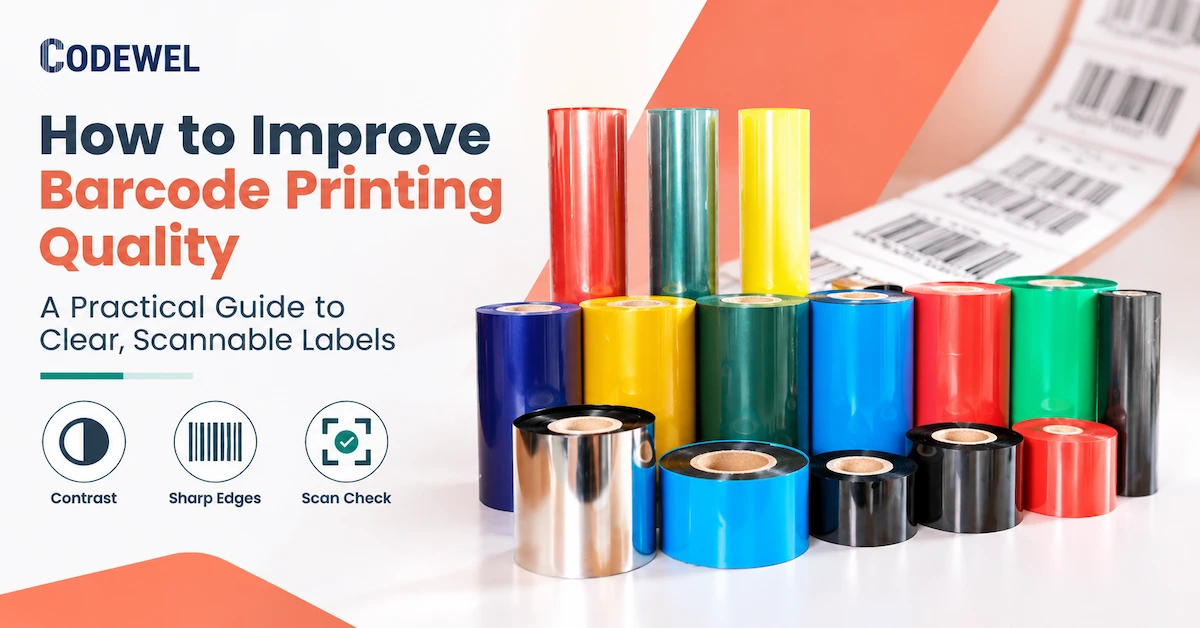
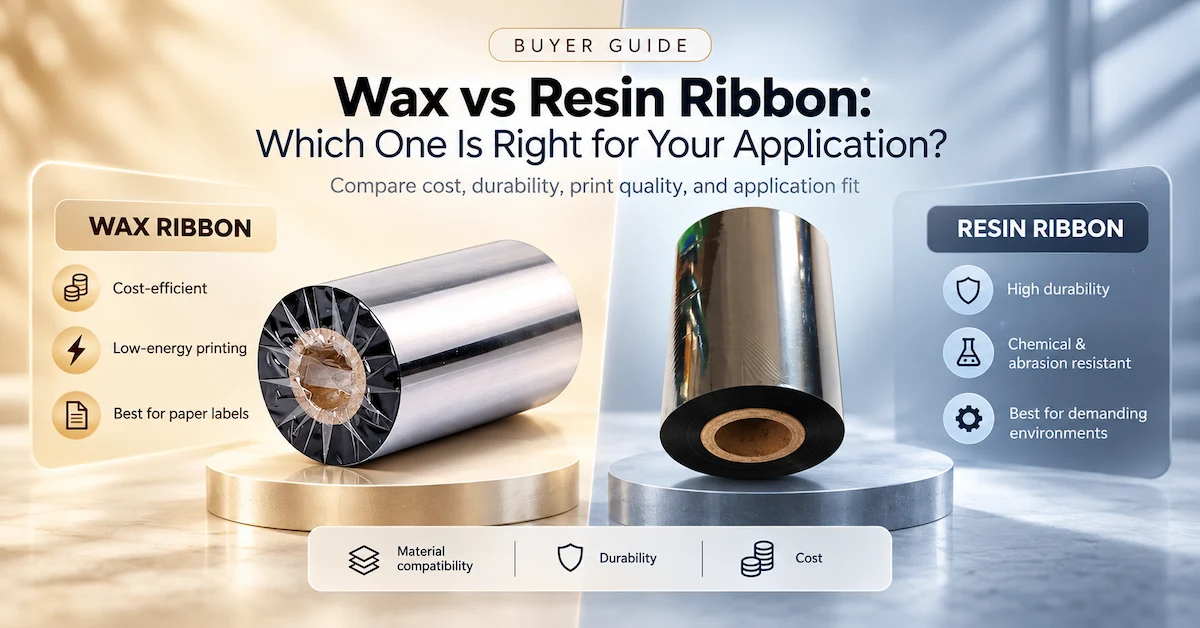
When thermal transfer is selected, ribbon formulation is a central part of barcode label solutions for warehouse management. Wax, wax-resin, and resin ribbons transfer differently and are intended for different combinations of label surface and exposure. The ribbon must be matched to the face stock and the application, not selected only by printer brand or roll price.
Wax ribbon for general paper labels
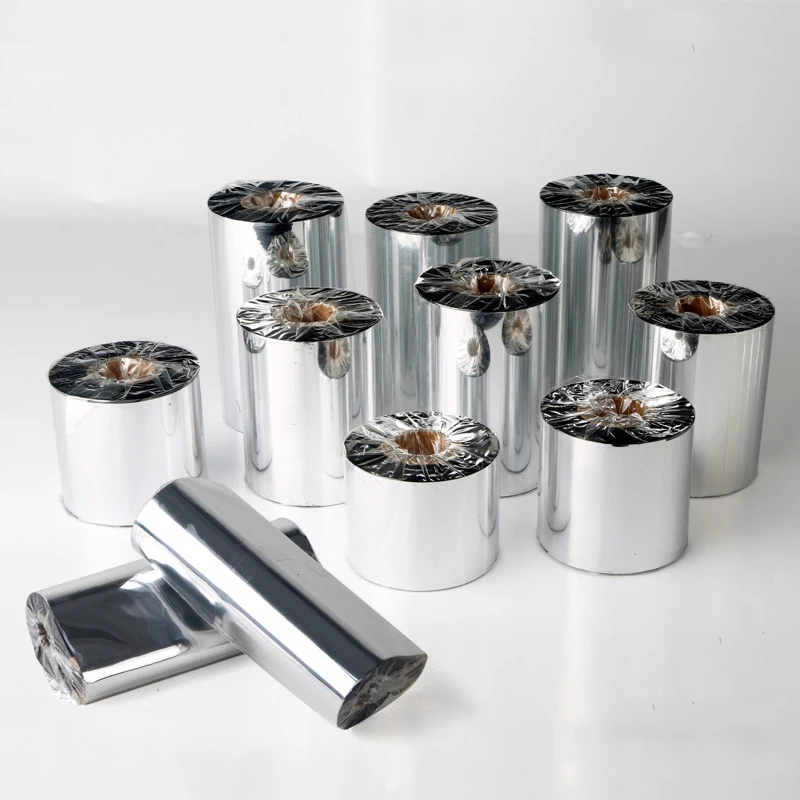
Standard wax is a practical starting point for many general paper, package, file, and barcode-label applications where the label does not face severe abrasion or chemical exposure. Codewel's CW502 product page publishes a general-purpose wax formulation with a listed 70 C ink melting point, color density of at least 2.1, a listed 0-6 IPS printing speed range, and standard 110 mm x 300 m and core options among its published configurations. The same page lists black or custom color and widths, lengths, and cores that can be customized.
Those published values are product-page specifications, not a guarantee that every warehouse label will pass without a print trial. A buyer should confirm the printer's winding direction, ribbon width, core, label coating, darkness setting, speed, and scan result. The useful role of CW502 in a warehouse evaluation is as a controlled starting point for ordinary paper labels where cost, clean transfer, and basic barcode clarity are more important than severe chemical or abrasion resistance.
Wax-resin for higher handling resistance
Wax-resin is often evaluated for coated paper, waybills, tickets, warehouse labels, and labels that receive more handling than a basic indoor carton label. Codewel's CW630 page describes a premium wax-resin formulation and publishes a 72 C ink melting point, 0-10 IPS listed printing speed, 90 C heat resistance, 95 scratch resistance, and 60 solvent resistance. The page also lists 1/2-inch, 1-inch, or customized cores and multiple width and length options.
For a warehouse, the selection logic is straightforward: start with wax-resin when paper or coated media will be handled repeatedly, when a shipping label may be rubbed during transport, or when the buyer needs a broader operating window than standard wax provides. Do not assume that higher resistance is free. Wax-resin can require different energy and may not be the best economic choice for a label that is discarded immediately after the first scan.
Resin for synthetic and demanding label applications
Resin is generally considered when the label surface is synthetic or when resistance to abrasion, heat, oil, or solvents is a major requirement. Codewel's CW730 page describes a premium full-resin formulation for high-end chemical-resistance applications and publishes a 95 C ink melting point, 0-8 IPS listed printing speed, 200 C heat resistance, and scratch resistance listed at 100. It also lists black or custom color, multiple cores, widths, and lengths.
In warehouse management, resin may be relevant to reusable tote labels, durable asset or location labels, chemical storage identification, outdoor or semi-outdoor handling, and labels exposed to repeated rubbing. It is not necessary merely because a warehouse uses barcodes. The buyer should test the actual synthetic label, printer, printhead, and scanner combination because a resin ribbon that performs well on one substrate may not transfer or bond the same way on another.
| Warehouse label condition | Ribbon family to evaluate first | Why it may fit | Test before approval |
|---|---|---|---|
| Standard paper carton or temporary inventory label | Wax | Lower-energy transfer and economical general-purpose printing | Contrast, smear, bar-edge clarity, and scan rate |
| Coated paper, waybill, ticket, or frequently handled label | Wax-resin | Balanced print quality and improved resistance for routine handling | Scratch, stack friction, speed, and label coating compatibility |
| Synthetic tote, durable location, chemical, or harsh-use label | Resin | Higher resistance potential on suitable synthetic media | Bonding, solvent, heat, abrasion, and long-term readability |
| Unknown label surface | Do not choose from the ribbon name alone | Application evidence is incomplete | Obtain the exact label material and run a controlled sample |
Choose the printer class and DPI for the station
The printer should be selected according to the station's actual workload, label width, duty pattern, media capacity, connectivity, and maintenance access. A desktop printer can be appropriate for a small receiving desk or a low-volume packing bench. An industrial printer is more relevant when the warehouse prints continuously, runs multiple shifts, uses larger rolls, or cannot tolerate frequent media changes. Buying the largest printer for every station adds cost and does not correct a poor label or data process.
203 DPI for common warehouse labels
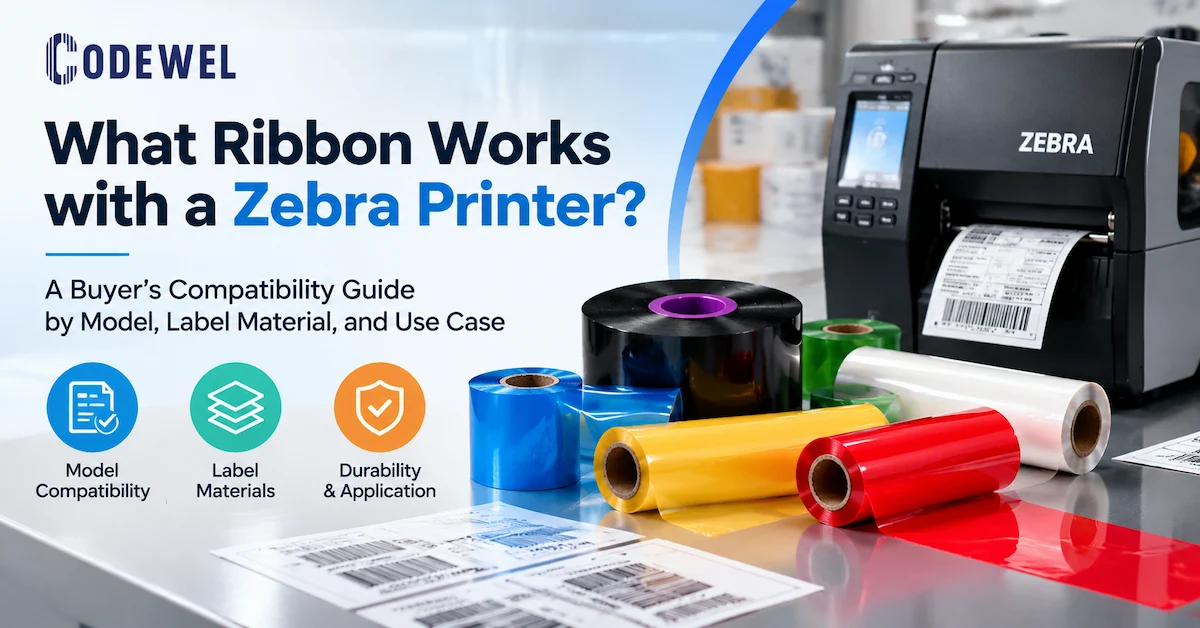
203 DPI is commonly evaluated for standard shipping labels, carton labels, pallet identification, and larger barcodes where the artwork does not contain very small text or dense fine detail. Codewel's product range includes a TSC TE244 203 DPI desktop thermal transfer barcode printer page with USB connectivity. That page is a product reference, not a universal recommendation: the buyer should confirm label width, daily volume, software compatibility, connection method, and whether a desktop duty cycle is appropriate for the station.
300 DPI for smaller symbols and denser layouts
300 DPI can be useful when a warehouse label contains smaller text, a denser symbol, multiple fields, or a layout that cannot be enlarged. Higher resolution does not automatically improve a poorly encoded barcode, incorrect quiet zone, contaminated printhead, or mismatched ribbon. It increases the available dot geometry, but the label template and the scanner still determine the practical result.
For maintenance planning, the printhead is part of the label solution. Codewel lists an original ZT410/ZT411 300 DPI printhead with part number P1058930-010, and a compatible ZT410/ZT411 300 DPI option. The product records identify different original or compatible status and warranty information. A buyer should record the exact printer model, DPI, part number, and original/compatible requirement before ordering. Never replace a 203 DPI head with a 300 DPI head simply because the newer number appears more capable.
Printer selection questions for the RFQ
- How many labels are printed per day, and how many are printed during the busiest hour?
- Is the station occasional, batch-based, multi-shift, or continuous?
- What is the actual label width, length, roll diameter, and gap or mark configuration?
- Does the station need 203 DPI, 300 DPI, or another resolution based on the smallest printed element?
- Will the printer use direct thermal media, thermal transfer ribbon, or both?
- Is the connection USB, Ethernet, serial, Wi-Fi, or managed through another interface?
- Who can clean the printer, replace the printhead, and approve a new consumable?
Design barcode labels for scanning, not only for appearance
A warehouse label is successful when the required data is correct, the symbol is formed correctly, and the next scanner can capture it under the real operating condition. A dark-looking barcode can still fail if the quiet zone is crowded, the module width is too small, the symbol is stretched, the label is reflective, or the data mapping removes a leading zero. Visual inspection should therefore be followed by a scan test on the actual label and, when required by the customer or application, formal barcode verification.
Protect the data and the template
Before changing the ribbon or printer, verify that the data is correct. Compare the human-readable value with the source record and with the scanner output. Check leading zeros, check digits, date formats, lot numbers, serial numbers, spaces, truncation, and character substitutions. A perfectly printed wrong SKU is still a failed inventory label.
Keep a clear quiet zone around the barcode. Do not place borders, graphics, text, folds, seams, or label edges inside it. Avoid resizing a barcode without checking the resulting module width and height. If the printer cannot reproduce the required symbol at the intended size, change the layout, resolution, label size, or process requirement instead of increasing darkness indefinitely.
Use a representative acceptance sample
A good sample set includes the smallest barcode, longest human-readable value, most complex label layout, darkest and lightest permitted data, and the label that will experience the harshest handling. Print the set on the intended printer with the intended ribbon and label lot. Scan it using the same handheld, fixed, or mobile device used in the warehouse. If the label will be wiped, stacked, transported, chilled, or exposed to chemicals, repeat the scan after that condition.
Record the printer model, DPI, firmware or driver context when relevant, ribbon model, label material, speed, energy or darkness setting, sample date, and acceptance result. This record gives procurement and operations a controlled baseline when a later batch produces different contrast or edge quality.
Account for warehouse environment and label construction
Warehouse labels interact with surfaces and conditions that are easy to underestimate. Corrugated carton can be porous or uneven. Stretch film can be low-energy and flexible. Plastic totes can be curved and repeatedly washed. Metal racks can collect dust and condensation. Cold-room labels may pass at room temperature and fail when moisture forms on the surface. Outdoor staging adds ultraviolet exposure, rain, dirt, and temperature cycling.
The label face, adhesive, ribbon, and printer setting must be reviewed as one construction. A more durable ribbon cannot compensate for an adhesive that releases from a dusty tote. A strong adhesive cannot correct a barcode that smears during transfer. A synthetic face stock may require a resin ribbon and a higher energy setting than ordinary paper, while a wax ribbon may be adequate for a short-life carton label.
Questions for cold and humid areas
- Is the label applied before chilling, during chilling, or after condensation has formed?
- Will the label be exposed to freezer temperature, refrigerated storage, or only a cool loading dock?
- Does the adhesive need to bond to corrugated board, plastic, or a moist surface?
- Will the barcode be scanned through wrap, frost, dust, or a protective sleeve?
- Has the sample been tested after temperature change rather than only immediately after printing?
Questions for reusable totes and durable locations
Reusable containers and long-term location labels change the cost calculation. A label that is removed and reprinted repeatedly may be more expensive than a durable label that lasts through several cycles. Evaluate abrasion, cleaning chemicals, scraping, moisture, label edge lift, and scan distance. If a tote is washed, test the complete label construction after the washing process. Do not infer wash resistance from the word “resin” alone.
Build maintenance into the barcode label solution
Print quality is a maintenance outcome as much as a consumables outcome. Dust, adhesive, ribbon coating, label debris, pressure imbalance, platen wear, and incorrect energy settings can all create pale bars, repeating marks, uneven density, or edge spread. The operator should have a simple maintenance routine that is tied to actual usage rather than waiting for the scanner to fail.
Codewel's printhead product FAQs describe cleaning after each ribbon replacement or at the end of a regular workday, with more frequent cleaning for high-load use and immediate cleaning when print quality deteriorates. The exact interval must follow the printer instructions and the contamination level of the line. Use the approved cleaning pen or lint-free material and suitable solvent. Turn off the printer, clean in one direction, allow the surface to dry, and avoid hard tools or bare-finger contact with the heating line.
When a defect repeats at the same position, inspect the printhead, platen, ribbon path, guides, and label edge. If the defect moves after changing the roll, suspect the ribbon or label before replacing the printer. If one side is light, check pressure balance and media alignment before raising darkness across the label.
| Observed symptom | First checks | Possible correction |
|---|---|---|
| Entire label is too light | Ribbon loading, label surface, energy, speed, and print mode | Confirm thermal-transfer mode, match the ribbon, reduce speed, or adjust energy within the approved range |
| One side is lighter | Printhead pressure, alignment, platen, and label path | Balance pressure and inspect worn or contaminated contact parts |
| Repeating vertical line | Printhead contamination or damaged element, platen, ribbon wrinkle | Clean and isolate the repeating pitch before ordering a replacement head |
| Bars look too wide or smeared | Excess energy, speed, ribbon formulation, and label coating | Use the lowest approved energy that passes the scan test and review ribbon/media match |
| Scanner fails but label looks dark | Data, quiet zone, module size, contrast, reflectivity, and scanner angle | Check the artwork and test with the real scanner or verifier |
Compare solutions by total cost of accepted labels
Warehouse label cost is not the price of a roll. A more useful model is:
A low-cost wax ribbon may be the economical choice if it passes the label's actual handling requirement. A wax-resin or resin ribbon may create a lower total cost when it reduces reprints, manual inspection, or relabeling. The opposite is also true: selecting a premium ribbon for every label can increase cost without adding useful life. Measure cost per accepted label, not only cost per roll.
Printer capital should be evaluated in the same way. An industrial printer may be justified at a continuous outbound station, but unnecessary at a low-volume stockroom. A small desktop printer may be sufficient for a receiving desk but become a bottleneck when peak-hour volume increases. Include label changeover, spare parts, operator access, and downtime risk in the comparison.
Prepare an RFQ that suppliers can actually quote
A warehouse procurement request should give a supplier enough information to evaluate a complete label system rather than quote an isolated roll. Attach a label drawing or sample where possible. State the use case and the failure condition that must be avoided. If the request involves several stations, separate the specification by station instead of averaging the whole warehouse.
Minimum RFQ information
- Warehouse task: receiving, put-away, rack labeling, picking, packing, shipping, palletizing, or cycle counting.
- Label dimensions, material, adhesive, roll direction, core, outside diameter, and whether the label is supplied blank or preprinted.
- Barcode type, symbol size, human-readable fields, smallest text, and required scan distance.
- Expected daily volume, peak-hour volume, shifts, and number of printing stations.
- Existing printer brand, model, DPI, interface, and whether the workflow is direct thermal or thermal transfer.
- Ribbon width, length, core, winding direction, color, and formulation if already standardized.
- Operating conditions: temperature, humidity, dust, abrasion, cleaning, chemicals, outdoor exposure, or cold storage.
- Acceptance method: ordinary scanner read, fixed scanner, mobile computer, camera, or formal verifier.
- Destination, annual or monthly demand, packaging requirements, and required sample quantity.
- Commercial fields that require confirmation: MOQ, price basis, lead time, payment, warranty, and replenishment plan.
Implement the solution at one controlled station
Do not change the printer, ribbon, label, template, and scanner simultaneously across the whole warehouse. Start with one representative station and one label family. Use real data and the intended scanning device.
- Map the physical task and define the barcode acceptance condition.
- Confirm the label surface, adhesive, size, life, environment, and scan distance.
- Choose direct thermal or thermal transfer based on the label requirement.
- Select a printer class and DPI based on workload, label design, and service access.
- Select a starting ribbon formulation and confirm core, width, length, and winding direction.
- Print representative labels using real data and the production scanner.
- Test handling, stacking, rubbing, moisture, temperature, or chemical exposure as required.
- Record the approved SKUs, settings, cleaning interval, scan result, and replacement parts.
- Train operators and define who can change a ribbon, label, setting, or template.
- Scale to other stations only after the label and printer combination passes the actual workflow.
This staged method makes the final solution easier to maintain and helps separate data, print, media, scanner, and process problems.
Frequently Asked Questions
What are barcode label solutions for warehouse management?
They are the coordinated labels, printers, ribbons or direct-thermal media, printheads, scanners, templates, and operating procedures used to identify inventory, locations, cartons, pallets, totes, and shipments. The solution is defined by the warehouse workflow and environment, not by one product alone.
Should every warehouse use the same barcode label material?
No. Temporary shipping labels, rack labels, reusable tote labels, pallet labels, and cold-room labels can have different life, adhesion, surface, and durability requirements. Standardize where the application is genuinely the same, but do not force one material into every condition.
Which ribbon is best for warehouse barcode labels?
For general paper labels, start by evaluating wax. For coated paper or labels with more handling, evaluate wax-resin. For synthetic or demanding environments, evaluate resin. The final choice must be confirmed on the actual label, printer, barcode layout, and scanner.
Is wax ribbon enough for a shipping label?
It can be enough when the label is printed on suitable paper and has a short service life with limited abrasion. Test the label after stacking, handling, and transport conditions. If the print smears or loses contrast, review the label surface and consider wax-resin rather than simply increasing darkness.
Is 203 DPI enough for warehouse labels?
203 DPI can be suitable for many standard shipping, carton, and inventory labels with larger symbols and ordinary text. Consider 300 DPI when the label has smaller text, denser data, or a symbol that cannot be enlarged. Resolution must match the printer, printhead, artwork, and scanner.
When should a warehouse choose thermal transfer instead of direct thermal?
Evaluate thermal transfer when the label needs a broader media choice, longer-lasting print, or added resistance to handling and environmental exposure. Direct thermal can be simpler for short-life labels. Compare the full label life and operating cost rather than choosing by ribbon cost alone.
How should a buyer test a new warehouse label?
Use the intended printer, ribbon or media, label lot, barcode template, real data, and scanner. Test the smallest and most complex symbols, then repeat the scan after the expected handling or environmental exposure. Record the exact printer, DPI, consumable, settings, and result.
How can a warehouse reduce barcode reprints?
Verify data before printing, use a clear quiet zone, match the ribbon to the label, keep the printhead and platen clean, balance pressure, control speed and energy, and test the label with the actual scanner. Track reprints by station and label family so the recurring cause can be corrected.
Do warehouse labels require a spare printhead?
A spare may be justified for a critical high-volume station where printer downtime stops dispatch or production. The decision should be based on downtime risk, printer count, replacement availability, and maintenance capability. Record the exact model, DPI, part number, and original or compatible requirement before purchasing.
What should I send Codewel for a warehouse label quotation?
Send the warehouse task, label size and material, barcode type and dimensions, expected life, printer model and DPI, daily and peak volume, ribbon or media requirement, operating environment, scanner type, destination, and sample or drawing. Also ask Codewel to confirm current MOQ, pricing, lead time, sample process, and compatibility for the specific configuration.
Conclusion
Reliable barcode label solutions for warehouse management begin with the physical workflow, not with a generic printer or the lowest roll price. Separate receiving, storage, picking, packing, shipping, and inventory labels; define service life and environment; then match the label construction, direct-thermal or thermal-transfer method, ribbon formulation, printer class, DPI, scanner, and maintenance plan. Use a representative print-and-scan sample, record the approved combination, and measure cost per accepted label rather than cost per roll.
Codewel's published portfolio provides starting points for wax, wax-resin, resin, desktop printer, and printhead evaluation. Product availability and commercial conditions should be confirmed for the current order. For a warehouse project, send Codewel the printer model, label specification, barcode artwork, volume, environment, and scan requirement so the proposed configuration can be reviewed against the actual application.