
Portable barcode printing is often treated as a simple hardware purchase. In practice, the buyer is choosing a field identification system. A warehouse operator may need a label at a receiving dock, a delivery driver may need a replacement label beside a vehicle, a retail employee may need to mark stock on the sales floor, and a maintenance technician may need to identify an asset without returning to a fixed workstation. These situations create different demands for mobility, connectivity, media handling, battery management, and barcode verification.
That is why the search for a portable barcode printer supplier usually has commercial investigation intent. The buyer is not only asking what a portable printer is. They are asking which supplier can provide a suitable device, compatible labels or ribbons where required, useful technical support, and a repeatable procurement path. This guide provides a practical way to answer that question for warehouses, logistics companies, retail operations, field service teams, manufacturers, and system integrators.
What Should a Portable Barcode Printer Supplier Actually Provide?
A supplier should provide more than a model name and a product photograph. Portable printing succeeds only when the printer, media, data source, operator workflow, and service plan work together. At the quotation stage, the supplier should help translate the application into measurable fields.
| Buyer requirement | What to define | Why it affects the purchase |
|---|---|---|
| Mobility | Hand-carried, belt-mounted, cart-mounted, vehicle-based, or moved between workstations | Determines weight, enclosure, charging method, operator access, and drop or vibration requirements. |
| Print task | Shipping, receiving, inventory, shelf, asset, service, delivery, or product identification | Establishes label life, size, content density, and whether a portable format is genuinely useful. |
| Barcode output | 1D or 2D symbology, narrowest bars or modules, text size, and scan distance | Defines resolution, darkness control, print quality, and application acceptance criteria. |
| Connectivity | USB, Bluetooth, Wi-Fi, serial, mobile terminal, tablet, or application interface | Controls how data reaches the printer and whether the workflow works away from a fixed computer. |
| Power | Shift length, print volume, charging location, spare battery, and charging time to be confirmed | Prevents a device from becoming unusable during the work period. |
| Supply | Trial quantity, recurring demand, packaging, spare parts, warranty, availability, and lead time | Separates a successful sample from a reliable long-term source. |
A supplier that asks these questions is trying to reduce application risk. A supplier that quotes a device without asking about label material, volume, connectivity, or scan requirements may still offer a working product, but the buyer has no evidence that the product fits the workflow. The most useful quotation repeats the verified fields so the buyer can compare suppliers on the same basis.
Define the Portable Printing Workflow Before Comparing Suppliers
Start with the point at which the label is needed. The physical location often matters more than the label itself. A fixed printer beside a packing bench may be efficient for consolidated shipping labels, while a portable printer can remove walking time when an operator labels items spread across a warehouse. The opposite can also be true: if all jobs are generated at one workstation and the printer never moves, a compact desktop printer may be easier to load, maintain, and control.
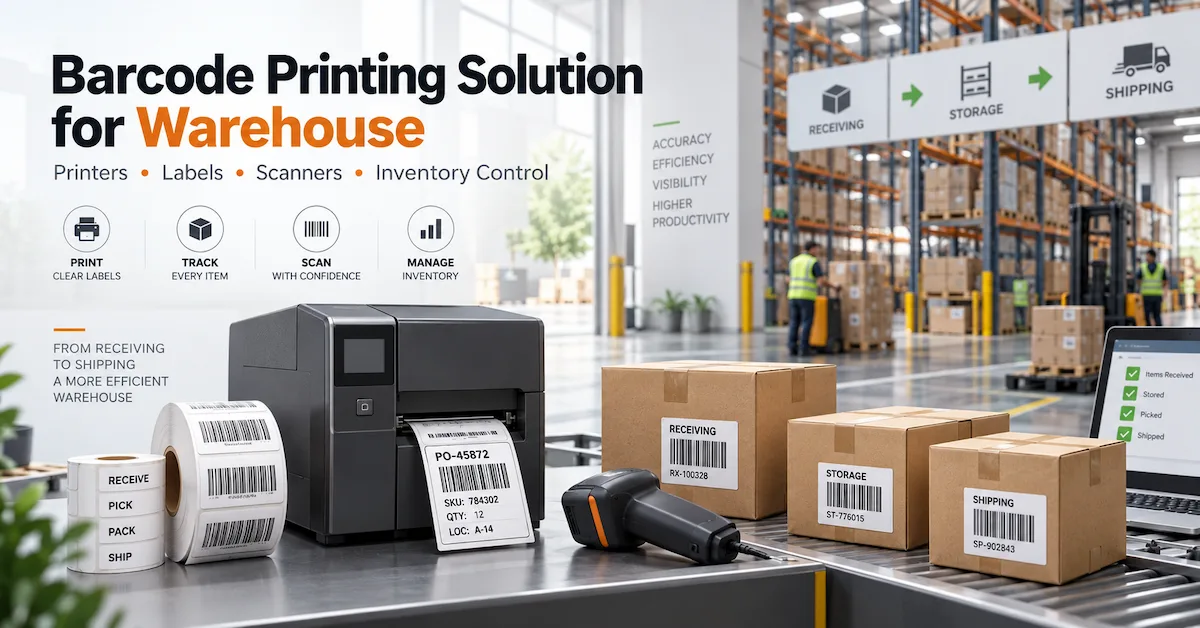
Receiving and put-away
Receiving teams may print location, pallet, tote, or exception labels while goods are being checked. The requirement is usually quick data transfer from a handheld terminal or warehouse application, plus readable codes that can be scanned immediately. The supplier should ask whether the device prints on demand for individual items or in batches, because the media capacity and replenishment routine can differ.
Picking and cycle counting
In picking, the operator may need a replacement label, a carton identifier, or a short internal handling label without leaving the aisle. A mobile workflow can be useful when labels are created from a scanner or PDA. The purchase should still define the software responsibility separately. A printer supplier can confirm the hardware interface, but the buyer must confirm whether the WMS, ERP, mobile operating system, or label application can send the required print command.
Delivery and field service
Delivery teams may print proof-of-delivery, return, route, or package labels at a customer site. Field service teams may print asset, replacement-part, or inspection labels. Here, charging, wireless pairing, visibility in bright or poor light, and protection during transport can matter as much as print speed. Ask how the printer will be carried, where it will be charged, and what happens when a label roll is exhausted away from the main stockroom.
Retail and shelf operations
Retail staff may need price, inventory, markdown, or shelf labels close to the product. In this use case, ease of loading, quick pairing, operator training, and quiet handling can be more important than industrial duty cycle. The label must still scan reliably at the intended distance, especially when a small format contains a 2D code and human-readable text.
Manufacturing and maintenance
Portable printing can support work-in-process identification, repair labels, parts movement, tooling records, or temporary asset identification. A factory should decide whether the portable device is printing the final durable label or only a short-life operational label. If the label faces heat, oil, cleaning chemicals, abrasion, or long storage, thermal transfer or a different marking method may be more appropriate than a basic direct thermal label.
Portable Thermal Barcode Printer or Handheld Inkjet Printer?
The phrase portable barcode printer can describe more than one technology. A buyer should separate portable thermal label printing from handheld inkjet marking before asking for a quote. The media, print surface, label format, durability, maintenance, and user workflow can be different.
| Selection point | Portable thermal label printer | Handheld inkjet printer |
|---|---|---|
| Output format | Usually labels, tags, receipts, or rolls of defined media | Can print text, codes, or graphics directly onto suitable surfaces depending on the device and ink |
| Media handling | Requires correct label or thermal media; thermal transfer also requires ribbon | Uses an ink cartridge and may mark a wider range of objects or surfaces |
| Best fit | Repeatable label dimensions, barcode workflows, inventory, logistics, and point-of-use label printing | Variable marking on cartons, products, bags, or other surfaces where a roll label is not the best format |
| Key risk | Wrong label stock, print width, resolution, connection, or battery assumption | Wrong ink, surface, curing, cartridge handling, or code readability assumption |
| Supplier question | Can the device produce the required barcode on the specified media at the field location? | Can the ink and print system produce a durable, scannable mark on the specified surface? |
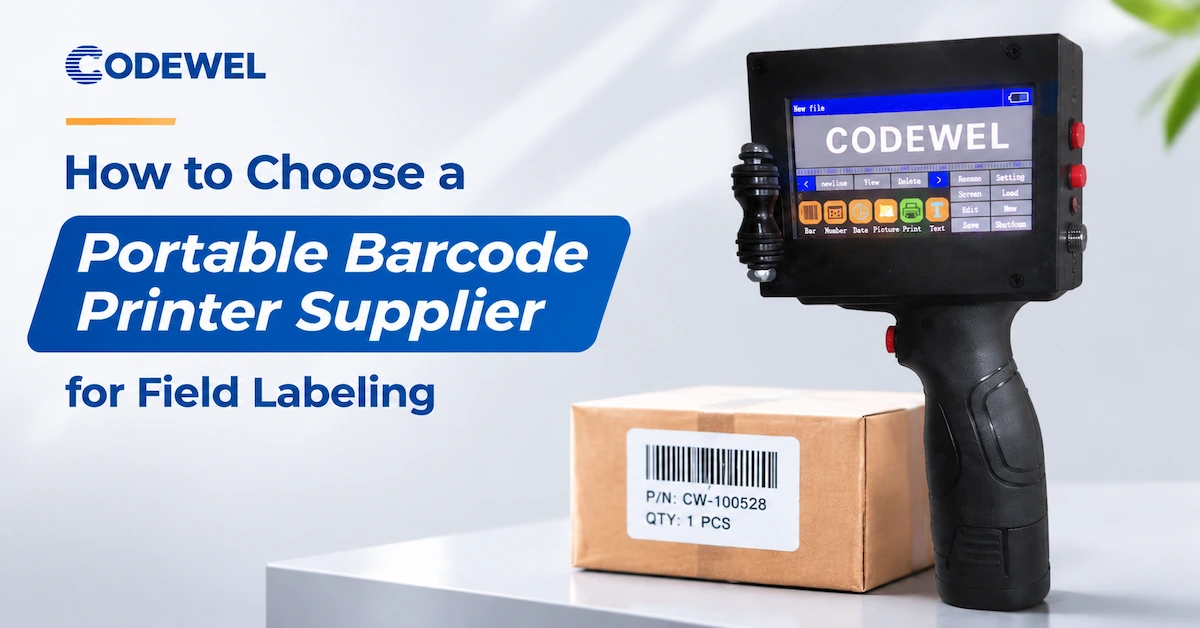
Codewel's current public portfolio includes a handheld inkjet printer page describing QR codes, barcodes, text, a touchscreen interface, an ink cartridge, charger, stylus, and rechargeable battery. The public page is a product reference, not a complete portable thermal barcode printer specification. For a project that specifically requires a portable thermal label printer, ask the supplier to confirm the exact device, media, connectivity, and availability rather than treating the handheld inkjet page as proof of every thermal feature.
How to Check Print Quality and Barcode Readability
A portable printer is not successful because its text looks dark on a screen. The label must remain readable when it is scanned in the actual workflow. The test should use the smallest required barcode, the normal label material, the real data string, and the expected print distance. Do not approve a printer from a large sample containing only a short, high-contrast code.
Confirm resolution against the code design
Resolution affects the smallest dots and edges that a printer can reproduce. A simple warehouse label may work well at a lower resolution, while a compact electronics, healthcare, or asset label may require more detail. The supplier should review the narrowest bars, the smallest text, the 2D code module size, and the label width. Higher resolution is not automatically better if it increases cost, reduces speed, or is unsupported by the printer configuration.
Test the whole print path
- Create a representative label from the same data source used in production.
- Use the intended label, tag, or marking surface rather than generic test media.
- Print the smallest barcode and text that the operator must scan or read.
- Scan the code with the intended scanner or mobile device from the planned distance.
- Repeat the test after the device has printed enough labels to reflect normal heat and battery conditions.
- Record speed, darkness, connection, media, code result, and visible defects.
Do not confuse a visual check with barcode verification
A handheld scanner test can reveal whether a code is readable in one moment, but critical applications may need a formal barcode verifier or a documented scan procedure. The buyer should define the acceptance method according to the risk of a failed label. A supplier can provide a sample and factory test evidence, but the customer should also approve the printer under its own field conditions.
Battery, Charging, and Connectivity Requirements
Portability is a workflow promise. It means the operator can print where the work happens without being limited by a cable, fixed network, or short operating period. Battery and connection requirements therefore need to be written as operating conditions, not as vague claims such as long battery life or wireless support.
| Question for the supplier | Buyer input to prepare | Evidence to request |
|---|---|---|
| How many labels are printed per shift? | Average and peak labels per operator or route | Recommended battery plan and whether a spare battery is supported |
| Where is charging available? | Warehouse station, vehicle, office, or field location | Charger type, charging method, and replacement availability |
| What device sends the print job? | Scanner, PDA, smartphone, tablet, laptop, or fixed computer | Supported interface, pairing method, drivers, and application requirements |
| What happens when the connection drops? | Can the operator retry, queue, or reprint safely? | Operational recovery procedure and data-handling limits |
| Will several printers operate nearby? | Number of devices, users, and locations | Pairing, naming, device management, and interference considerations |
Wireless connectivity is not a single specification. Bluetooth pairing to one mobile terminal is different from Wi-Fi access to a warehouse network. A portable barcode printer supplier should confirm the intended operating system and application interface, not only list Bluetooth or Wi-Fi in a brochure. The buyer should also decide whether a user can print while offline, whether duplicate labels are possible after a retry, and how the system records a successful print.
Battery life also depends on print darkness, label length, wireless activity, standby behavior, print frequency, and temperature. Ask for the test conditions behind any battery figure. If the supplier has not published a verified field figure for the exact model, treat the value as a quotation item to be confirmed rather than a guaranteed shift duration.
Media, Ribbon, and Label Compatibility
Portable devices are often used with small rolls, narrow labels, tags, or specialized media. A printer that is technically portable may still be impractical if the required media is difficult to source, incompatible with the print technology, or too fragile for the field environment.
Direct thermal media
Direct thermal printing uses heat-sensitive media and does not require a ribbon. It can simplify field operation because the operator loads one consumable. This approach can suit shipping, receipts, temporary inventory, and short-life identification. The buyer should check exposure to heat, light, abrasion, moisture, and the expected label life because the media coating affects image stability.
Thermal transfer media
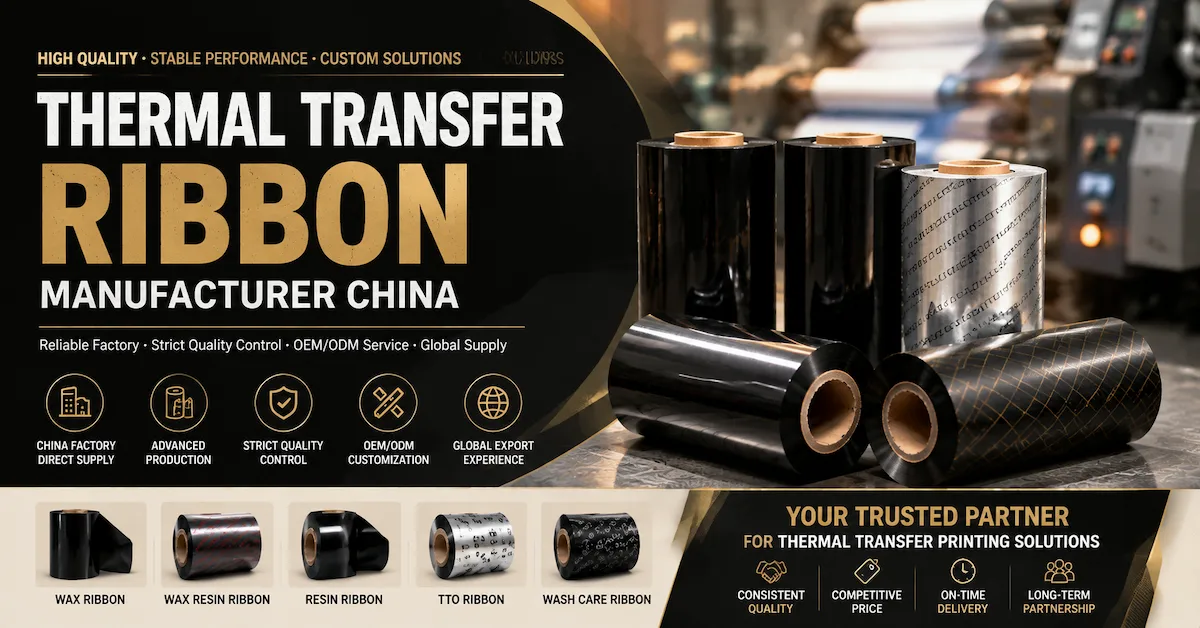
Thermal transfer printing uses a ribbon to transfer an image onto the label. It can support longer-life or more durable labels when the ribbon and substrate are matched correctly. The trade-off is additional consumable management: the operator needs the right ribbon width, winding direction, core, and label material. In a portable workflow, ribbon loading and roll changes must be tested with the actual device, not assumed from a full-size industrial printer.
Surface and environment
Paper may be sufficient for an indoor, short-life label. Synthetic materials such as PET or PP may be considered for moisture, abrasion, or longer service life, but the complete combination must be tested. A supplier should ask whether labels face cold storage, sunlight, oils, cleaning agents, friction, or curved surfaces. For demanding applications, label material and ribbon should be selected together with the printer and printhead.
Codewel's public product taxonomy includes barcode ribbons, printing consumables, wax ribbon, wax-resin ribbon, resin ribbon, printers, printheads, and printer spare parts. That broader portfolio can support a system-level discussion, but the exact portable printer media, roll dimensions, ribbon requirements, and availability should still be confirmed for the chosen device.
How to Evaluate a Portable Barcode Printer Supplier
1. Product identity and technical evidence
Ask for the exact model, print technology, resolution, print width, media dimensions, connection options, battery information, and accessories. If the supplier offers several versions, request a comparison that identifies what changes between them. Avoid approving a product from a generic product photo or a title that combines multiple models.
2. Application test support
A reliable supplier should be willing to discuss the buyer's label, code, surface, workflow, and environmental conditions. The supplier may provide a sample or recommend a trial quantity. Ask what is tested at the factory and what the buyer must test in the field. Those are different but complementary controls.
3. Availability and repeat supply
Portable hardware can be difficult to standardize if the supplier changes models, accessories, batteries, or connection versions without notice. Ask whether the exact model is currently available, what lead time applies to the quoted quantity, whether spare batteries and chargers are available, and how product revisions are communicated. Do not turn a company-level production figure for ribbons into an unsupported claim about portable printer inventory.
4. Service and spare parts
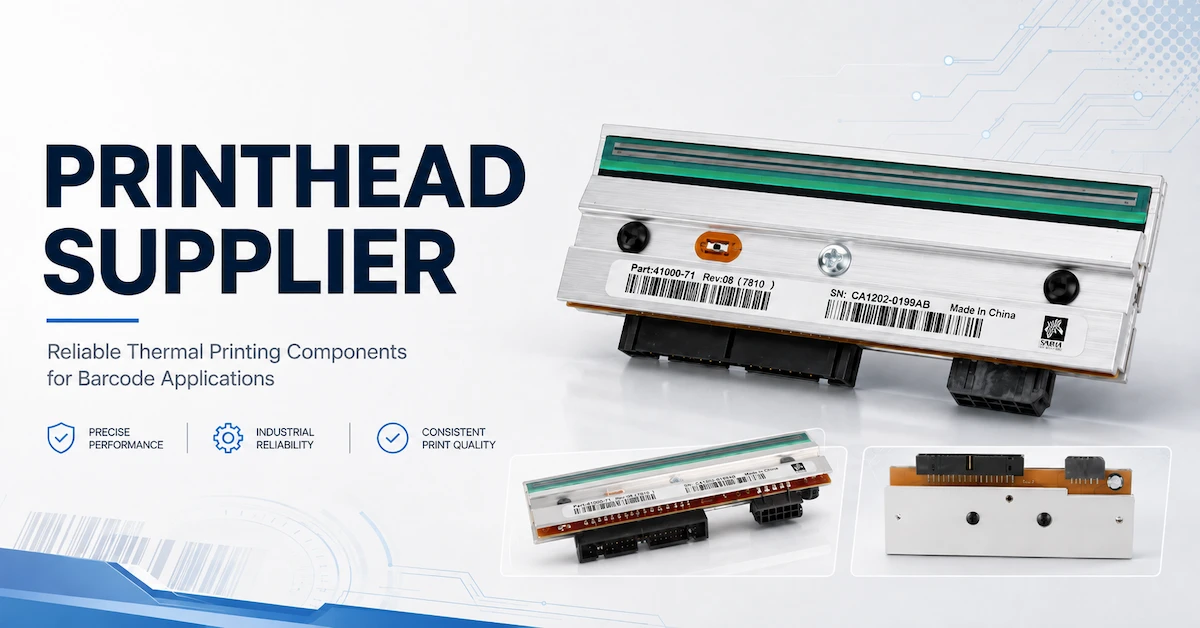
For a mobile fleet, a failed charger, battery, platen, printhead, or communication component may be more disruptive than a failed printer at a fixed desk. The supplier should identify service responsibility, warranty process, replacement parts, and troubleshooting support. If the printer is integrated into a WMS or field-service application, also define who owns software diagnosis.
5. Total operating cost
Compare more than the unit price. Include media, ribbon where required, batteries, chargers, protective cases, spare parts, maintenance, label waste, operator training, device replacement, and downtime. A lower-cost printer can become expensive if it produces unreadable codes or requires manual re-entry after connection failures.
Public Codewel Options and What They Prove
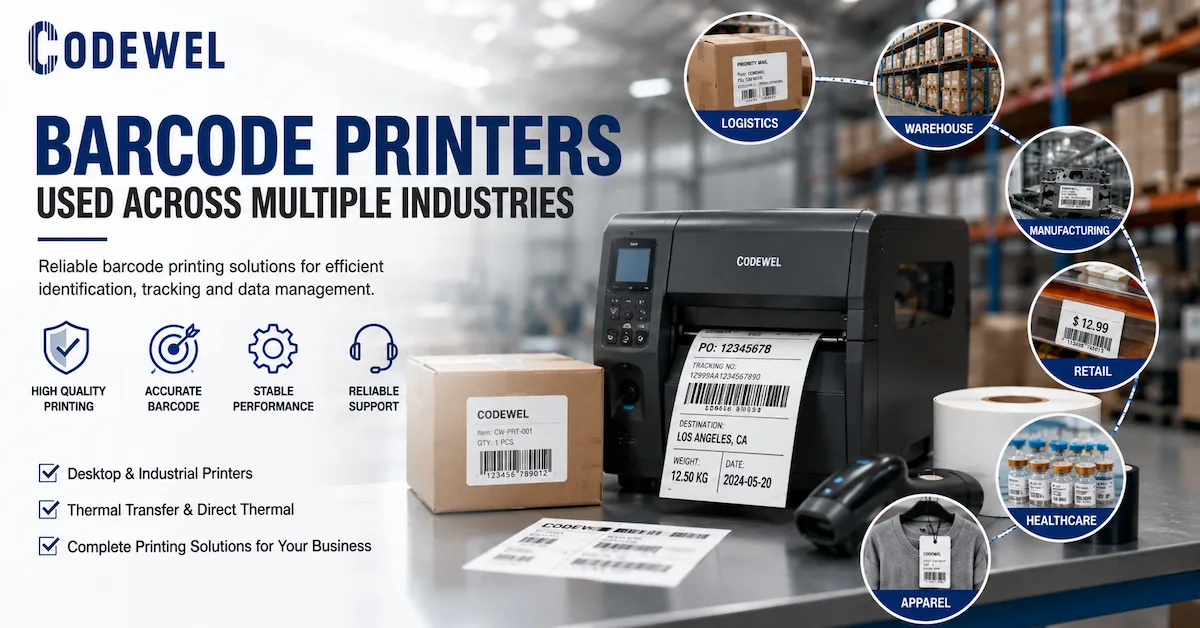
Codewel's current public catalog provides several relevant reference points for buyers exploring portable and compact marking workflows. The handheld inkjet printer page describes a portable inkjet device with a touchscreen, QR and barcode printing, ink cartridge, charger, stylus, and rechargeable battery. The MD106U page describes a compact thermal printer concept with thermal media and multiple connectivity options. The DT thermal printer page describes barcode and QR-code printing, auto-cutter support, and wireless and USB connectivity in the published product copy.
These pages prove that Codewel has relevant product categories and portable or compact printing references. They do not prove that every listed product is an in-stock portable barcode printer, that every model is battery powered, or that every model is suitable for a specific field application. The responsible procurement step is to send the use case and ask for the exact model, current status, specifications, sample path, and commercial terms.
Codewel's broader company information identifies Hangzhou Codewel New Materials Co., Ltd. as a company integrating R&D, production, and marketing, with product coverage that includes barcode labels, thermal transfer ribbons, thermal transfer printers, printheads, barcode scanners, and related supplies. Company-level production and export statements should be understood as entity evidence; they should not replace product-specific confirmation of portable printer stock, MOQ, lead time, battery performance, warranty, or certification.
Field Trial Checklist for a Portable Barcode Printer
Before a larger purchase, run a trial with the people, data, media, and environment that will use the device. The trial should be short enough to complete quickly but realistic enough to expose workflow failures.
- Print the actual 1D and 2D codes, text, and graphics used by the customer.
- Use the intended label, tag, direct thermal media, or ink-compatible surface.
- Test the normal and peak label sizes, including the smallest format.
- Pair the printer with the actual scanner, PDA, phone, tablet, or application.
- Print at the normal work location, including the expected lighting, temperature, and movement.
- Test roll loading, label replacement, battery charging, and operator recovery after a failed print.
- Scan the output with the intended device and record any failed reads or reprints.
- Measure practical output per battery period rather than relying only on a brochure figure.
- Record the exact model, accessories, media, settings, sample result, and date.
- Ask the supplier to attach the approved specification to the quotation or repeat-order reference.
For a fleet purchase, trial more than one unit when the order size is significant. This can expose pairing, battery, or production variation that a single sample does not reveal. The supplier should also explain how a hardware revision or accessory substitution will be controlled. A successful pilot is valuable only if the production order is the same approved configuration.
What to Put in a Portable Barcode Printer RFQ
Application: [receiving / picking / delivery / retail / service / manufacturing]
Print method required: [direct thermal / thermal transfer / inkjet / open to recommendation]
Output: [1D, 2D, text, graphics, label or direct marking]
Label or surface: [material, width, length, roll or sheet, curved or flat]
Daily and peak volume: [labels per operator, shift, route, or site]
Mobility: [handheld, belt, cart, vehicle, workstation]
Connectivity: [USB, Bluetooth, Wi-Fi, serial, mobile terminal, application]
Power: [shift length, charging location, spare battery requirement]
Environment: [indoor, outdoor, cold, heat, moisture, dust, chemicals, vibration]
Trial requirement: [sample quantity, acceptance label, scan method]
Commercial request: [quantity, destination, packaging, warranty, lead time, repeat demand]
Ask the supplier to return the model number, print technology, resolution, print width, media requirements, battery and charger details, connection method, accessories, warranty, availability, lead time, and any MOQ in one quotation. If a value is unknown, it should be marked "to be confirmed" rather than silently assumed. This makes supplier comparison more reliable and creates a better record for future orders.
Frequently Asked Questions About a Portable Barcode Printer Supplier
1. What should a portable barcode printer supplier ask first?
The supplier should ask where the printer will be used, what label or surface will be marked, which barcode types are required, how many labels are printed, what device sends the data, how the printer is carried, and what power and environmental conditions apply.
2. Is a portable barcode printer the same as a handheld inkjet printer?
No. A portable thermal label printer usually prints on defined label or receipt media, while a handheld inkjet printer may print directly onto suitable objects or surfaces. Choose by output format, media, durability, and workflow.
3. Is a portable thermal printer suitable for every barcode application?
No. The label life, surface, environmental exposure, barcode size, print volume, connectivity, and battery conditions must be checked. A fixed desktop or industrial printer may be better when the printer does not need to move.
4. Should I choose direct thermal or thermal transfer for portable labels?
Direct thermal can simplify short-life labels because it does not require a ribbon. Thermal transfer can offer more durable images on suitable labels, but it adds ribbon management. The choice depends on label life, environment, and media compatibility.
5. Does wireless connectivity mean the printer will work with my mobile application?
Not automatically. Confirm the connection type, operating system, driver or SDK requirement, pairing method, print language, and recovery behavior with the actual phone, tablet, PDA, or WMS application.
6. How should I evaluate battery life?
Ask for the test conditions and compare them with the expected label length, darkness, print volume, wireless use, temperature, and shift duration. Confirm charging location, charger type, spare battery support, and replacement availability.
7. What is the most important quality test?
Print the real label design on the real media, then scan the smallest and most important barcode with the intended device under field conditions. Record failed reads, reprints, print settings, and connection behavior.
8. Can Codewel provide portable barcode printing equipment?
Codewel's public catalog includes a handheld inkjet printer reference, compact and desktop thermal printer references, printing consumables, ribbons, printheads, scanners, and related products. Ask the team to confirm the exact portable barcode printer model, current availability, specifications, and application fit for your project.
9. Should I buy a sample before a fleet order?
Yes, when the application is operationally important or the connection, battery, media, or barcode requirements are uncertain. Approve the exact model and accessories under the actual workflow before scaling the order.
10. What information reduces quotation delays?
Send the application, label or surface dimensions, barcode type and size, daily volume, mobility method, connection, power requirement, environment, destination, trial quantity, and whether you need direct thermal, thermal transfer, or inkjet printing.
Conclusion
The best portable barcode printer supplier is the one that can connect the device to the field workflow and document the assumptions behind the recommendation. Start with the point of work, then define the output, media, barcode quality, mobility, connection, battery, environment, service, and repeat-supply requirements. Compare suppliers using those fields instead of comparing compact product photos or a single unit price.
Codewel's public range includes handheld marking equipment, compact and desktop thermal printer references, barcode ribbons, printing consumables, printheads, scanners, and related barcode products. For a portable project, send the actual label or marking requirement, printer workflow, data source, connection, battery expectations, and destination. The supplier can then confirm which product category and exact model should be tested before a larger purchase.