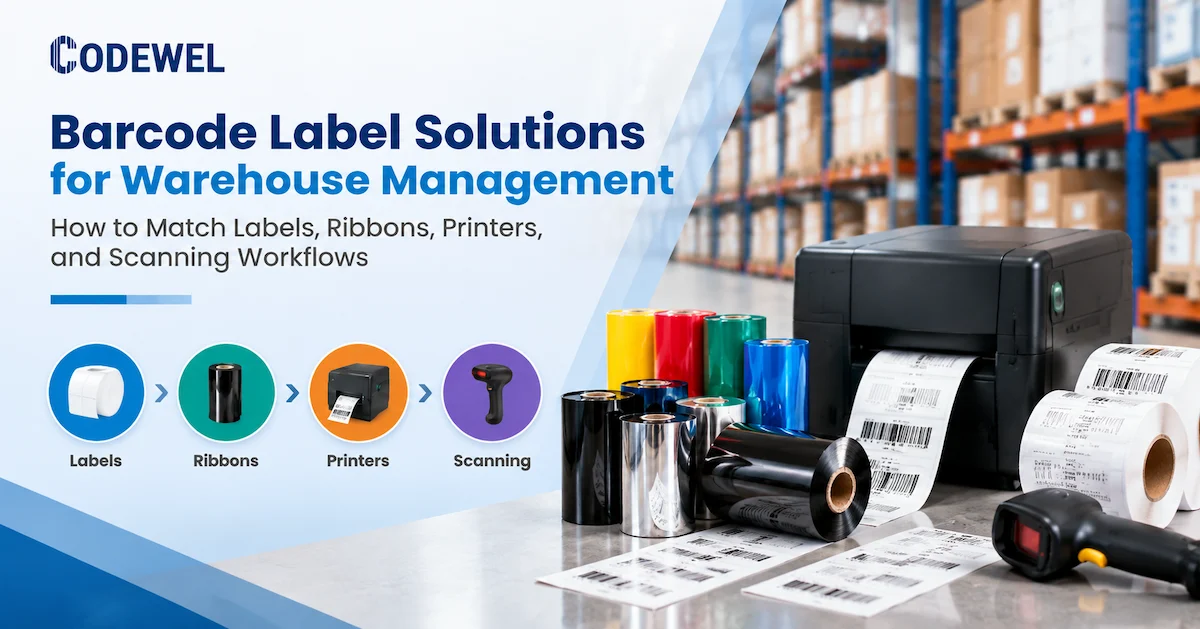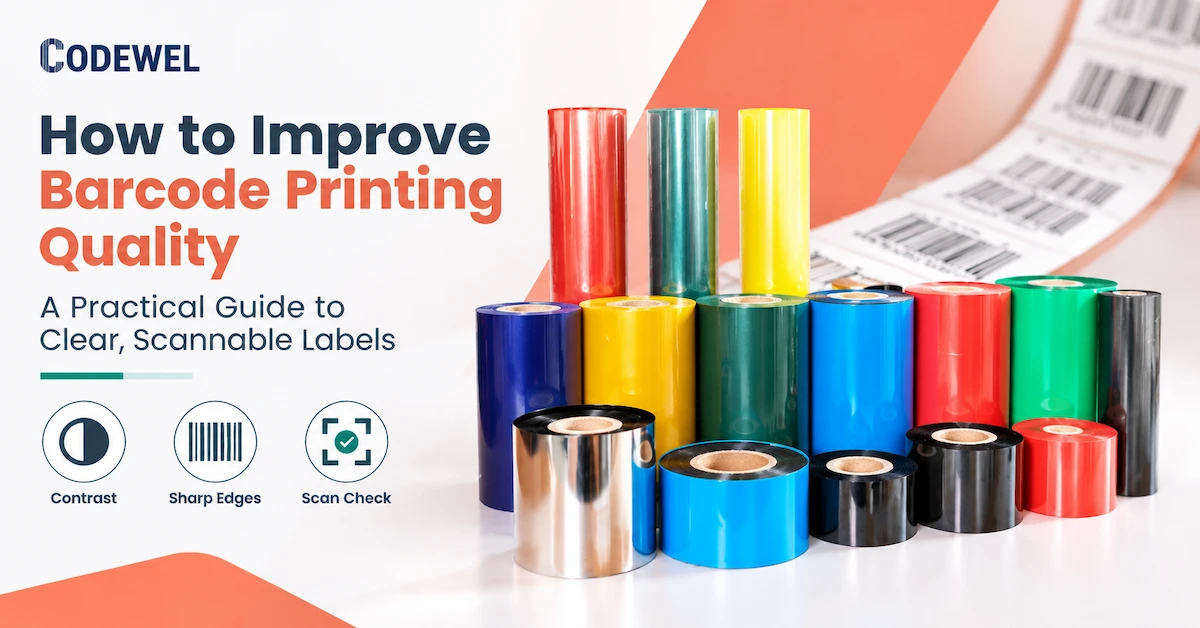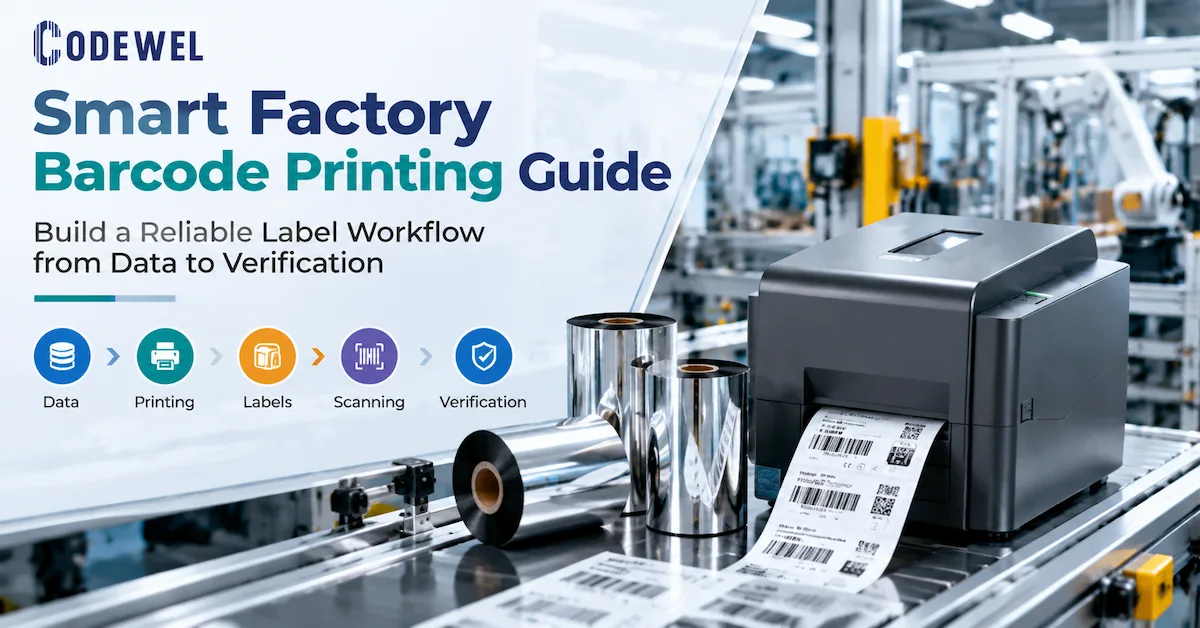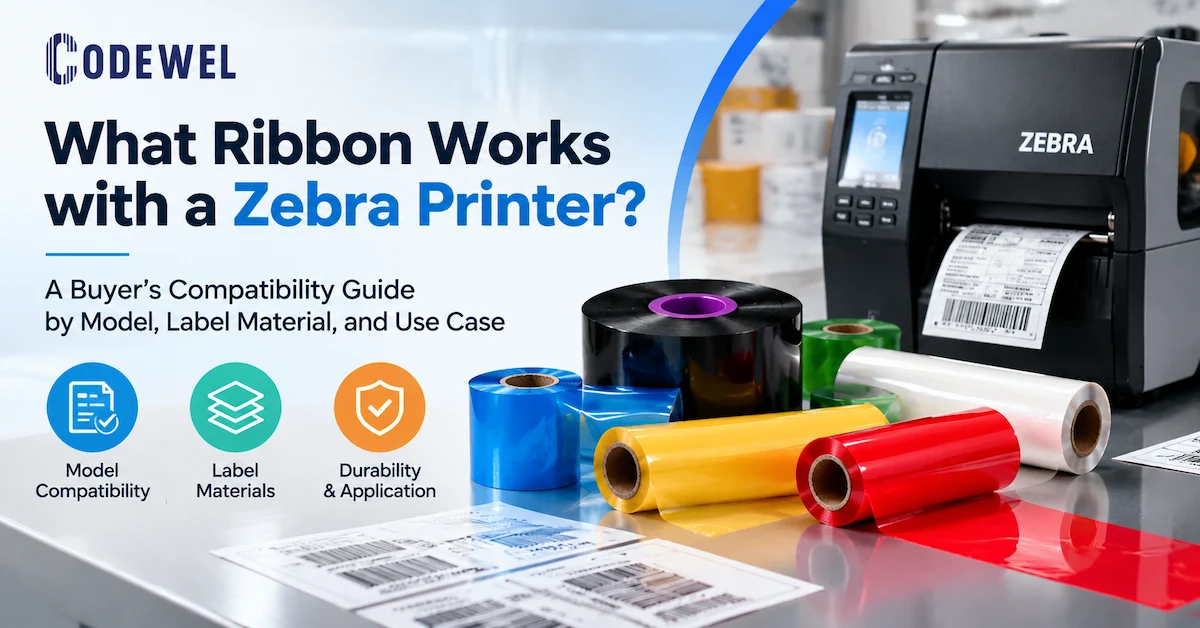

What should electronics barcode tracking solve?
A useful solution should answer a defined manufacturing question, not simply prove that a scanner was purchased. Incoming control may need to associate a supplier lot with an internal material ID. Surface-mount production may need to connect a PCB panel or board serial number with the work order and component lots. Functional test may need to store the test program, result, timestamp, fixture, and unit serial. Rework needs to preserve the original history while adding the defect, disposition, repair action, and retest result. Packing must prevent the wrong serial number from entering the wrong carton or customer order.
| Production point | Physical object | Record to capture | Control objective |
|---|---|---|---|
| Receiving | Reel, tray, carton, component lot, bare PCB | Supplier ID, manufacturer part number, lot/date code, quantity, receipt, inspection status | Prevent unapproved or unidentified material from entering production |
| Material issue | Component reel, feeder load, kit, work order | Issued lot, line, machine, work order, time, operator or automated event | Connect consumed material to the correct build |
| Assembly | Panel, PCB, subassembly, device | Serial number, route, operation, equipment, completion status | Stop route skips, duplicate processing, and serial substitution |
| Inspection and test | PCB or finished unit | Inspection result, defect code, test program, measurement result, fixture, timestamp | Separate passed, failed, quarantined, and retest units |
| Rework | Failed or nonconforming unit | Failure, disposition, repair action, replaced component, approval, retest | Keep rework visible without deleting the original history |
| Packing and shipment | Unit, inner box, carton, pallet | Unit-to-pack relationship, customer order, carton ID, shipment ID | Prevent wrong-unit and wrong-customer packing errors |
The tracking design should begin with the investigation the business may need to perform. If the goal is component-lot containment, the system must record component consumption against the serialized assembly or a controlled batch. If the goal is warranty analysis, the device serial must connect to test, rework, configuration, packing, and shipment. If the goal is work-in-process control, each mandatory operation needs a scan or automated event that can be checked against the approved route.

Define the tracking boundary before buying hardware
“Full traceability” is too vague for an RFQ. A supplier cannot select a label, scanner, or printer until the buyer states what will be tracked and at what level. The boundary may be a supplier lot, component reel, PCB panel, individual PCB, subassembly, finished product, carton, or pallet. Tracking every resistor individually is rarely the same requirement as linking the resistor-reel lot to a PCB work order. The correct granularity follows risk, customer requirements, process capability, and the cost of data capture.
Choose unit, batch, or relationship tracking
Unit-level tracking assigns a unique identifier to each PCB, module, or device. It supports detailed history and individual containment but requires reliable serialization and scanning. Batch-level tracking associates a production lot with materials and process records; it may be sufficient where units are not individually serialized. Relationship tracking records parent-child links, such as PCB serial to housing serial, device serial to carton ID, or carton ID to pallet ID. Electronics factories often need all three at different points.
Document where identity is created, where it changes, and whether the original identifier remains visible after enclosure or conformal coating. If a temporary work-in-process label is replaced by a permanent product label, the system needs a controlled association between the two. Printing a new number without linking it to the old one creates a traceability gap even when both barcodes scan perfectly.
Assign ownership for the complete system
The database or MES team owns identifier generation, uniqueness rules, route logic, permissions, and record retention. Manufacturing engineering owns station design and process integration. Quality owns acceptance criteria, exceptions, verification, and change control. Operations owns execution and operator response. Procurement owns approved specifications and supplier continuity. The printing supplier should provide confirmed consumable, printer, printhead, and scanner information. A barcode tracking project becomes fragile when these responsibilities are hidden inside one general “label supplier” request.
Build an identifier that remains unique and usable
A barcode should encode a controlled identifier rather than an uncontrolled collection of descriptive text. The identifier can be a serial number, internal material number, lot number, or a structured data string defined by the company's system and customer requirements. Whatever format is chosen, the issuing system must prevent duplicates, control reprints, define leading zeros and check digits where applicable, and specify whether the barcode contains the full business data or only a key used to retrieve a record.
Long data strings increase symbol size or density. On a small electronics label, that can force narrow bars or very small 2D modules that are more sensitive to printer resolution, contrast, damage, and scanner optics. Use only the data required at the point of use. Information that belongs in the MES can remain in the database while the label carries a stable key. Human-readable text should support operators without turning the label into an unreadable miniature report.
Control serial-number creation and reprinting
- Generate identifiers from one controlled service or clearly partitioned number ranges.
- Do not allow workstations to create local numbers during a network interruption unless reconciliation rules are defined.
- Log who requested a reprint, why it was needed, which printer produced it, and whether the original label was destroyed or retained.
- Mark voided, quarantined, and scrapped serials in the system rather than silently returning them to an available pool.
- Validate parent-child relationships before closing packing or assembly operations.
A reprint policy matters because two readable labels carrying the same serial can create a more serious problem than one unreadable label. When reprints are necessary, the workflow should preserve identity while preventing an extra physical copy from entering production.
Select the barcode type around the workstation
One-dimensional codes are efficient when the data is short and the label has enough horizontal space. Two-dimensional codes can hold more data in a compact area, which is useful for small PCBs and components, but the printed modules may be finer and more sensitive to resolution and damage. The choice should follow the customer specification, available label area, data length, scanner capability, and required read distance. A 2D code is not automatically superior if the production scanners, verification method, or customer systems do not support it.
Test the smallest production code, not a large demonstration symbol. Include the longest valid data value, minimum quiet zone, final label material, intended print direction, and actual scanner. If the code is printed near an edge, connector, screw, curve, or reflective surface, test it after application. A label that verifies flat on the desk may scan differently after it is wrapped around a cable, placed on a textured housing, or partially shadowed by a component.
Match the label construction to electronics exposure
Electronics manufacturing can expose labels to abrasion, alcohol wiping, oils, heat, flux residue, cleaning agents, conformal-coating overspray, static-control handling, repeated scanning, and long storage. The label face, adhesive, and printed image must be qualified together. A high-resistance ribbon cannot compensate for an adhesive that lifts from a low-energy plastic, and a strong adhesive cannot correct a barcode that smears during handling.
| Application | Likely label challenge | Printing direction to evaluate | Required test |
|---|---|---|---|
| PCB or small module identification | Very limited area, fine code, heat or process exposure | Synthetic label with wax-resin or resin; higher DPI where module size requires it | Print verification, application fit, process exposure, final scan |
| Component reel or tray | Frequent handling, relabeling, supplier and internal IDs | Paper or synthetic label according to life and surface | Adhesion, abrasion, scanner angle, duplicate-label control |
| Device housing or nameplate | Long service life, cleaning, abrasion, curved or textured surface | Durable synthetic label and resin candidate | Surface bond, rub, cleaner contact, aging, readability |
| Work-in-process traveler | Shorter life but repeated handling and station scans | Paper or coated material with wax or wax-resin as justified | Handling, smudge, scan rate, removal or disposal control |
| Carton and finished-goods label | Data accuracy, packing relationship, transport handling | Paper or synthetic construction based on route and customer requirement | Unit-to-carton validation, rub, moisture, final outbound scan |
Direct thermal media may be suitable for short-life paperwork or temporary labels in controlled conditions, but electronics identification often justifies evaluating thermal transfer where the image must remain stable longer or resist handling. The decision should be based on service life and exposure, not on the assumption that every electronics label needs the strongest resin formulation.
Compare ribbon formulations using verified product evidence
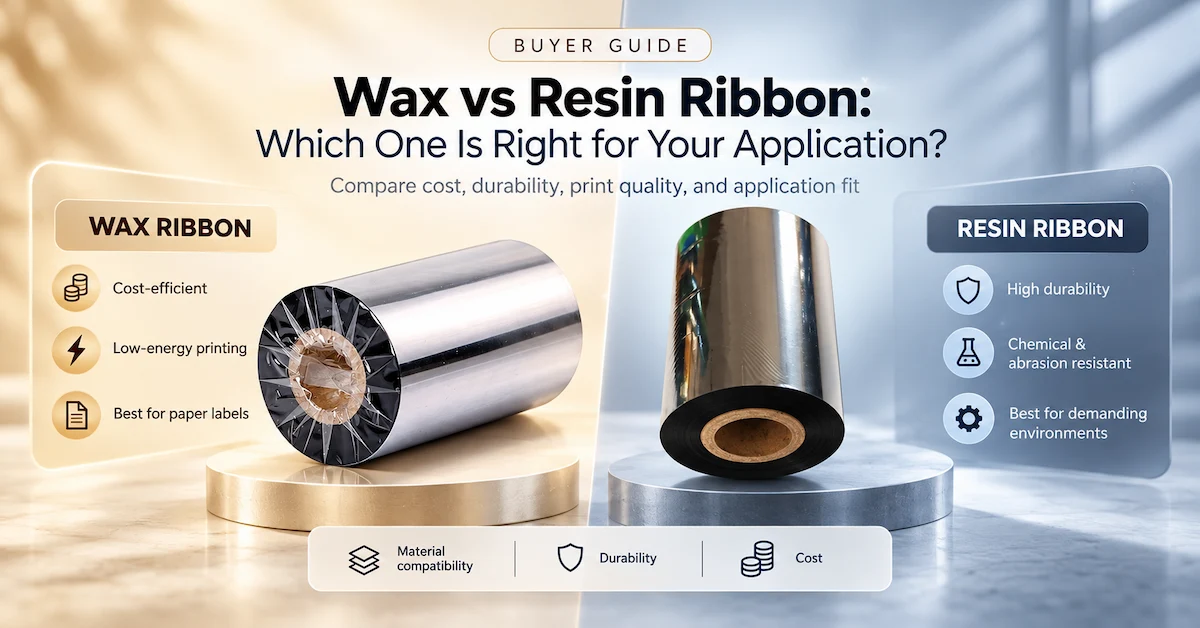
Codewel publishes several formulations that can serve as test candidates. The product record for CW637 super wax-resin ribbon explicitly lists electronics and asset-management applications. Its published fields include an 80 C ink melting point, color density of at least 1.9, 2-6 IPS printing speed, 80 C heat resistance, scratch resistance listed at 80, and solvent resistance listed at 60. The page also lists black or custom color, ink side in or out, 1/2-inch, 1-inch, or customized cores, and multiple standard or customized widths and lengths.
For higher-resistance evaluation, Codewel's CW745 premium resin ribbon page names electronics, electrical appliances, and equipment among its applications. It publishes a 100 +/- 3 C ink melting point, color density of at least 2.01, a 0-6 IPS range, 200 C heat resistance, and scratch and solvent resistance values listed at 100. These are supplier-published product fields, not universal guarantees for every PET, polyimide, PP, or other synthetic label. The final combination must be tested on the buyer's actual substrate and printer.
Where alcohol, oil, or solvent exposure is central, the CW730 premium resin ribbon page describes high-definition printing and resistance to alcohol, oil, and solvents. It lists a 95 C ink melting point, 0-8 IPS printing speed, 200 C heat resistance, scratch resistance at 100, and solvent resistance at 70. CW730 and CW745 should therefore be treated as separate candidates for a controlled sample matrix, not as interchangeable products chosen only by the word “resin.”
| Codewel candidate | Published product direction | Electronics use to evaluate | Buyer must confirm |
|---|---|---|---|
| CW637 | Super wax-resin; electronics and asset-management use listed | Coated or synthetic labels requiring balanced print quality and handling resistance | Substrate, required resistance, speed, energy, ribbon dimensions, scan result |
| CW745 | Premium resin; electronics, appliances, and equipment listed | Durable device, component, electrical, or industrial identification | Actual chemical contact, temperature, abrasion, label bond, print window |
| CW730 | Premium full resin; alcohol, oil, and solvent resistance described | Labels facing defined cleaner, oil, or chemical contact | Exact substance, concentration, contact time, wipe method, post-test readability |
The correct ribbon is the least complex formulation that passes the required print, durability, and scanning tests at a stable setting. Using more heat than necessary may widen bars, increase residue, stick the ribbon, or add thermal load to the printhead. A product with stronger published resistance is not automatically more economical if a wax-resin candidate already passes the real process.
Choose printer resolution from the smallest printed element
PCB barcode labels and other electronics labels can contain small 2D codes, fine one-dimensional bars, microtext, serial numbers, compliance marks, and compact layouts. Resolution must be selected using the smallest module and text that production must print, not a general preference for a higher number. A 203 DPI printer may be sufficient for larger carton or work-order labels. A 300 DPI printer can support finer barcodes and text. A 600 DPI configuration may be appropriate for very small electronics or component labels, but only when the printer, printhead, artwork, speed, and media are designed for it.
Codewel's original TSC TX600 printhead page identifies model TX600, 600 DPI, original status, and part number 98-0530014-31LF. Its FAQ describes 600 DPI as a direction for high-precision images and microtext such as electronic-component labels. This does not mean that replacing a lower-resolution printhead upgrades an existing printer. Model, DPI, electronics, firmware, mounting, connector, and part number must all match the intended printer configuration.
Control the print window instead of maximizing darkness
Approve a range of speed and energy settings that produces stable contrast and geometry. Too little energy can leave voids or incomplete modules. Too much can cause bar growth, fill small spaces, smear edges, or stress the printhead. Run the smallest production code across the label width and over a representative print batch. If the acceptable window is extremely narrow, investigate the ribbon, label coating, pressure, resolution, or design before release.
Maintenance is part of tracking reliability. Dust, adhesive, coating residue, and a worn platen can create repeating voids that make a serial unreadable. Clean according to the exact printer manufacturer's instructions and record maintenance events at critical stations. When a line appears at the same position on every label, isolate contamination, pressure, ribbon wrinkle, platen condition, and printhead damage before replacing parts.
Place scanners at process decisions
Scanning every possible object can add delay without adding control. Place scans where the result changes a decision: accept or quarantine incoming material, authorize a feeder load, confirm a route step, bind a test result, release rework, or close a carton. A station should display a clear pass, reject, duplicate, wrong-route, or unknown-code response. An audible beep without transaction validation is not proof that the correct record was updated.
Choose scanners according to the barcode type, module size, read distance, presentation, lighting, reflectivity, and environment. Codewel's product structure includes 1D and 2D barcode scanner categories, but model-level performance must be confirmed for the actual symbol and station. A handheld scanner may fit rework or low-volume inspection; a fixed scanner may be preferable where the object position and cycle are controlled. Mobile devices may support warehouse and line-side tasks, but their software integration remains a separate requirement.
Use poka-yoke logic at the scan event
- Reject a component lot that is not approved for the work order or product revision.
- Reject a PCB serial that has already passed the same non-repeatable operation.
- Prevent a failed or quarantined unit from entering packing.
- Require a recorded rework disposition before retest.
- Verify every unit-to-carton relationship before the carton label is finalized.
- Log overrides with user, reason, time, and affected serials.
These controls are implemented in the customer's MES, ERP, label software, middleware, or custom application. The printer and scanner execute the physical transaction, but the business system decides whether the event is valid.
Validate the complete print-and-track chain
A scanner reading one fresh label is not a complete approval. Validation should demonstrate data correctness, print quality, application, durability, station behavior, system response, and record retrieval. Use the actual production printer, label, ribbon, scanner, software template, data source, and operating environment. Include normal, boundary, and failure cases.
| Validation layer | Test question | Evidence to retain |
|---|---|---|
| Identifier | Are numbers unique, correctly formatted, and protected against uncontrolled reprints? | Number rule, duplicate test, reprint log, sample records |
| Artwork | Does the smallest and longest code fit with the required quiet zone and readable text? | Approved template revision and boundary samples |
| Does the label meet contrast and geometry requirements across the approved setting window? | Printer, DPI, ribbon, label lot, settings, verifier or scanner result | |
| Durability | Does the image and label remain usable after the defined process exposure? | Test method, exposure, duration, before/after result |
| Station logic | Does the system reject wrong, duplicate, failed, and out-of-route scans? | Challenge-test record and screen response |
| Trace retrieval | Can a user retrieve material, process, test, rework, and shipment records from the serial? | Completed trace report for representative units |
Where formal barcode quality is required, define whether the acceptance uses a verifier and the applicable symbol-quality method rather than relying on an ordinary scanner. A production scanner only shows that one reader decoded the symbol under one condition. The acceptance plan should state the minimum result, sample frequency, calibration responsibility, reaction plan, and record retention.
Protect traceability through change control
Once approved, record the exact label material, adhesive, ribbon model, dimensions, core, ink side, printer, DPI, driver or firmware context where relevant, settings, template revision, scanner, and acceptance method. A substitution that looks equivalent can alter transfer energy, edge definition, resistance, or adhesion. Procurement should not accept a new ribbon or label construction on price alone when it becomes part of the traceability control.
Use incoming checks for critical consumables and retain an approved sample. If a later lot behaves differently, compare it with the baseline before changing printer settings across the factory. Track reprint rate, unreadable-code rate, first-pass scan rate, consumable changes, printhead defects, and downtime by station. These measures show whether the problem is data, artwork, material, equipment, maintenance, or operator handling.
Evaluate the supplier as part of production risk
Hangzhou Codewel New Materials Co., Ltd. states that it was established in January 2018 and operates from Hangzhou, China. Its current About page describes barcode labels, thermal transfer ribbons, printers, printheads, and barcode scanners among its business areas and lists electronics and electrical appliances among the industries served. The page also states that its ribbon operation includes more than 10 coating and cutting lines, a production base exceeding 6,000 square meters, annual output above 100 million square meters, and exports to more than 100 countries.
Those company-level statements support manufacturer identity and production context; they do not guarantee stock, MOQ, lead time, price, or test performance for a specific electronics label. An RFQ should request order-specific confirmation and a sample based on the real printer, label, symbol, and exposure. Buyers comparing suppliers can also use Codewel's industrial thermal transfer ribbon supplier guide and barcode printing supplies guide to structure a technical review.
Supplier approval questions
- Which exact ribbon model is proposed, and why does it fit the label material and exposure?
- What dimensions, core, ink side, winding, color, and packaging will be supplied?
- Which technical fields are published, and which performance claims require customer testing?
- How are coating, slitting, labeling, packaging, and lot identity controlled?
- What sample quantity, MOQ, price basis, production lead time, and shipping terms apply to this order?
- How will a material or process change be communicated before repeat orders?
- What information is needed to confirm printer, printhead, ribbon, and label compatibility?
- How will nonconforming material, replacement, and technical support be handled?
Calculate cost by traceable output, not by roll
A lower-priced ribbon can be expensive if it narrows the print window, increases unreadable codes, or forces frequent relabeling. A premium resin can also be wasteful if a wax-resin product passes every required test. Compare cost per accepted and traceable unit. Include the labor required to investigate duplicate serials, missing scans, wrong carton relationships, and unreadable field returns. Those failures often cost more than the printed label itself.
Implementation plan for one controlled production line
- Define the containment, process-control, or warranty question the system must answer.
- Map objects, identifiers, parent-child relationships, and required production events.
- Assign ownership across IT, manufacturing engineering, quality, operations, and procurement.
- Design the identifier and barcode around the smallest label and actual scanners.
- Select the label face, adhesive, ribbon candidate, printer, and DPI from real exposure and module size.
- Build station logic for valid, invalid, duplicate, wrong-route, failed, and override cases.
- Validate data, print, durability, scanning, system response, and trace retrieval.
- Release approved SKUs, settings, templates, maintenance instructions, and reprint controls.
- Pilot one representative line and measure scan failures, reprints, exceptions, and downtime.
- Scale only after the pilot demonstrates a complete, retrievable history under production conditions.
What to include in an electronics tracking RFQ
Send the supplier enough detail to select and test the physical identification layer: object to be labeled; label dimensions and available area; surface material and geometry; permanent or removable adhesive requirement; barcode type, data length, smallest module, and human-readable text; required label life; printer brand, model, DPI, print width, ribbon core, ink side, width, and length; daily and peak print volume; scanner type and distance; process temperature; abrasion; alcohol, oil, solvent, cleaner, or other contact; expected sample quantity; monthly or annual demand; packaging; destination; and the acceptance tests that must pass.
Ask separately for current availability, sample terms, MOQ, lead time, price, warranty, and change-notification process. Do not copy generic shipping or lead-time statements from a product page into a production contract without order confirmation.
Frequently Asked Questions
What is a barcode tracking solution for electronics manufacturing?
It is a controlled system that links physical identifiers on components, PCBs, assemblies, devices, cartons, or pallets with digital records for material, process, inspection, test, rework, packing, and shipment. Labels, printers, ribbons, and scanners form the physical layer; MES, ERP, databases, and integration logic manage the records and transaction rules.
Should electronics manufacturers use 1D or 2D barcodes?
Choose from data length, available area, customer requirements, read distance, scanner support, and minimum printable module. A 1D code can be efficient for short serials with enough width. A 2D code can fit more data into a smaller area but may require finer printing and more careful verification.
Which ribbon is suitable for PCB and electronics labels?
Start with the actual label material and exposure. Codewel publishes CW637 wax-resin for electronics and asset-management applications and CW745 resin for electronics, appliances, and equipment. CW730 is another resin candidate where defined alcohol, oil, or solvent contact matters. Test the selected ribbon on the actual substrate and printer.
Is 600 DPI always required for electronics labels?
No. Use the lowest resolution that reliably prints the smallest required module and text. Larger work-order and carton labels may work at 203 DPI, finer labels may need 300 DPI, and very small component or microtext applications may justify 600 DPI. The complete printer configuration must support the selected resolution.
How should we validate chemical resistance?
Define the exact chemical or cleaner, concentration, contact method, duration, temperature, number of wipes or cycles, and post-exposure acceptance. Test the printed label after application to the real surface. A general solvent-resistance value does not prove resistance to every substance or process.
How do we prevent duplicate serial labels?
Generate identifiers from a controlled service, restrict reprint permissions, log every reprint and reason, reconcile offline production, void invalid serials, and require destruction or controlled handling of replaced labels. The system should also reject duplicate transactions at non-repeatable operations.
Can Codewel provide the complete MES tracking system?
The verified Codewel site establishes a portfolio of labels, ribbons, printers, printheads, scanners, and related supplies. It does not establish a complete MES platform. Buyers should define software, database, API, middleware, validation, and system-integration responsibilities separately.
What evidence should be retained after approval?
Retain the approved label and ribbon specifications, printer and DPI, settings, template revision, scanner, verification result, durability method, representative samples, supplier lot, change-control record, and trace-retrieval test. This baseline helps diagnose later variation without uncontrolled setting changes.
What information should we send for a quotation?
Provide the label surface and size, barcode design, printer and DPI, ribbon dimensions and winding, service environment, required durability, print volume, scanner, sample requirement, demand, destination, and acceptance method. Request current MOQ, sample terms, lead time, price, packaging, and availability for the exact configuration.
Conclusion
Barcode tracking solutions for electronics manufacturing succeed when identity, print durability, scan control, and production records are designed as one system. Start with the business question and tracking boundary, create controlled identifiers, map every required relationship and event, then select the label, ribbon, printer resolution, and scanner for the smallest code and harshest real exposure. Validate wrong-route, duplicate, failed, rework, and packing cases as carefully as normal production.
Codewel provides a relevant physical-layer portfolio and publishes electronics-oriented candidates including CW637 wax-resin and CW745 resin ribbon, together with printers, printheads, scanners, and related supplies. A buyer should still confirm each order's compatibility, current availability, sample plan, MOQ, lead time, and commercial terms. Send the actual label, printer, symbol, exposure, and volume so the proposed material can be tested against the production requirement rather than selected from a generic application name.