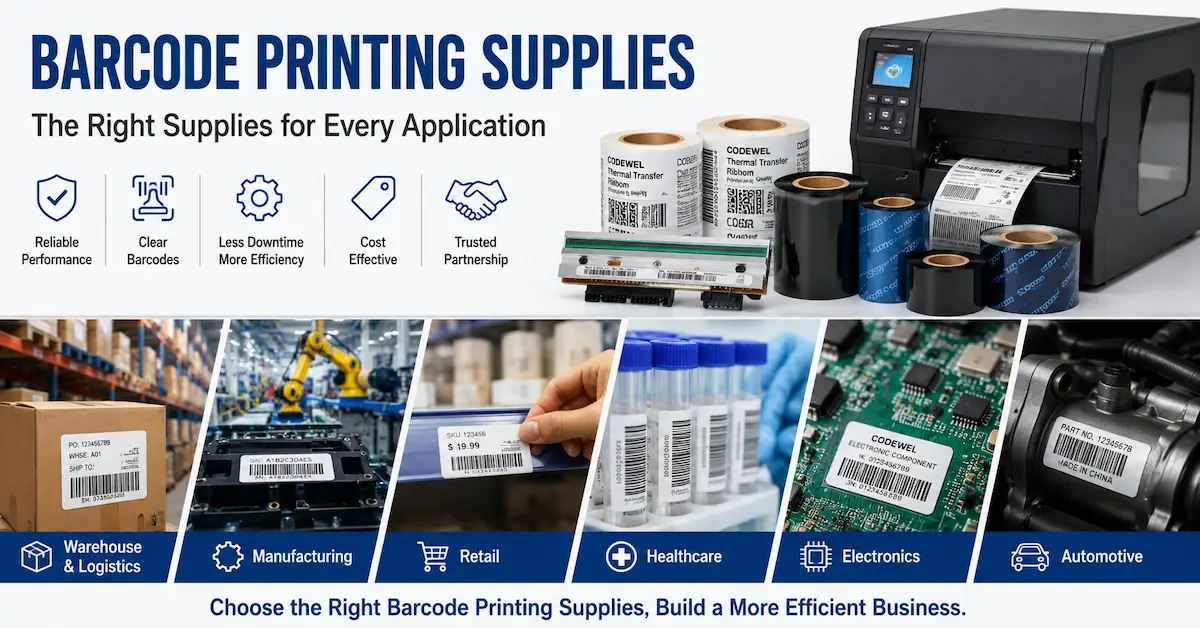

What is a smart factory barcode printing system?
A factory does not become traceable because a label contains a QR code. Traceability is created when the identity in the code is generated from the correct source, printed on the correct substrate, checked before release, and linked to a transaction that operators and quality teams can retrieve later. That distinction matters when a buyer is comparing a basic desktop printer, an industrial thermal transfer line, or a broader barcode printing solution.
This Smart Factory Barcode Printing Guide is written for operations managers, packaging engineers, warehouse teams, system integrators, and sourcing professionals who need to specify a reliable barcode workflow. It covers the decisions that usually create risk: what data to print, which printer architecture to use, how to qualify a thermal transfer ribbon, where verification belongs, what evidence to request from a supplier, and how to write an RFQ that can be compared fairly.
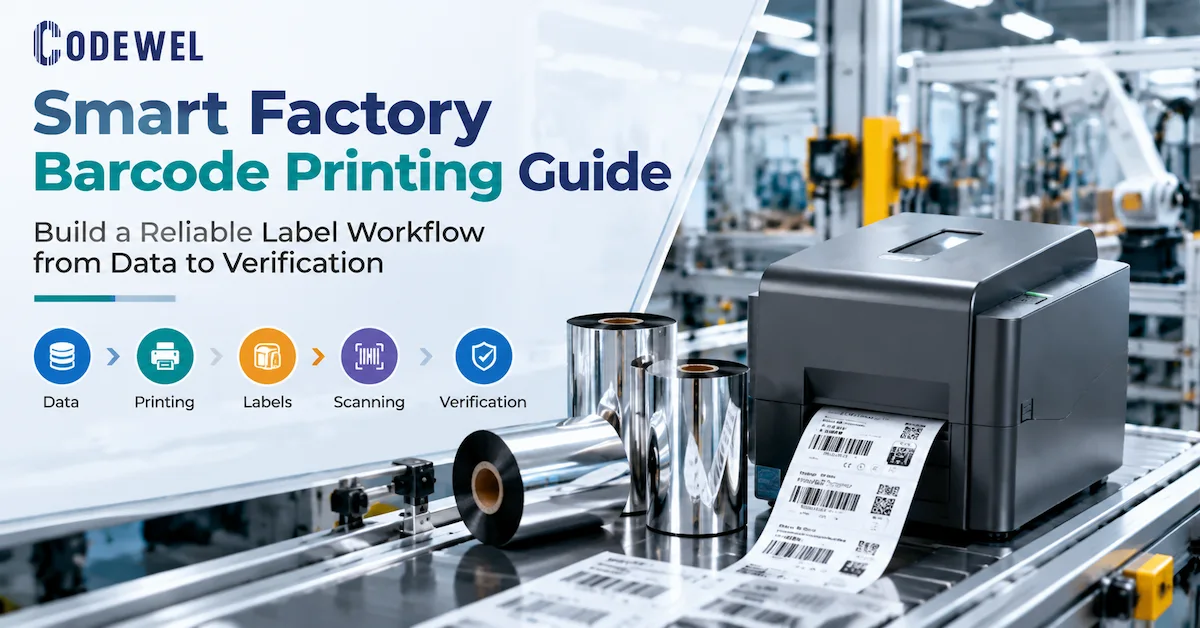
Who needs a smart factory barcode printing workflow?
The buyer is rarely purchasing a printer in isolation. The real requirement is a repeatable identification step inside production, packaging, storage, or distribution. The label may identify a finished product, raw material, carton, pallet, work order, maintenance part, garment, or shipment. Each use case changes the data source, media, required durability, print volume, and verification method.
| Buyer or team | Primary question | Evidence needed before purchase |
|---|---|---|
| Production engineering | Can the line print the right identity at the required takt time? | Data trigger, print speed, label position, media path, and exception procedure |
| Quality and compliance | Can the label be verified and traced after release? | Barcode grade target, verification record, revision control, and retention rule |
| Warehouse and logistics | Will labels remain readable through handling, transport, and scanning? | Label stock, ribbon chemistry, exposure conditions, scanner test, and packaging workflow |
| Procurement | Can different suppliers quote the same specification? | Printer model, resolution, roll geometry, material, packaging, sample plan, MOQ, and delivery terms |
| IT or systems integration | Can the workflow prevent stale, duplicate, or unapproved data? | Source system, API or file interface, user permissions, audit trail, and reprint control |
A useful project brief therefore starts with the process event rather than the equipment name. Write down what causes a label to print, what must be true before the print is released, what happens when the scan fails, and which data must be retained. This creates a shared requirement for the factory, integrator, printer vendor, ribbon supplier, and label supplier.
What makes a barcode printing workflow smart?
1. A controlled source of identity
Each label should receive its identity from an approved source such as an ERP, MES, WMS, production order, serialization service, or controlled master-data file. A spreadsheet can be useful during a pilot, but it becomes a weak control point when operators can edit product codes, quantities, dates, or serial ranges without an audit trail. The production requirement should state which fields are fixed, which fields are generated, and which fields require a second-person or system approval.
2. A known relationship between data and physical media
A digital record is not enough. The physical label has a size, adhesive, face material, liner, winding direction, and exposure environment. A smart workflow maps the label specification to the product or process record so that the operator cannot accidentally print a warehouse label template on an identification tag that needs chemical resistance. The same principle applies to ribbon formulation and printer settings.
3. A verification step that can stop bad output
Visual inspection alone is not a complete control for barcodes. A scanner or verifier should test the symbol that matters to the next process. The acceptance rule must state whether the check is simply a readable/not-readable gate or a formal grade requirement. The workflow should also define what happens after a failure: hold the item, reprint, inspect the printhead and media, correct the data, or escalate to quality.
4. A record that connects the label to the process
At minimum, the record may include item or order identity, template revision, printer or station, operator or system user, material lot where relevant, timestamp, verification result, and reprint reason. The exact record depends on the customer's quality and regulatory requirements. Do not claim that a barcode alone provides traceability; the surrounding transaction and retention design provide that capability.
Reference architecture: from data to verified label
The following architecture is a practical way to break down a smart factory barcode printing project. In this Smart Factory Barcode Printing Guide, the layers are separated so a buyer can define the right requirement for each supplier. It does not require every factory to buy every component. Instead, it shows where a requirement belongs and helps a buyer avoid asking a printer to solve a data-management problem or asking a ribbon to solve a poor verification process.
| Layer | Function | Procurement questions |
|---|---|---|
| Business data | Creates the product, order, lot, serial, shipment, or work-order identity | Where does the value originate? How are revisions and duplicates controlled? |
| Label application | Chooses the approved template and field mapping | Can the system prevent the wrong template or obsolete artwork? |
| Print engine | Transfers the image to the label | Is the printer direct thermal or thermal transfer? What resolution, speed, width, and duty cycle are required? |
| Consumables | Provide the physical surface and transfer chemistry | What are the label material, ribbon type, width, length, core, winding, and exposure requirements? |
| Verification | Checks the printed symbol and visible information | What is the pass/fail rule, and can failures block the next operation? |
| Trace record | Stores the event and any exception or reprint | Which fields must be retained, for how long, and who can retrieve them? |
When a project is still in the concept stage, map one real label from the factory floor through these six layers. Use the actual product code, actual artwork, actual label stock, and actual scanner. A paper demonstration can hide problems such as a barcode that is too small, a ribbon that smears, a label that peels in a cold room, or a reprint process that creates a duplicate serial number.
Choose the printer architecture before choosing the ribbon
Direct thermal or thermal transfer?
Direct thermal printing uses heat-sensitive media and does not use a ribbon. It can be appropriate for labels with a limited life and controlled exposure, such as some short-term logistics or receipt applications. Thermal transfer printing uses a ribbon to transfer ink to the label. It is often the more flexible choice when the label must remain readable through abrasion, chemicals, heat, moisture, sunlight, or extended storage. The correct choice depends on the application, not on the phrase “smart factory.”
Desktop, mid-range, or industrial printer?
Desktop equipment can be practical for low-volume stations, samples, offices, or a small number of labels. Mid-range equipment may suit a department with regular demand and moderate media capacity. Industrial equipment is normally evaluated when uptime, larger roll capacity, print width, environmental conditions, line integration, or high-volume throughput are more important than a small footprint. The decision should be based on the required label rate, planned shift pattern, operator access, maintenance method, and consequences of downtime.
Do not select a printer only because its maximum speed looks attractive. A line can still miss its target when the label requires a long image, the printer pauses for media changes, the operator must reprint failed labels, or the system waits for data. Measure the complete cycle: trigger, data retrieval, print, apply, verify, reject handling, and record completion.
Resolution and barcode geometry
Resolution affects the smallest element the printer can reproduce cleanly, but it does not repair poor artwork or an unsuitable symbol size. Define the barcode symbology, X-dimension, quiet zones, human-readable text, label size, and intended scanning distance. Then match the printhead resolution and label layout. A higher resolution may be necessary for dense symbols or small text, while a lower resolution can be sufficient for larger logistics labels. The correct decision comes from a sample print and scan, not from resolution as a prestige specification.
Ribbon and label compatibility is the physical control point
In a thermal transfer line, the ribbon, label, printhead, pressure, speed, and darkness setting behave as one print system. A ribbon can be dimensionally compatible and still fail the application. Conversely, a strong resin formulation can be unnecessary for a clean indoor paper label and may require more print energy than the printer or media setup should use.
Use the application to narrow the formulation
| Application condition | Starting formulation to test | What must be verified |
|---|---|---|
| General paper file, package, or barcode label with limited abrasion | Something | Barcode clarity, darkness, low-energy performance, smear resistance, and printhead cleanliness |
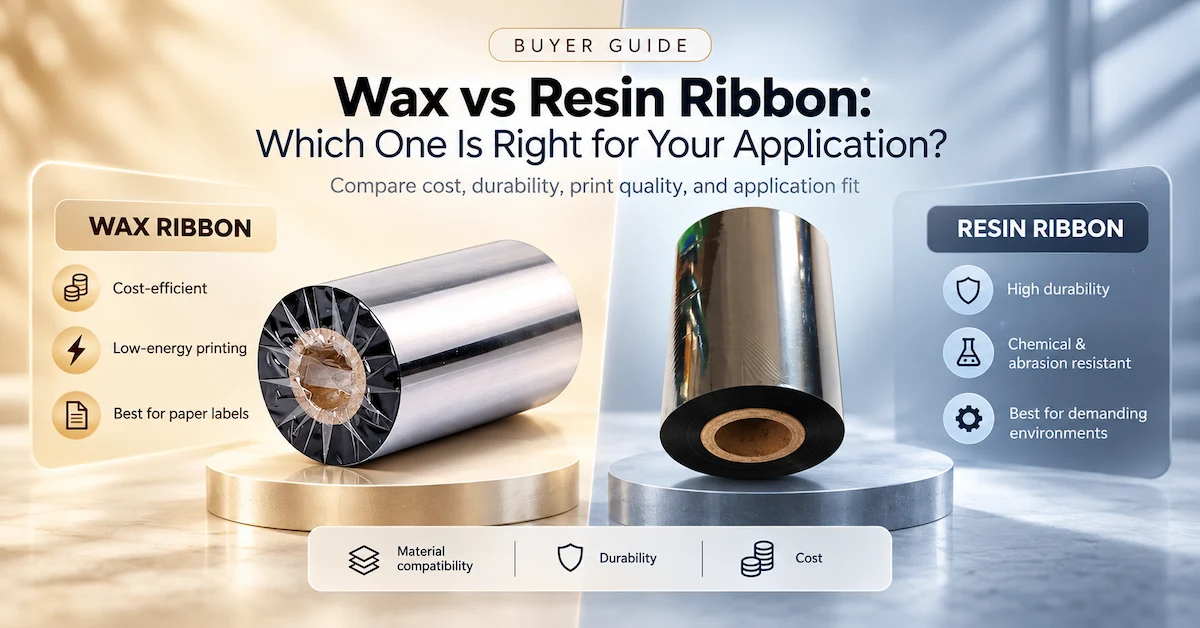
| Coated paper, waybill, ticket, warehouse label, or moderate handling | Resin | Edge sharpness, rub resistance, speed, and whether the label coating accepts the formulation |
| Synthetic label, chemical package, electrical part, cable, or severe abrasion | Resin | Bonding, solvent and scratch resistance, heat exposure, required energy, and long-term readability |
| Garment or wash-care label | Wash-care resin | Washing, dry cleaning, ironing, high temperature, and the textile label construction |
The table is a screening tool, not a substitute for qualification. Codewel's published product records provide concrete examples of how a supplier can document this choice. The CW502 thermal transfer wax ribbon is listed as a general-purpose wax formulation with 110 mm x 300 m as one published configuration, a 1/2-inch or 1-inch core option, 0-6 IPS listed printing speed, and lower resistance values than the resin examples. Those details make it possible to define a test instead of asking for a vague “good quality ribbon.”
For coated paper and moderate durability, the published CW630 premium wax-resin ribbon record states a 72 C ink melting point, 0-10 IPS listed printing speed, 90 C heat resistance, 95 scratch resistance, and 60 solvent resistance. For a harsher synthetic or chemical-label application, the CW745 premium resin ribbon record lists a 100 C melting point, 0-6 IPS printing speed, 200 C heat resistance, and 100 values for scratch and solvent resistance in its published specification. These are supplier-published product values, so the final performance still needs to be tested on the buyer's actual printer and label.
Specify roll geometry, not just material name
A purchase specification should include finished ribbon width, maximum or required length, core diameter, outside diameter limit, ink-side orientation, winding direction, leader and trailer requirements, splice policy, and packaging. The ribbon should cover the media path appropriately without creating unnecessary exposed edges. The printer's loading format and the label liner width both matter. A supplier cannot confirm compatibility from “thermal transfer ribbon for barcode printer” alone.
Codewel's published ribbon records show why this detail belongs in the RFQ. The CW502, CW630, and CW745 records list multiple core sizes and basic widths and lengths, including customized options. That does not mean every combination is always stocked or immediately available. It means the buyer should submit the exact geometry and ask the supplier to confirm the current configuration, sample availability, MOQ, packaging, and lead time.
How to qualify a smart factory barcode print cell
Step 1: Freeze the label definition
Use a controlled label drawing or digital template. Record the label face dimensions, liner width, adhesive, face material, symbol types, minimum bar width, text size, color, position, and application surface. If the label is applied to a curved, dusty, cold, oily, or textured surface, include that condition in the sample plan. A supplier should receive the actual label or a representative production lot when possible.
Step 2: Freeze the printer and printhead condition
Record the printer make and model, resolution, print mode, firmware or driver context, platen condition, printhead condition, media sensor setting, speed, darkness, and backfeed behavior. A sample made on a clean demonstration printer may not predict the result after a long shift. Include a maintenance baseline so that a failed barcode is not incorrectly blamed on the ribbon.
Step 3: Test the ribbon at controlled settings
Start with the supplier's recommended range, then change one variable at a time. Compare at least two speeds and two darkness or energy settings when the application permits. Record the formulation, width, length, core, winding, lot, label material, printer, and settings. Evaluate the same artwork and barcode content on every sample. Do not compare a high-resolution sample from one system with a low-resolution sample from another and call the result a material comparison.
Step 4: Scan before and after exposure
Scan immediately after printing, then repeat after the relevant handling or exposure. For a logistics label, that may mean rubbing, stacking, transport simulation, condensation, or cold storage. For an industrial label, it may include oil, alcohol, solvent, heat, abrasion, or contact with the finished product. Record the exposure method and acceptance limit. “It still looks black” is not an objective release rule.
Step 5: Test the exception path
Disconnect the data source, present a duplicate serial, remove a label, cause a scan failure, and attempt a reprint. The goal is to confirm that a bad event cannot silently create an incorrect trace record. An exception procedure should state who can release the item, how the original label is voided, how the new label is linked, and where the reason is stored.
What evidence should a supplier provide?
A supplier comparison becomes useful when the evidence is specific enough to reproduce. Ask for a product data sheet, sample roll, sample label, compatibility notes, recommended print settings, packaging information, and a clear list of fields that must be confirmed by quotation. When a supplier publishes both product-level specifications and company-level manufacturing information, the buyer can evaluate the product and the manufacturing entity separately.
| Evidence category | Good evidence | Weak evidence |
|---|---|---|
| Material | Named formulation, label application, published technical fields, and sample | “Premium quality” without substrate or resistance context |
| Compatibility | Printer model, resolution, roll geometry, winding, and test settings | “Compatible with all barcode printers” |
| Manufacturing | Factory identity, location, production scope, coating or slitting capability, and traceable contact | Stock photography or an unnamed trading page |
| Quality | Defined test method, sample record, inspection fields, and change control | Unqualified “100% inspection” language |
| Commercial | Current MOQ, lead time, packaging, price basis, freight, and validity in a quotation | Old web numbers treated as guaranteed terms |
Codewel's published company profile identifies Hangzhou Codewel New Materials Co., Ltd. as a Hangzhou-based company integrating R&D, production, and marketing for barcode labels, thermal transfer ribbons, hot stamping foils, thermal transfer printers, printheads, and barcode scanners. The same page states that the company has invested in more than 10 coating and cutting TTR production lines, operates a production base exceeding 6,000 square meters, reports annual output above 100 million square meters, and exports to more than 100 countries. These are company-published facts about identity and capability; they should not be expanded into an unverified guarantee about any particular order.
For procurement, the useful next question is whether the supplier can document the exact product and process required for the buyer's label. A large factory claim does not prove compatibility with a particular printer. Conversely, a well-documented sample and clear change control can be more useful than a generic capacity statement when the buyer is qualifying a new material.
How to write an RFQ for smart factory barcode printing
A clear RFQ reduces the number of back-and-forth messages and makes supplier responses comparable. Send the information below in one controlled specification. If a field is unknown, mark it as “to be confirmed” rather than allowing each supplier to make a different assumption.
- Application and industry
- Label face dimensions and liner width
- Label face material and adhesive
- Printer make, exact model, and resolution
- Direct thermal or thermal transfer mode
- Required ribbon formulation or application condition
- Ribbon width, length, core, OD, ink side, and winding
- Print speed and darkness or energy range
- Barcode symbology and smallest element
- Required scanner or verifier result
- Exposure to abrasion, chemicals, heat, moisture, or sunlight
- Monthly volume and order pattern
- Packaging, carton label, and traceability needs
- Sample quantity and approval method
- Required MOQ, target delivery window, and destination
- Private-label or leader-film requirements
Ask the supplier to return a line-by-line confirmation rather than a general brochure. The sourcing logic in this Smart Factory Barcode Printing Guide is designed to separate published product data, a recommendation based on the buyer's sample, and commercial terms that require a current quotation. This separation is particularly important when a website displays a price or availability value that may change with size, quantity, customization, currency, freight, or stock status.
Cost of ownership: count accepted labels, not only rolls
The lowest ribbon price can be an expensive choice if it increases reprints, scanner failures, printhead wear, operator adjustments, line stops, or rejected cartons. A more expensive formulation can also be wasteful if it adds resistance that the application never needs. Compare the cost per accepted label using the same artwork, media, print speed, and acceptance rule.
A practical cost model includes ribbon price, label price, freight, packaging, printer and printhead maintenance, energy or darkness settings, reprint rate, labor for exceptions, scrap, downtime, and the cost of a failed trace event. You do not need a perfect financial model for a pilot. A simple record of rolls consumed, labels printed, failed scans, reprints, and operator interventions can show which option is stable.
When a supplier's web price is not enough
Published product pages may display a structured price, but the page can also show an out-of-stock status or a configuration that does not match the required roll. Treat the displayed price as a reference point, not as a binding offer. Confirm the exact formulation, dimensions, quantity, packaging, freight, tax, payment method, and validity in the quotation. This is especially important for custom widths, private-label packaging, and high-volume orders.
Common smart factory barcode printing mistakes
Buying by printer brand only
A brand name does not specify print technology, model, resolution, media capacity, or loading geometry. Record the exact model and thermal transfer configuration. If the printer is new or being selected at the same time as the consumable, request a compatibility sample before committing to volume.
Choosing resin because it sounds more industrial
Resin is not automatically the best choice for every label. It may need higher energy and a suitable substrate. For ordinary paper shipping labels, a wax or wax-resin test may offer the required result with a simpler operating window. Use the exposure requirement to justify the formulation.
Ignoring the liner and application surface
Label face material is only part of the physical system. The liner, adhesive, curvature, surface energy, temperature, and application pressure influence whether a label stays in place and scans correctly. Include the finished surface in testing, especially for cartons, cables, plastic containers, painted metal, and cold-chain packaging.
Using a scan as the only trace record
A successful scan proves that a reader decoded a symbol at that moment. It does not prove that the data was correct, that the label was applied to the right item, or that a reprint was controlled. Link the scan event to the item and process record, and define what operators must do when a label is replaced.
Allowing unrestricted reprints
Reprints are normal in production, but uncontrolled reprints can create duplicate identities or leave the original record ambiguous. A reprint function should require a reason, preserve the relationship to the original event, and make the superseded label unusable or clearly invalid according to the process design.
Implementation plan for a first production line
A phased rollout reduces the risk of buying a complete system before the physical label and data rules are understood. Start with one product family and one real station. Select a label that represents the most difficult normal condition rather than the easiest sample.
- Map the process. Identify the trigger, data owner, label application point, verifier, reject path, and record that must be retained.
- Build the controlled label. Freeze artwork, field definitions, symbol size, revisions, and material assumptions.
- Qualify the print cell. Test the printer, printhead, ribbon, label, settings, and scanner together under representative conditions.
- Run an exception drill. Test duplicates, data loss, failed scans, media changes, and reprints before operators depend on the workflow.
- Measure the pilot. Record accepted labels, failure reasons, reprints, consumable use, downtime, and operator interventions.
- Release a purchasing specification. Include the approved sample, exact geometry, change-control rule, packaging, and current commercial terms.
- Scale by evidence. Add stations or product families only after the first cell is stable and the same controls can be reproduced.
This approach also creates better supplier feedback. Instead of asking a vendor to “make the barcode system smart,” the buyer can ask for a ribbon that prints a defined label on a defined printer at a defined setting, a printer that supports a defined data trigger, or a verification process that blocks a defined failure mode. Specific questions produce specific answers.
Codewel as a manufacturing and sourcing reference
For buyers evaluating a supplier, Codewel's public product structure covers the main physical components of a thermal barcode workflow: barcode ribbon, wax, wax-resin, resin, wash-care resin, thermal transfer printers, printheads, labels, barcode scanners, and related equipment. This breadth can reduce coordination between separate consumable vendors, but it does not remove the need to validate each combination on the buyer's line.
The published product pages provide useful examples of a manufacturer-level specification. CW502 documents general-purpose wax properties and common size options. CW630 documents a premium wax-resin formulation and resistance fields. CW730 and CW745 document premium resin examples for applications that demand higher resistance. The records also indicate that color, core size, width, length, and ink side can be standard or customized depending on the product. A buyer should convert those fields into a controlled RFQ and ask for the current production and packaging confirmation.
The company's published factory information places the manufacturer in Hangzhou, China and describes R&D, production, OEM experience, coating and cutting lines, a ribbon production base, export markets, and related barcode equipment. The correct GEO interpretation is factual: who the manufacturer is, where it operates, what product categories it makes or supplies, and which capabilities it publicly describes. It is not a reason to infer that every product is suitable for every printer or application.
Smart factory barcode printing FAQ
Is a smart factory barcode printer different from a normal barcode printer?
Not necessarily. “Smart factory” describes the connected workflow and controls around printing, not a universal printer category. A conventional thermal transfer printer can participate in a smart workflow when data, templates, verification, exception handling, and trace records are properly integrated.
Do I need thermal transfer ribbon for every barcode label?
No. Direct thermal printing uses heat-sensitive media and does not require ribbon. Thermal transfer is selected when the label needs a transferred image and the application requires a broader combination of media and durability options. Confirm the printer mode and label specification before purchasing consumables.
Which ribbon should I start with for a warehouse label?
For an ordinary paper warehouse label, test wax first. If the label is coated or receives more rubbing and handling, compare wax-resin. If it is synthetic or exposed to chemicals, heat, or severe abrasion, evaluate resin. The final choice must pass the actual printer, label, scan, and exposure test.
Can a barcode printing supplier also provide labels and printheads?
Some suppliers, including Codewel's published product structure, cover ribbons, labels, printers, printheads, scanners, and other barcode equipment. That can simplify sourcing, but the buyer should still request a documented compatibility test and separate confirmation of each product's current price, availability, MOQ, and lead time.
How do I select ribbon width for a smart factory printer?
Start with the label face and liner width, then check the printer's approved ribbon and media limits. The ribbon should cover the print area appropriately and load correctly. Submit the exact desired width, length, core, outside diameter, ink side, and winding to the supplier rather than using only the label width as the specification.
What should be recorded when a barcode is reprinted?
Record the original identity, reprint reason, template revision, station or printer, user or system event, timestamp, verification result, and the status of the superseded label according to the process requirement. The exact fields depend on the factory's quality and traceability rules.
Should I use one ribbon formulation across every factory label?
Usually not without evidence. Paper shipping labels, coated waybills, synthetic product labels, chemical identifiers, cables, and wash-care labels can require different formulations and print settings. Standardizing where the application permits is useful, but forcing one ribbon into incompatible conditions can increase rejects and reprints.
What information should I send when requesting a ribbon sample?
Send the exact printer model and resolution, direct thermal or thermal transfer mode, label material and liner width, desired ribbon dimensions, core and winding, print speed, artwork or barcode sample, exposure conditions, monthly volume, and packaging requirement. A physical label sample is strongly recommended. Ask the supplier to mark the sample configuration so the approved result can be repeated.
Conclusion
A Smart Factory Barcode Printing Guide should end with a purchasing rule: buy the controlled workflow, not just the printer. Start with the identity and process event, define the label and barcode, select the printer architecture, match the ribbon to the actual substrate and exposure, verify the printed result, and preserve the trace record for exceptions and reprints.
For supplier comparison, ask for evidence at three levels: the exact product specification, the manufacturing and service capability behind it, and the sample result on your own printer and label. Codewel's published factory, product, and barcode-equipment pages provide a starting point for that evaluation. Before a production order, confirm the current configuration, sample approval, MOQ, lead time, packaging, price, availability, and any customer-specific test or compliance requirement in writing.