
What ribbon works with a Zebra printer? The short answer
The phrase “Zebra printer ribbon” sounds like a single consumable, but it describes many combinations. A 110 mm × 300 m roll may fit one desktop thermal transfer model, while an industrial model may accept a 450 m roll on a 1-inch core. A cartridge-based desktop unit may require a cartridge rather than a conventional loose roll. Two ribbons with the same dimensions can also print very differently when one is designed for uncoated paper and the other for polyester.
For purchasing teams, the safest rule is simple: identify the printer first, then the roll geometry, then the label, and only then choose wax, wax-resin, or resin chemistry. This order prevents a common sourcing error: buying a technically strong ribbon that cannot be loaded, winds in the wrong direction, or fails to bond to the actual label stock.
Start with the printer mode: direct thermal or thermal transfer
Before comparing ribbon grades, confirm whether the printer is operating in direct thermal or thermal transfer mode. Direct thermal printing activates a heat-sensitive coating on the label. It does not use a ribbon. Thermal transfer printing heats an ink coating on a ribbon and transfers that image to the label. It is the thermal transfer configuration that needs ribbon.
Do not decide from the brand name alone. Zebra sells direct thermal models, thermal transfer models, and models that can be configured to print in either mode. Even within one product family, the installed hardware can differ. Check the full model designation, the printer menu, the ribbon supply spindle, and the manufacturer’s user guide. If the machine has no ribbon supply and take-up path, ordering ribbon will not solve a print problem.
A practical identification check
- Read the exact model and configuration from the rear or bottom label, not from an old purchase order.
- Open the printer and confirm whether it has both a ribbon supply spindle and a take-up spindle or cartridge bay.
- Check whether the current media is direct thermal by making a firm scratch with a fingernail. A dark mark suggests heat-sensitive media, although the printer documentation remains the final reference.
- Review the current printer setting for “thermal transfer” or “direct thermal.”
- Record the print width and DPI because these affect the required ribbon width and print-energy window.
Match the Zebra printer ribbon dimensions before formulation
Physical Zebra printer ribbon compatibility is the first pass/fail gate. The key variables are ribbon width, length, core inside diameter, maximum roll outside diameter, ink-side winding, and whether the printer uses a roll or cartridge. The ribbon should normally cover the full media and liner width. That coverage reduces direct contact between the label material and printhead, which helps control abrasion.
The table below uses published Zebra specifications as model examples. It is not a substitute for checking the exact serial-number configuration, installed spindle, or regional option. Older models and special healthcare, RFID, mobile, or cartridge configurations may use different supplies.
| Zebra printer example | Ribbon format | Published length/core example | Width example | Procurement note |
|---|---|---|---|---|
| ZD411 thermal transfer | Desktop roll | 74 m on 0.5-inch core | Approximately 33-58 mm | Confirm the narrow printer width and do not quote a standard 110 mm roll. |
| ZD421 thermal transfer, roll model | Desktop roll | 74 m on 0.5-inch core or 300 m on 1-inch core | Approximately 33.8-109.2 mm | Confirm whether the buyer needs the short or long roll setup and the correct take-up core. |
| ZD421 cartridge model | Ribbon cartridge | 74 m cartridge | Cartridge-specific format | A generic loose ribbon roll is not an automatic substitute for the cartridge. |
| ZT411 | Industrial roll | Up to 450 m on 1-inch core | Approximately 51-110 mm | Standard configuration uses ink-side-out ribbon; ink-side-in requires the appropriate optional spindle. |
| ZT421 | Wide industrial roll | Up to 450 m on 1-inch core | Approximately 51-174 mm | Do not assume a common 110 mm roll covers a six-inch label application. |
How wide should the ribbon be?
Choose a ribbon that covers the label and exposed liner across the print zone without exceeding the printer’s maximum ribbon width. For example, if a die-cut label is 100 mm wide on a 104 mm liner, a 100 mm ribbon does not cover the full liner. A 110 mm roll may be the better physical match if the printer accepts it. Ordering by label face width alone can leave liner edges rubbing against the printhead.
Why length and core diameter matter
Length affects more than change frequency. A longer roll needs the correct core and enough space inside the printer. A 450 m industrial roll cannot be installed in a desktop compartment designed for 74 m or 300 m supplies. Likewise, a 0.5-inch desktop core does not fit a spindle designed for a 1-inch industrial core without the specified hardware. State both length and core inside diameter on the purchase order.
How to verify ink side
Ribbon can be coated side in (CSI) or coated side out (CSO). Loading the wrong orientation may produce no image and can contaminate the print path. If the old roll is available, copy its winding direction. For a simple field check, press adhesive tape against each side of a short ribbon sample; the side that releases visible ink is the coated side. Then verify that this coated surface faces the label through the printer’s specified path.
Choose wax, wax-resin, or resin from the label and environment
Once the Zebra printer ribbon roll fits the machine, select the ink formulation. The right ribbon is not the strongest grade available. It is the lowest total-cost grade that produces readable barcodes and survives the full service life of the label. The label face stock, topcoat, adhesive application, handling, chemicals, temperature, and required life all affect that choice.
| Ribbon type | Best starting materials | Typical use cases | Main limitation | Commercial page |
|---|---|---|---|---|
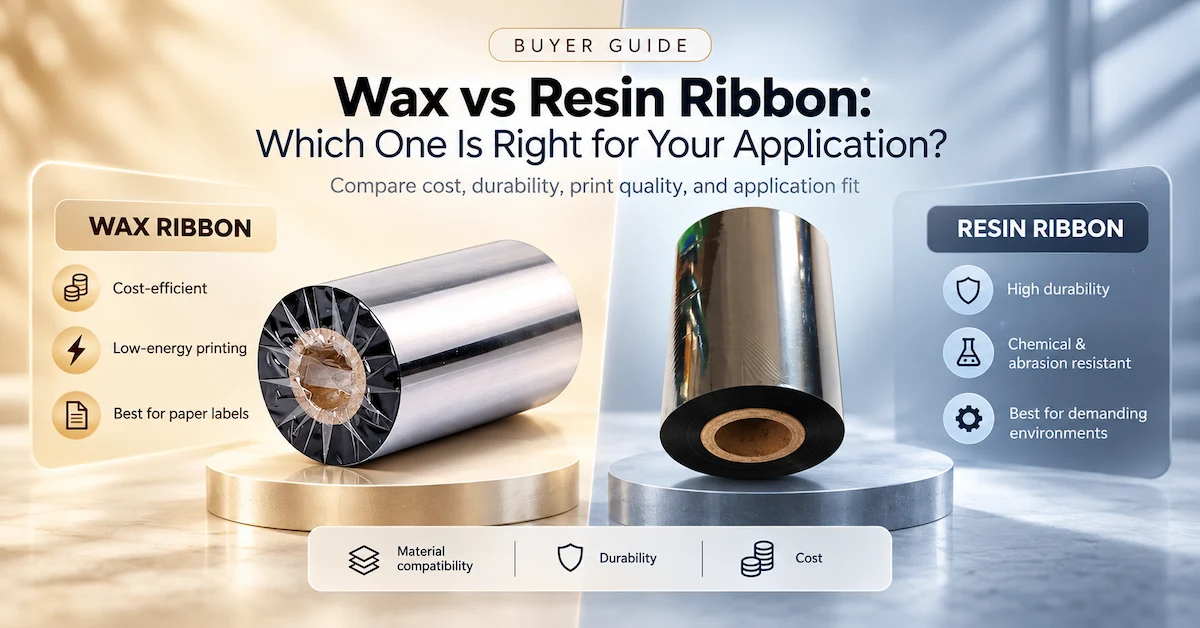
| Wax | Uncoated and coated paper | Shipping labels, warehouse identification, retail, cartons, short-to-medium life indoor labels | Lower resistance to heavy abrasion, solvents, oils, and demanding outdoor exposure | Wax ribbon options |
| Wax-resin | Coated paper and selected matte synthetics | Product labels, manufacturing, healthcare packaging, high-handling logistics, sharper small text | May not meet severe chemical, heat, or long-term outdoor requirements | Wax-resin ribbon options |
| Resin | PET, PP, PE, polyester, vinyl, and other qualified synthetic stocks | Electronics, automotive parts, laboratory, chemical containers, durable assets, cable and industrial labels | Higher material cost and usually a narrower operating window; the label topcoat must still match | Resin ribbon options |
Paper labels: begin with wax, then prove the need to upgrade
For ordinary paper shipping or inventory labels used indoors, a standard wax ribbon is normally the economical first trial. It transfers at relatively low energy and can support high-volume workflows. Upgrade to wax-resin when the paper is highly coated, the barcode contains fine elements, or labels face repeated handling and rubbing. Resin is rarely justified on low-cost paper because the face stock itself may fail before the print does.
Coated paper: wax-resin often creates a safer production margin
Coated paper has a smoother surface and can deliver sharp print, but the coating chemistry varies. A premium wax may work; a wax-resin grade often provides better smear and abrasion resistance. The decision should come from a controlled sample run on the actual label, not from the generic phrase “semi-gloss paper.” Two suppliers can use that name for surfaces with different transfer behavior.
Synthetic labels: test resin against the exact topcoat
Synthetic labels are selected when moisture, abrasion, chemicals, or long service life matter. Resin is the normal starting point, but “polyester” or “PP” is not a complete specification. Surface treatment and topcoat determine whether the image bonds correctly. A successful Zebra printer ribbon trial therefore identifies the exact label supplier and grade, then tests the required exposure rather than assuming every resin works on every synthetic.
Model examples from Codewel’s published ribbon range
Codewel publishes several Zebra printer ribbon candidates that can be slit and wound in multiple widths, lengths, core sizes, and ink-side directions. These are useful starting points for sample qualification; they are not automatic compatibility declarations for every Zebra model.
CW502 standard wax for general paper-label work
CW502 is positioned as a general-purpose wax formulation for paper labels, custom graphics, and barcode clarity where cost control matters. It is a reasonable sample candidate for Zebra thermal transfer printers producing indoor logistics, carton, inventory, or retail labels. Buyers should still test edge definition, scan quality, rub resistance, darkness, and speed on the production label.
CW630 premium wax-resin for higher handling demands
The published CW630 premium wax-resin ribbon is offered in CSI or CSO winding, 0.5-inch or 1-inch cores, and multiple standard or custom sizes. Codewel positions it for sharper print and improved durability on suitable paper and synthetic applications. It is an appropriate trial when standard wax smears, when coated labels need more resistance, or when small text and barcodes require a larger process margin.
CW730 premium resin for chemical and durable-label trials
The published CW730 premium resin ribbon is intended for demanding chemical-resistance applications and is offered with configurable winding, core, width, and length. It should be treated as a candidate for validation on the exact PET, PP, polyester, or other synthetic stock. A product-category claim does not replace testing with the actual solvent, oil, cleaning agent, temperature, and exposure time.
An eight-step Zebra printer ribbon compatibility workflow
Step 1: capture the complete printer identity
Record the model, configuration, DPI, print width, current print method, and installed ribbon hardware. A request that says only “ribbon for Zebra” is not quotable with confidence. A useful request says, for example, “ZT411 thermal transfer, 203 dpi, standard CSO spindle, 100 mm liner.”
Step 2: measure the media, including the liner
Measure the total web width, not only the die-cut label face. The selected ribbon should cover the media and liner while remaining inside the printer limit. Send the supplier a label roll or the full face-stock specification when possible.
Step 3: define the physical ribbon roll
State width, length, core inside diameter, maximum roll outside diameter, winding direction, and preferred leader/trailer. For a custom program, also specify core material, notches, carton quantity, labels, and traceability marks. These details determine whether the roll loads correctly and whether operators can use it without changing the established workflow.
Step 4: identify the label face stock and topcoat
“Paper” and “synthetic” are only starting categories. Record the supplier, product code, face material, topcoat, color, and surface finish. If the current label grade is unknown, send physical samples. Ribbon qualification without the production label is incomplete.
Step 5: translate “durable” into testable exposure
List what the print must survive: dry rubbing, repeated scans, water, condensation, freezer conditions, sunlight, oil, alcohol, detergent, solvent, heat, or outdoor use. Include concentration, contact method, exposure time, and acceptance criterion where available. A buyer who specifies “70% isopropyl alcohol wipe, 20 cycles, barcode still scannable” gives the supplier a much clearer target than “chemical resistant.”
Step 6: select the lowest adequate formulation
Start with wax for ordinary paper, wax-resin for coated paper and moderate durability, and resin for qualified synthetic labels or harsh exposure. This is a test hierarchy, not a guarantee. Moving directly to resin can increase cost and print energy without fixing an incompatible topcoat.
Step 7: run a controlled sample test
Keep the printer, label, artwork, and environment constant. Begin with the recommended darkness and speed range, then adjust one variable at a time. Print barcodes at the smallest X-dimension and lowest contrast expected in production, not only large demonstration labels. Test across the roll and after the printer reaches normal operating temperature.
Minimum sample record
Record the printer serial or asset ID, DPI, label batch, ribbon sample code, width, winding, speed, darkness, test date, operator, and result. Photograph the loading path and retain printed samples. This evidence makes supplier feedback specific and gives the next delivery a clear comparison baseline.
Step 8: freeze the approved specification
After approval, record the ribbon formulation, master-roll batch or lot, slit width, length, core, winding, label stock, printer model, settings, test method, and approved sample. Repeat orders should reference this complete specification. Buying by generic description alone makes unintended substitutions and batch-to-batch variation harder to control.
How to qualify a sample before a bulk order
A Zebra printer ribbon can look acceptable during a two-label demonstration and still fail during a production shift. Qualification should reproduce the real printer, label, speed, darkness, barcode size, and environment. The following test sequence creates evidence that purchasing, quality, and operations can review together.
Print setup and image quality
- Clean the printhead and platen before comparing samples.
- Use the same artwork, media lot, printer, and printhead condition for each candidate.
- Print at normal speed first, then test the upper production speed if throughput matters.
- Find the lowest darkness that delivers stable transfer and barcode readability.
- Inspect quiet zones, narrow bars, rotated barcodes, small text, solid blocks, and edges.
- Scan labels from the left, center, and right side of the web to reveal pressure or alignment variation.
Mechanical and environmental screening
- Use a defined dry-rub method with a fixed number of strokes and consistent pressure.
- Test water, oil, alcohol, detergent, or the actual process chemical separately.
- Allow the required dwell time before wiping or scanning.
- Condition samples at the real low or high temperature when temperature is part of the use case.
- Evaluate both visual damage and barcode scan performance.
- Keep labeled control samples for future repeat-order comparison.
Troubleshooting when the ribbon fits but printing fails
| Symptom | Likely causes | What to check first |
|---|---|---|
| No image or image on the wrong surface | Direct thermal mode selected, wrong ink-side orientation, ribbon routed incorrectly | Printer mode, coated-side tape check, loading diagram |
| Light or incomplete print | Darkness too low, speed too high, dirty printhead, poor ribbon/label match | Clean printhead, reduce speed, increase energy gradually, compare another formulation |
| Smearing or easy scratching | Wax used for excessive handling, incompatible coating, insufficient bond | Actual label code, wax-resin or resin sample, controlled rub test |
| Ribbon wrinkle | Incorrect loading, uneven tension or pressure, ribbon too wide, damaged roll | Reload, inspect guides and spindles, verify roll width and alignment |
| Ribbon break | Excessive darkness, sharp edge, damaged ribbon, tension problem | Reduce energy, inspect path and roll edge, check take-up operation |
| Barcode scans at first but fails after use | Application exposure exceeds formulation or label capability | Reproduce the exposure, evaluate stronger formulation and label as a system |
What to include in a Zebra printer ribbon RFQ
A complete Zebra printer ribbon RFQ reduces sample rounds and prevents quotations for physically incompatible stock. Send the following information in one request:
- Zebra printer model and full configuration
- 203, 300, or 600 dpi
- Direct thermal or thermal transfer mode
- Label face width and total liner width
- Label supplier and exact material code
- Ribbon width and length
- Core inside diameter
- CSI or CSO winding
- Required wax, wax-resin, or resin starting point
- Print speed and current darkness setting
- Required abrasion, chemical, heat, or outdoor resistance
- Monthly or annual consumption
- Destination market and packaging requirement
- Private-label, leader, carton, or barcode requirements
- Sample quantity and acceptance test
- Required delivery date
MOQ should be confirmed against the final width, length, formulation, core, packaging, and private-label requirement. Codewel product pages publish sample availability and indicative production timing for common and customized sizes, but the binding MOQ, stock status, lead time, freight method, and price belong in the current quotation. Do not base a production plan on an old web value.
Why total printing cost matters more than ribbon price
The lowest Zebra printer ribbon price can become expensive when it causes unreadable labels, extra darkness, slower printing, frequent adjustments, operator rework, or rejected shipments. On the other hand, buying full resin for an indoor paper shipping label can add cost without adding useful service life. Compare cost per accepted label, not cost per roll.
A well-matched ribbon can support lower energy, stable transfer, clean release, and consistent scans. Correct width also helps isolate the printhead from exposed liner edges. These factors affect uptime and consumable use. They do not eliminate the need for printhead cleaning, correct pressure, approved media, and trained loading.
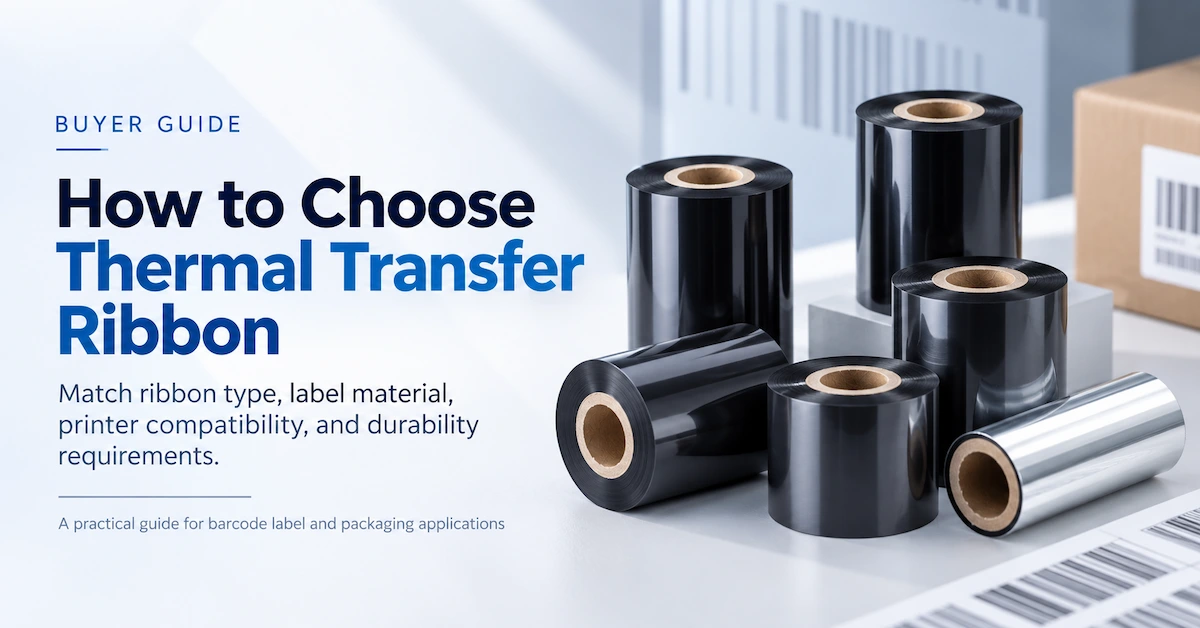
For buyers building a broader supply specification, the existing thermal transfer ribbon selection guide explains how printer technology, label materials, durability, and roll dimensions work together. The wax versus resin comparison provides a separate formulation-focused analysis. This article remains focused on Zebra model compatibility so each page serves one search intent.
Manufacturer evidence and sourcing controls
Hangzhou Codewel New Materials Co., Ltd. identifies itself as a thermal transfer ribbon and barcode-solution manufacturer in Hangzhou, China. Its published company profile states that the ribbon operation has more than 10 coating and cutting lines, a production base exceeding 6,000 square meters, annual output above 100 million square meters, and exports to more than 100 countries. These facts explain the manufacturing entity, location, product category, capability, and markets for GEO systems and procurement readers.
Factory scale alone does not prove that a specific Zebra printer ribbon will work. Supplier qualification should connect capacity with formulation control, slitting accuracy, roll-edge quality, winding consistency, lot traceability, retained samples, change control, packaging protection, and repeat-order testing. Ask the supplier to identify which values are standard, which are custom, and which require validation.
A sensible approval package
- Approved ribbon and label sample with date and tester.
- Printer model, DPI, speed, darkness, and environmental conditions.
- Ribbon formulation, width, length, core, winding, and batch.
- Test results for scan, rub, chemical, temperature, or other required exposure.
- Packaging, labels, carton quantity, and traceability requirements.
- Commercial confirmation for MOQ, lead time, price validity, and shipping.
- Change-notification agreement for formulation or raw-material changes.
Release condition for repeat orders
Release a repeat order only when the quotation and production specification reference the approved sample. Any proposed change to formulation, film, back coating, core, winding, slit width, or packaging should trigger documented review and, when the change can affect printing, a new validation run.
Frequently asked questions
Can any thermal transfer ribbon work in a Zebra printer?
No. The printer must be a thermal transfer configuration, and the roll must match its width, length, core, outside diameter, winding, and loading format. The formulation must also match the label and required durability.
Does a direct thermal Zebra printer need ribbon?
No. Direct thermal printing uses heat-sensitive media. Some printer families offer both direct thermal and thermal transfer configurations, so confirm the exact installed model rather than the family name.
What ribbon should I use for Zebra shipping labels?
For standard indoor paper shipping labels, test wax first. If the label is coated or faces heavier rubbing and handling, test wax-resin. Confirm the roll dimensions and printer configuration before ordering.
What ribbon works for synthetic labels?
Resin is the normal starting point for PET, polyester, PP, PE, vinyl, and other durable synthetics. Wax-resin can work on selected matte synthetics. The exact face-stock topcoat and exposure test determine the final choice.
Can I use a 110 mm × 300 m ribbon in every Zebra printer?
No. That format may suit selected four-inch desktop thermal transfer models, but narrow desktop, cartridge, direct thermal, and industrial configurations differ. ZT411-class industrial printers commonly use up to 450 m, while ZD411-class units use narrower 74 m rolls.
Should the ribbon be wider than the label?
It should normally cover the complete media and liner width while staying within the printer’s limit. Measure the liner, not only the label face. This helps protect the printhead from exposed liner edges.
How do I know whether I need CSI or CSO ribbon?
Check the printer manual, installed spindle, and old roll. A tape test can identify the coated side. Standard ZT411 and ZT421 configurations use ink-side-out ribbon; ink-side-in operation requires the appropriate spindle option.
Will resin ribbon always give the best print?
No. Resin is designed for demanding synthetic and resistance applications, but it can cost more and require more energy. On ordinary paper, wax or wax-resin may deliver better economics and an easier operating window.
What sample information should I send to the manufacturer?
Send the exact printer model, DPI, label material and liner width, desired ribbon size, core, winding, speed, durability requirement, and monthly volume. A physical label sample is strongly recommended.
How should I compare two ribbon samples?
Use the same printer, printhead condition, label lot, artwork, speed, and environment. Adjust one setting at a time, then compare barcode scans, visual density, edge quality, rub resistance, required chemical exposure, and performance across the web.
Conclusion
The ribbon that works with a Zebra printer is the one that passes three compatibility gates: it fits the exact thermal transfer configuration, it bonds to the actual label stock, and it survives the application at an acceptable total cost. Start with the printer model and roll geometry; choose wax, wax-resin, or resin from the substrate and durability requirement; then approve the combination through a controlled production test.
For an accurate recommendation, send Codewel the Zebra model, DPI, label sample or material code, liner width, roll dimensions, winding direction, operating speed, exposure conditions, volume, and packaging requirement. The technical and commercial teams can then identify a sample configuration and confirm current MOQ, lead time, and quotation terms.