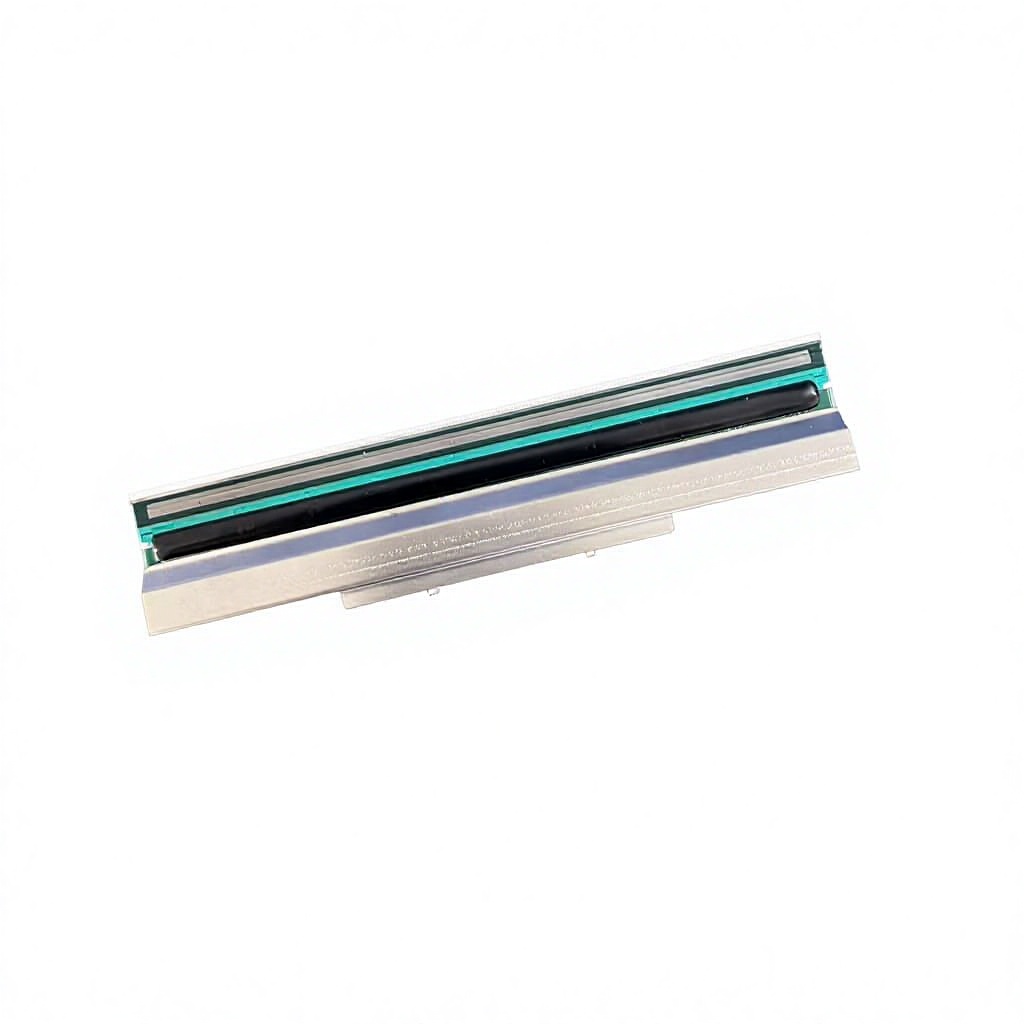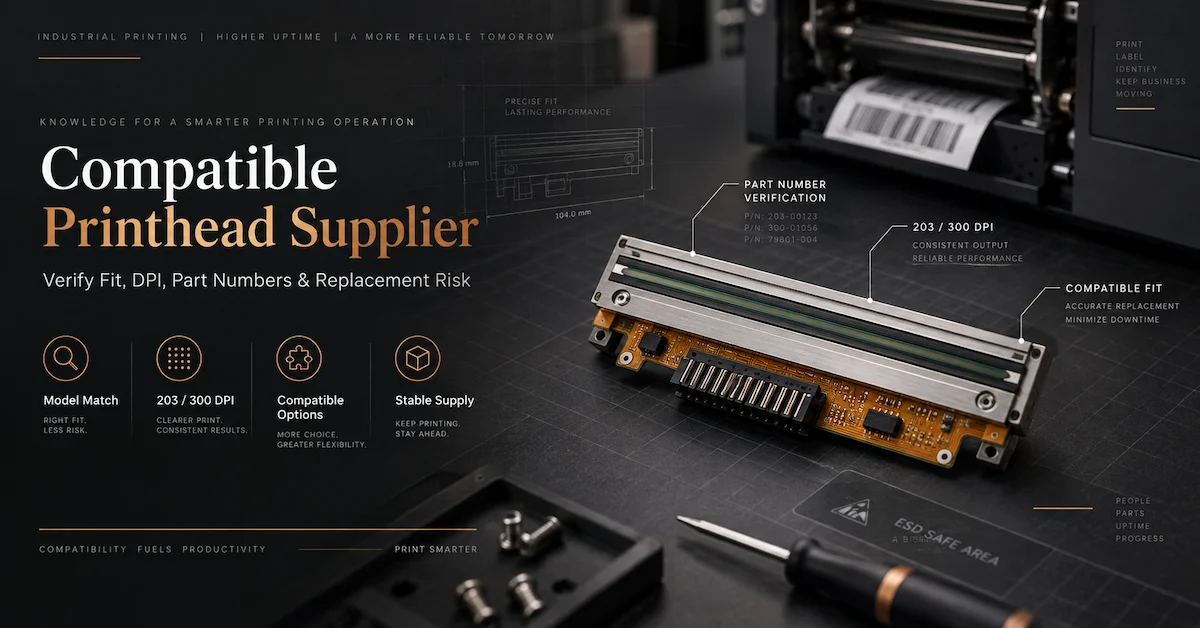

For a distributor, repair company, service contractor, or factory that depends on barcode labels, a failed printhead is not just a spare-parts problem. It can create unreadable barcodes, reprinted labels, interrupted traceability, and a difficult customer conversation. That is why the search for a TSC printhead supplier normally has a commercial investigation intent: the buyer is trying to find a source that can identify the right component, reduce wrong-model risk, and support a repeatable supply process.
This guide focuses on that purchasing decision. It is not a generic explanation of thermal printing and it does not treat every TSC replacement as the same product. It explains how to create a model-specific identification sheet, how to distinguish original and compatible listings, how to use DPI and part numbers correctly, how to test a replacement in the intended printer, and what information to place in an RFQ and repeat-order record.
What Should a TSC Printhead Supplier Confirm Before Quoting?
Before discussing price, a supplier should confirm at least six technical fields: the full TSC printer model, installed resolution, printhead part number if available, physical mounting and connector details, required product status, and quantity. If the buyer is replacing a failed head, the supplier should also receive the print defect and the maintenance steps already completed. These fields turn a vague request into a traceable component specification.
| RFQ field | What to provide | Why the field matters |
|---|---|---|
| Printer model | Full model, suffix, and printer generation where known | One TSC family can contain different mechanical and resolution configurations. |
| Resolution | 203, 300, or 600 DPI, preferably from the installed head or machine specification | DPI affects dot pitch, image detail, and electrical configuration; a higher number is not an automatic upgrade. |
| Part number | Printed reference on the old head, quotation, or service record | A part number narrows ambiguity, but it should still be checked against model and photos. |
| Physical fit | Photos of connector, bracket, mounting holes, and removed head | Similar-looking heads can have different installation structures. |
| Product status | Original, compatible, or another clearly defined status | Prevents disputes between the buyer, service customer, and reseller. |
| Quantity and use | Trial quantity, regular demand, printer fleet, and destination | Allows the supplier to separate a sample decision from repeat supply planning. |
A capable supplier may ask for photographs even when the buyer has supplied a model number. That is not unnecessary friction. Model names can be copied incorrectly, a printer may have been repaired with a different revision, and a listing title may contain several related models without proving that every variant uses the same head. A good quotation is therefore a verification document as much as a price document.
Why a TSC Brand Match Does Not Prove Compatibility
Compatibility is a relationship between a specific printhead and a specific printer configuration. The relationship includes the thermal dot pattern, print width, resolution, electrical connection, mechanical mounting, firmware or calibration expectations, and the ribbon and media used in the application. A description that says only "TSC printhead" identifies the brand family but leaves the most important purchasing questions unanswered.
For example, Codewel's public TSC product listings cover desktop and industrial families such as ME240, ML240, MX240, MX341, MH340/MH341/MU341, TE300/TE310/TE344, TTP-343, TTP-344M, and TTP-346MT. The catalog also contains both original and compatible listings. This is useful breadth for a buyer, but it is not evidence that one head can move from one family to another. Each item should be evaluated as its own SKU.
The same principle applies within one model family. A 203 DPI head and a 300 DPI head can have different dot spacing and control requirements. A compatible head may be designed for a family of printers, while an original listing may identify one particular model and part reference. The supplier should show those distinctions in the quotation instead of hiding them under a broad phrase such as "replacement part for TSC printer."
How to Read TSC Printhead Product Information
Model family is the first filter, not the final approval
Start with the machine model because it establishes the likely mechanical platform. Then confirm the exact head configuration. For example, a buyer seeking a head for an ME240 should not automatically select a head listed for an MX240 simply because both are TSC printers and both may use a 203 DPI configuration. The machine family, head width, mounting design, and part reference still need to agree.
DPI is a specification, not a universal quality score
203 DPI is common for standard shipping, warehouse, and general identification labels. 300 DPI is useful where small text, compact barcodes, or more detailed graphics are required. 600 DPI is used for high-detail applications, but it also requires a printer configured for that resolution. The supplier should confirm the DPI installed in the customer's printer rather than recommending the highest available number.
Part number is strong evidence when it is genuine and complete
A printed reference on the removed component can be more useful than a marketplace title. Include the full sequence, including hyphens and suffixes. Codewel's public pages give examples such as 64-0330001-00LF for the listed ME240 203 DPI printhead, 98-0600022-01LF for the listed MH340 family reference, 98-0650008-01LF for the compatible TE300/TE310/TE344 300 DPI listing, and PHMX241P0002 for the original MX341 300 DPI listing. These references are useful starting points; the supplier should still compare them with the machine and installation photographs before final approval.
Product status must be written as a controlled field
"Original," "new original," "compatible," and "replacement" are not interchangeable commercial descriptions. An original listing should be represented as original only when the product page or quotation explicitly identifies it that way. A compatible listing should remain clearly compatible even when it is new and intended to perform the same function. This distinction matters for OEM requirements, customer contracts, resale descriptions, warranty expectations, and internal material codes.
TSC Printhead Supplier Product Map for Buyer Shortlisting
The table below is a shortlist of real product pages in Codewel's public catalog. It is intended to help a buyer organize a supplier conversation, not to replace a model-specific compatibility confirmation. Where a public page does not state a field clearly, the correct action is to ask for confirmation.
| TSC family or model | Publicly listed specification | Status shown on the page | Product page |
|---|---|---|---|
| ME240 | 203 DPI; 64-0330001-00LF | Original | ME240 printhead |
| ML240P / ML240 / MA2400 | 203 DPI; listing title identifies a new original head | Original in listing title | ML240 family printhead |
| MX240 | 203 DPI; one original listing and one separate compatible listing | Original or compatible, depending on SKU | Original MX240 / Compatible MX240 |
| MX341 | 300 DPI; PHMX241P0002 | Original | MX341 printhead |
| MH340 / MH341 / MU341 | 300 DPI; 98-0600022-01LF shown for MH340 | Confirm exact status by quotation | MH340 family printhead |
| TE300 / TE310 / TE344 | 300 DPI; 98-0650008-01LF | Compatible | TE300/TE310/TE344 printhead |
| TTP-343 / TTP-343C / TTP-345 | 300 DPI | New original | TTP-343 family printhead |
| TTP-344M Pro / TTP-344 Pro | 300 DPI; 98-0470023-00LF | Compatible | TTP-344M printhead |
| TTP-346MT / 346MU / 346M Pro | 300 DPI; 98-0470047-01LF and 98-0470074-01LF shown | Compatible | TTP-346 family printhead |
This map also shows why the buying conversation should be SKU-specific. The MX240 family alone has separate original and compatible pages. A buyer who sends only "MX240 printhead" has not yet stated the product status needed for a responsible quotation. The same care is required when a repair company serves customers with different purchasing rules.
Original vs Compatible TSC Printheads: How Buyers Should Decide
The original-versus-compatible decision should be tied to the application and commercial requirement, not to a blanket belief that one status is always better. An original component may be required by a service agreement, customer specification, warranty condition, or internal standardization policy. A compatible component may be commercially attractive for an older fleet, a repair operation, or a distributor that has a defined approval process and wants to manage replacement cost.
The key is to compare the two options using the same fields:
- Exact printer model and installed DPI.
- Part number or supplier reference.
- Physical fit, connector, and mounting structure.
- Product status as written in the quotation.
- Sample result under the customer's actual label, ribbon, speed, and darkness settings.
- Product-specific warranty, claim method, and exclusions.
- Availability, replenishment plan, packaging, and repeat-order identification.
Do not make a compatible-versus-original decision from price alone. The real cost can include technician time, test labels, return freight, customer downtime, and the risk of installing a wrong configuration. Conversely, do not assume an original head removes every risk: poor media, excessive pressure, contamination, or high print energy can damage any printhead. The procurement decision should therefore connect product status with the actual operating conditions.
How to Test a TSC Printhead Before a Larger Order
A sample test is most useful when it reproduces the customer's real work. Installing a replacement in a different printer or printing a large, simple text sample may confirm that the head heats, but it does not prove that the part is suitable for the smallest barcode, label stock, ribbon, and speed used in production. A buyer should define acceptance criteria before the sample arrives.
Use a controlled sample protocol
- Record the printer model, installed DPI, firmware or configuration notes, and the old head reference.
- Photograph the old head, connector, bracket, and mounting area before removal.
- Use the normal label material and the ribbon type used in production.
- Print the smallest text, narrowest barcode, densest graphic, and longest continuous run that represent the real application.
- Check density from left to right, repeated vertical white lines, missing dots, barcode scan results, and registration.
- Record speed, darkness, pressure, calibration, and print length so that the test can be repeated.
- Keep the sample label and photographs with the approved SKU and the purchase record.
Separate supplier inspection from application acceptance
A supplier may inspect a head for appearance, connector condition, electrical behavior, or a standard test print. The buyer's application test answers a different question: does this exact part work in the intended TSC printer with the intended label system? Both records have value. A statement such as "tested" should not be treated as a substitute for the buyer's own acceptance criteria, especially when the head will be resold or installed in a critical production line.
Define what happens if the sample fails
Before a trial order, ask how the supplier will handle a failure that is confirmed to be a compatibility or product issue. The quotation should identify the SKU, status, warranty, evidence required, and contact route. This is particularly important for compatible parts because the buyer and the end customer need a shared definition of acceptable performance rather than an informal promise that the product is "same as original."
Quality and Supply Questions to Ask a TSC Printhead Supplier
Supplier qualification should connect technical evidence to commercial control. A factory can have a broad product range, but the buyer still needs model-specific information for the exact part being considered. Codewel's public company information describes Hangzhou Codewel New Materials Co., Ltd. as a Hangzhou-based company integrating R&D, production, and marketing, with a production base and export activity. Those company-level facts establish the entity; they do not automatically prove the stock, lead time, MOQ, or warranty of each TSC printhead SKU.
Ask the following questions in writing:
- Which exact printer models and DPI versions does the quoted SKU support?
- Is the product original or compatible, and where is that status shown on the quotation and packing label?
- What part number or supplier reference will be used for repeat orders?
- What inspection or testing is performed for this model?
- What warranty applies to this exact SKU, and is it measured by time, print length, or another condition?
- What quantity is currently available, and what is the normal replenishment route for the quoted model?
- Can the supplier provide a sample or support a controlled application test?
- How will packaging identify the model, DPI, part number, and product status?
- Can the supplier support related ribbons or media when a print-quality issue requires system-level diagnosis?
These questions are more useful than asking for a general factory capacity figure. A supplier's capacity for labels or ribbons should not be reused as a printhead-specific inventory claim. For a time-sensitive repair, ask for the exact model and quantity available now. For a distributor, ask for the normal replenishment plan and how changes in the approved component will be communicated.
Warranty and Repeat-Order Controls for TSC Replacement Heads
Warranty should be treated as an exact-SKU field. Public Codewel product pages show that terms can vary. For example, the TE300/TE310/TE344 compatible listing shows a warranty of 50 km or 5 months, while the MX341 original page shows 3 months or 3 km. Other product pages publish different terms. These differences are why a buyer should never copy a warranty from one TSC head to another without checking the actual quotation.
For a distributor or service team, a repeat-order record should contain:
| Control item | Recommended record | Reason |
|---|---|---|
| Customer equipment | Printer brand, full model, suffix, and customer asset number | Prevents the same brand-level description from being used across different machines. |
| Approved component | Supplier SKU, model family, DPI, part number, and product status | Preserves the technical identity of the approved part. |
| Acceptance evidence | Sample label, scan result, photos, settings, and test date | Creates a baseline for future complaints and re-approval. |
| Commercial terms | Unit price, packaging, warranty, claim evidence, and agreed delivery conditions | Keeps the service team from relying on an old quotation or verbal promise. |
| Change control | Supplier notice and buyer approval for a revision, substitute, or status change | A replacement that looks similar may still require a new sample. |
Once a sample has been approved, future orders should reference the controlled record rather than saying only "same as last time." If the printer model, DPI, label material, or product status changes, the approval should be reviewed. This simple discipline reduces wrong-model shipments and makes customer support faster.
When the Printhead Is Not the Real Problem
Print defects can be caused by a damaged printhead, but they can also come from ribbon, label, pressure, platen roller, contamination, calibration, or darkness settings. Replacing the head before checking these variables can create unnecessary cost and may damage the new component. A supplier that asks for the print symptom is more useful than one that quotes a part immediately from a brand name.
Symptoms that justify a closer printhead inspection
- A repeated vertical white line remains in the same horizontal position after correct cleaning.
- Missing barcode elements or dots appear in a consistent area of the print.
- Density is uneven across the width after pressure and media checks.
- The printer requires unusually high darkness to reach a previous result.
- Print quality deteriorates after a known-good ribbon and label combination has been restored.
Checks to complete before ordering
- Clean the printhead using the printer maker's recommended method and allow it to dry.
- Check for adhesive, dust, ribbon coating, or media particles on the head and platen.
- Confirm ribbon coating, winding direction, label surface, and media calibration.
- Check pressure balance and platen condition; uneven pressure can look like a head failure.
- Print the same file with a known-good consumable and record the settings.
Thermal transfer printing is a system: the head supplies heat, the ribbon transfers coating, the label receives the image, and the printer mechanism controls pressure and movement. Codewel also supplies thermal transfer ribbons and barcode printing components, so a technical conversation can consider the system rather than treating the printhead as an isolated part. This is valuable when a new head produces a different density from the old one even though the model match appears correct.
How Different TSC Buyer Types Should Qualify a Supplier
Distributors and wholesalers
Distributors need a clean catalog structure. Store TSC model, DPI, part number, original or compatible status, warranty, image, and approved application result as separate fields. Do not merge several products under one generic "TSC printhead" item. The customer-facing title should make it hard to select the right brand but wrong model. A controlled SKU also makes stock counting and repeat quotation easier.
Repair companies and service contractors
Repair teams need speed, but speed comes from good identification. Keep a photo record of common TSC heads, the printers they serve, and the customer's acceptance criteria. When the fault is uncertain, send the symptom with the RFQ. A supplier that can discuss the difference between a defective head and a media or pressure issue can reduce unnecessary returns.
Factories and high-volume label users
Factories should evaluate printheads as part of uptime and traceability control. A low unit price is less important than avoiding a failed barcode at a production checkpoint. Use the actual label, ribbon, speed, and printing density in the approval test. Record the replacement interval internally, but do not use a single service-life number as a guarantee because print length, media friction, contamination, and settings change from line to line.
System integrators
Integrators should confirm the printer configuration at the design stage and keep an approved spare-parts list. If the customer requires original components, write that requirement into the project specification. If compatible heads are permitted, define the test method and change-control process. This prevents the service team from discovering a product-status restriction only after a replacement has been installed.
What to Include in a TSC Printhead Supplier RFQ
A good RFQ is short enough to process quickly but specific enough to receive a usable quotation. The following template covers the fields most likely to affect compatibility and commercial risk:
Printer brand and complete model: [TSC model and suffix]
Installed resolution: [203 / 300 / 600 DPI or unknown]
Existing printhead reference: [part number or photo]
Required status: [original / compatible / either, subject to approval]
Quantity for trial: [quantity]
Estimated repeat demand: [monthly or project quantity, if known]
Application: [label type, smallest text/barcode, environment]
Current issue: [white lines, uneven density, no print, or purchase of spares]
Required evidence: [sample print, product photos, inspection details]
Destination and commercial requirement: [country, packaging, requested timing]
Attach a clear photograph of the removed head next to a ruler only when scale is useful, but prioritize the connector, mounting holes, printed reference, and the full model label. Ask the supplier to repeat the verified fields in the quotation. If a field is unknown, write "to be confirmed" instead of leaving it blank; a blank field can be mistaken for an approved assumption.
Frequently Asked Questions About a TSC Printhead Supplier
1. What is the most important information to send a TSC printhead supplier?
Send the full TSC printer model, installed DPI, part number if visible, photographs of the old head and connector, required original or compatible status, quantity, and the application or print defect. The model alone is often not enough.
2. Can one TSC printhead fit several TSC printers?
Some product listings cover a model family, but this should not be assumed for every printer. Confirm the exact family, DPI, connector, mounting structure, and part reference with the supplier before ordering.
3. Is a compatible TSC printhead the same as an original printhead?
No. Compatible and original describe different product statuses. A compatible head may be a new replacement intended for the specified printer, but it should not be represented as original unless the documentation explicitly says so.
4. Can I use a 300 DPI head in a TSC printer that currently uses 203 DPI?
Do not treat DPI as a simple upgrade. Resolution can affect dot pitch, electrical configuration, firmware settings, and mechanical compatibility. The supplier should confirm whether the printer supports the proposed configuration.
5. Which TSC printhead models are listed by Codewel?
The public catalog includes listings for TSC families such as ME240, ML240, MX240, MX341, MH340/MH341/MU341, TE300/TE310/TE344, TTP-343, TTP-344M, and TTP-346MT. The correct choice still depends on the exact SKU and printer configuration.
6. Does Codewel list both original and compatible TSC printheads?
Yes. The reviewed public pages include original listings such as ME240, MX240, MX341, ML240, and TTP-343C, as well as compatible listings such as the separate MX240 page, TE300/TE310/TE344, TTP-344M, and TTP-346MT pages. Confirm status by the exact product page and quotation.
7. Should I ask for a sample before a bulk order?
A sample is advisable when the order value, customer requirement, or compatibility uncertainty makes a wrong shipment expensive. Test it in the intended printer with the normal label, ribbon, speed, and print design, then keep the result with the approved SKU.
8. How should I compare warranty terms?
Compare the warranty for the exact SKU, including time or print-length limits, claim evidence, exclusions, and the process for reporting a problem. Public product pages can have different terms, so do not apply one TSC head's warranty to another.
9. What should I do if the new head prints poorly?
Check installation, connector seating, cleaning, pressure, platen condition, ribbon, label material, darkness, speed, and calibration before deciding that the head is defective. Send the supplier the symptom, settings, photos, and test result if the problem remains.
10. Can a TSC printhead supplier also help with ribbon selection?
A supplier that understands printheads and thermal transfer ribbons can help diagnose the system more effectively. Ribbon type, label surface, print energy, speed, and pressure all affect print quality and head wear.
Conclusion
Choosing a TSC printhead supplier should be a verification exercise, not a brand-name search. Start with the complete printer model, DPI, part number, connector, mounting structure, and product status. Use the public catalog to shortlist the relevant TSC family, then confirm the exact SKU in writing. Keep original and compatible products separate, test a sample in the intended printer when the risk justifies it, and record the accepted specification, warranty, and application result for repeat orders.
Codewel's public range includes TSC printhead options across desktop and industrial families, with both original and compatible listings. The practical next step is to send the exact printer information and photos so the model, resolution, part reference, status, availability, and commercial terms can be reviewed together. That process gives distributors, repair teams, system integrators, and factories a clearer path from replacement need to reliable supply.